Contact us/Get in touch Documentation

Introduction

The “Contact Us/Get in touch” module provides you with the functionality to easily add your contact information on your website page. Add your Addresses, Phone Numbers, Fax Numbers, and Email Ids on your website without the hassle of coding all through. Add your HubSpot form in this module, so you not only share your contact information but also gather the visitor’s data. This stylish module provides you with a simple, easy, and stylish way to add your contact information to your website. 


SUPPORT:

If you need assistance at any step of the way; get in touch with us at ProductSupport@transfunnel.com
And get Premium Support from Transfunnel - HubSpot's Elite Solutions Partner

Contact us/Get in touch Documentation
  • Layout Options: Welcome to the " “Contact Us/Get in touch” " module, which when used makes your website more organised and more informative.  
  • Horizontal and Vertical Layout: The “Contact Us/Get in touch” module gives you options to add your contact information in horizontal and vertical layout.  
  • Grid Layout: In vertical layout, you can make the contact cards arrange in grids. 
  • Form with Map: Add your HubSpot form to gather visitor’s information along with your location map in the same variant, isn’t it awesome! 
  • Active-Inactive shuffle: In a variant, visitor can shuffle/toggle between location addresses to get complete contact information of specific office location. 
  • Responsive and mobile-friendly: The “Contact Us/Get in touch” module is designed to provide optimal viewing experiences on various devices, including desktops, tablets, and mobile phones. With its responsiveness, your page will adapt seamlessly, ensuring a consistent and engaging experience across all platforms. 
  • Customisation: The “Contact Us/Get in touch” module comes with a bunch of customisations, all of which you can control to give the user a seamless experience in tandem with your website’s colours, style, and design. 


Content features:

Content features for different variants vary. Following are content feature settiengs (variant-wise): 

Variant 1- 
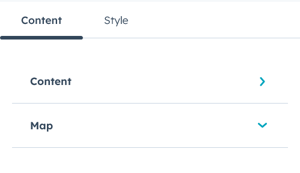
 

You get options to customise the content and map.
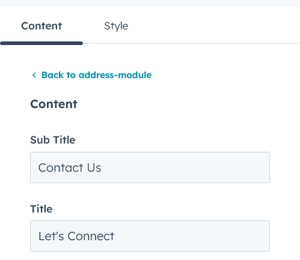
 

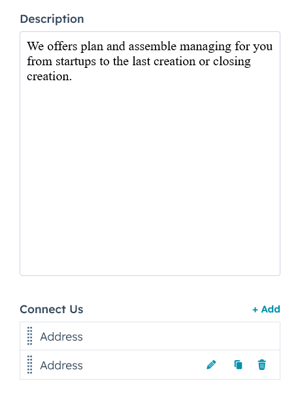
In content, you can customise the subtitle, title, description and add or remove addresses. 
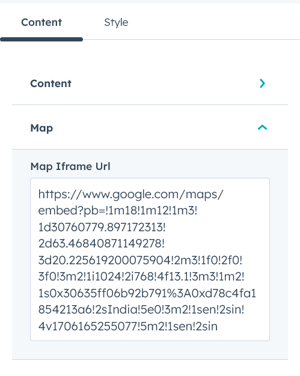
Insert the Google Maps URL to show the location on the map on your website page. 


Variant 2:  
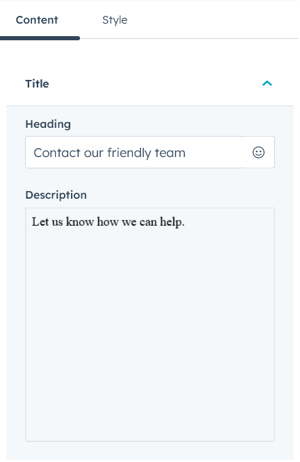
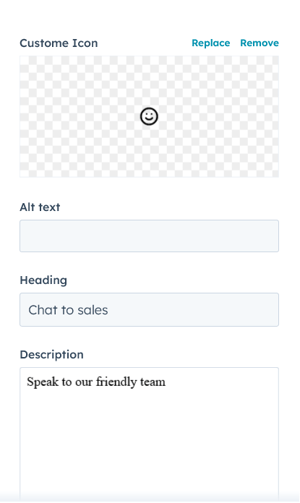
Customise the title, description, Icon and its description in variant 2. 

Variant 3:  
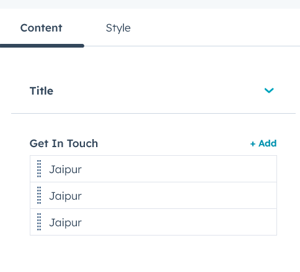
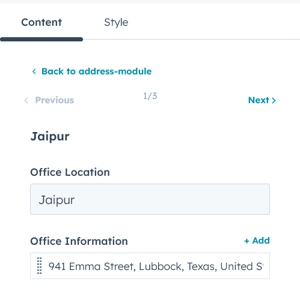
In it, you can add or remove office locations and add complete office information you wish to show on your website. 


Style features

In style settings- 
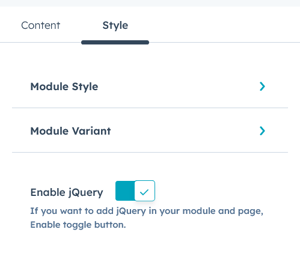
You can choose the module style and module variant for style customisations. 
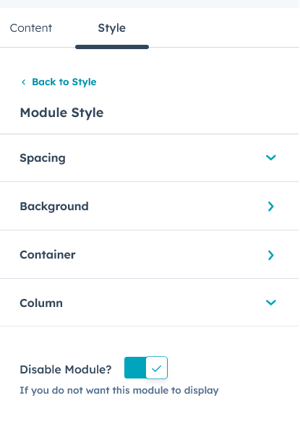
Customise the spacing, background, container and column from module style. 
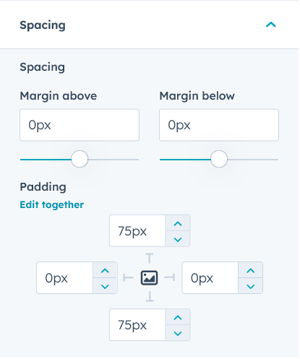
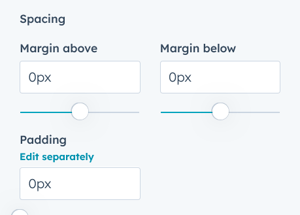
Customise the spacings and paddings from spacing settings. 
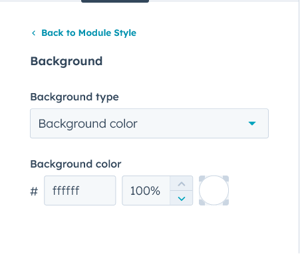
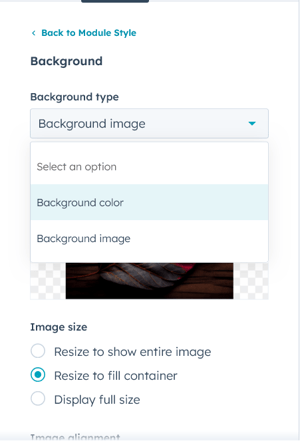
Customise the background type and customise it accordingly. 
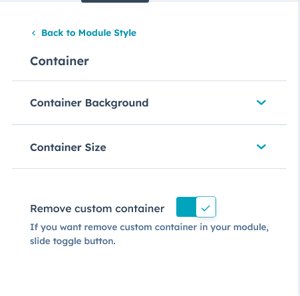
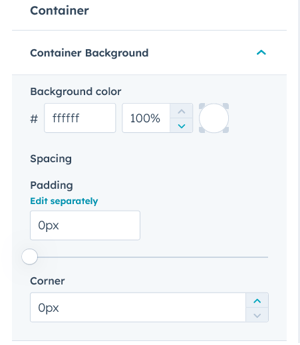
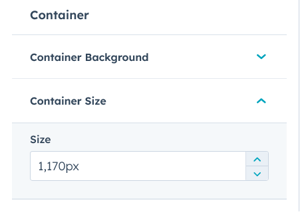
In container settings you can customise the container background and container size. 
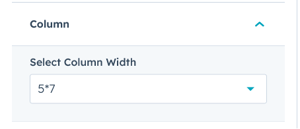
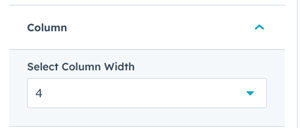
Set the coulmn width from colunm width setting. 

Variant 1: 
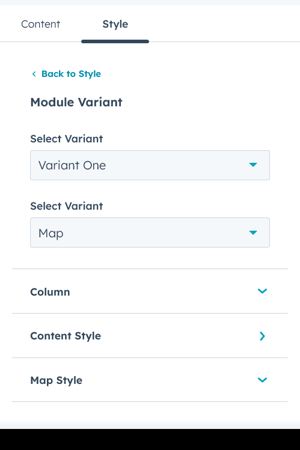
In it, you can customise the column, content style and map style. 

Variant 2:  
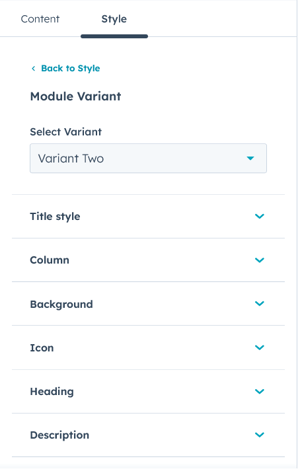
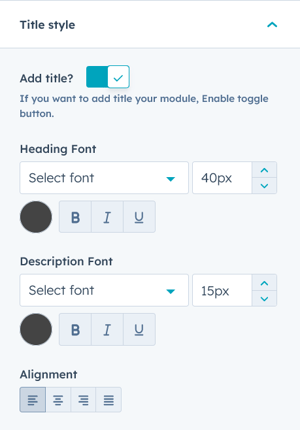
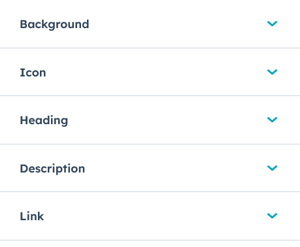
In this, you can customise the module title style, column, background, icon, heading, description, and link. 

Variant 3:  
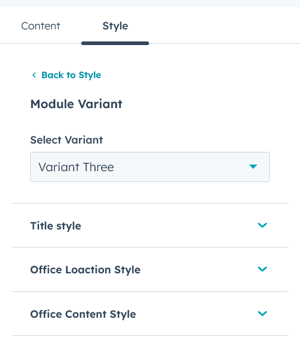
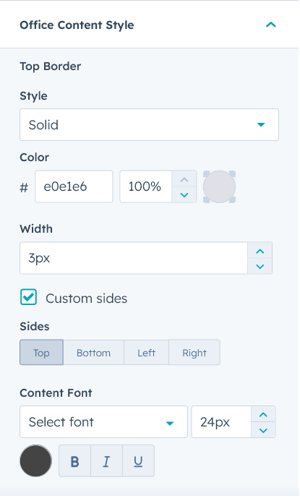
In this, you can customise the title style, office location style, office content style, spacings and margins. 

Conclusion:

The “Contact Us/Get in touch” module provides you with a simple, easy, and stylish way to add your contact information to your website and get visitor’s data with consent.