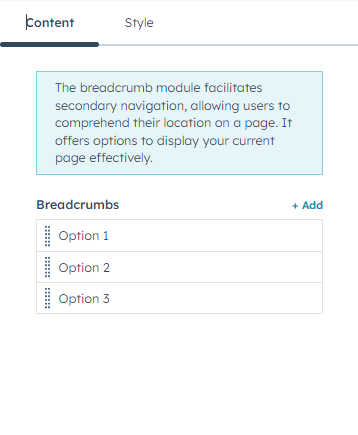
Introducing the “Breadcrumb Trail” module. Make your website look organised with this dynamic module. Adding a breadcrumb trail on your website elevates user experience and helps users through website navigation. With a plethora of customisation options available, you can easily add this beautifully crafted module to seamlessly integrate with your website style, structure and design.
If you need assistance at any step of the way; get in touch with us at ProductSupport@transfunnel.com
And get Premium Support from Transfunnel - HubSpot's Elite Solutions Partner
Welcome to the "Breadcrumb Trail" module, which when used makes your website more organised and easy to navigate. The customisations that this module helps you seamlessly integrate it to your website according to its colour theme and design style.
Content features:

Add breadcrumbs with further customisation options through content settings.
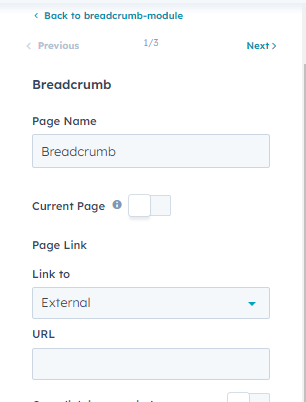

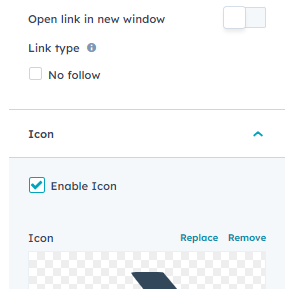
Customise breadcrumb name, URL link, and Icon using breadcrumb setting.

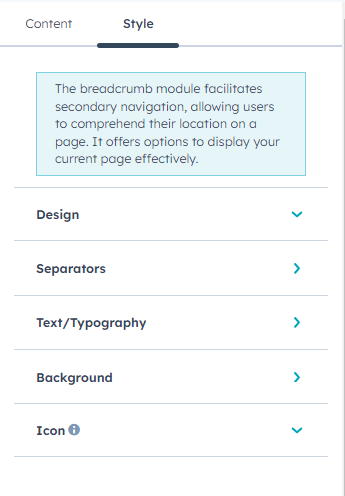
Customise the module design, separators, text, background and icon using style settings.
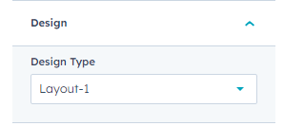
Choose the design type from design setting.
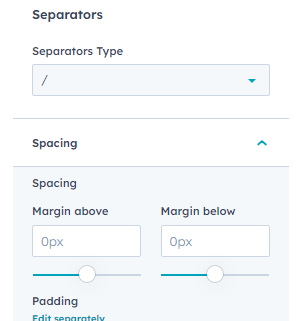
Customise the separator type and spacing using separators setting.
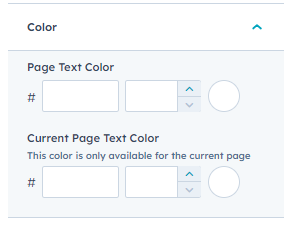
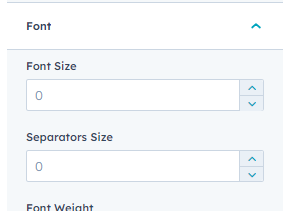
Customise the page text colour, current page text colour, font size, and separator size through colour settings.
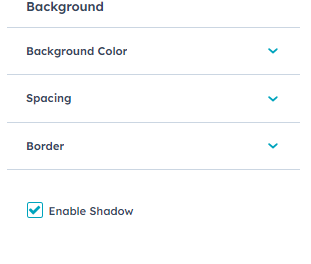
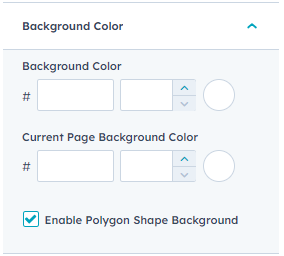
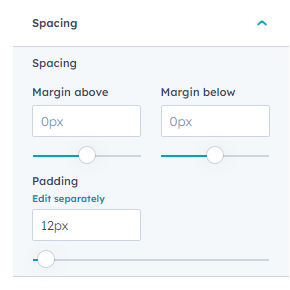
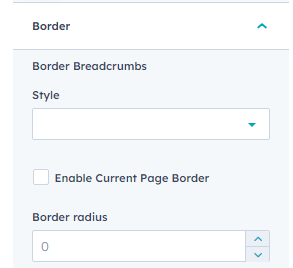
Customise the module background colour, spacing, and border. You can also enable shadow effect using background settings.
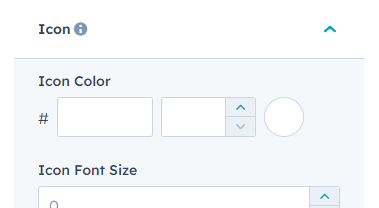
Customise the icon colour and icon font size using icon settings.
The "Breadcrumb Trail" module provides you with a powerful tool to enhance the user experience by making navigation easy on your website with this beautiful module with plethora of available customisation options. With this, you can make your website viewing experience seamless, organised, and better to view in a structured manner. Start leveraging “Breadcrumb Trail” module today.