Catalogue Documentation

Introduction

Introducing the “Catalogue” module. The module is useful for those who need to highlight their product, or their creativity and design acumen through visuals on their website


SUPPORT:

If you need assistance at any step of the way; get in touch with us at ProductSupport@transfunnel.com
And get Premium Support from Transfunnel - HubSpot's Elite Solutions Partner

Catalogue Documentation

Possible Layouts

Layout Options: Welcome to the "Catalogue" module. 

  • Image: Alternate (vertically left-right) orientation of images with subtle zoom-in effect for enhanced visual appeal. 
  • Content: Like image, the content box orientation is such to grab user attention. They also include heading and description and Info at the top that can be hyperlinked and a CTA button (unchangeable) that can also be hyperlinked. 
  • Responsive and mobile-friendly: The "Catalogue" module is designed to provide optimal viewing experiences on various devices, including desktops, tablets, and mobile phones. With its responsiveness, your page will adapt seamlessly, ensuring a consistent and engaging experience across all platforms. 
  • Customisation: The "Catalogue" module comes with a bunch of customisations, all of which you can control to give the user a seamless experience in tandem with your website’s colours, style, and design. 


Content features:

v1v2-1

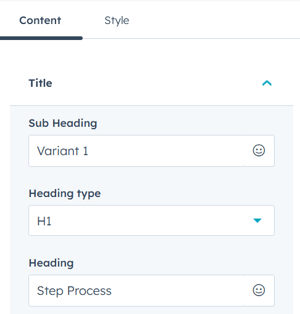
Customise the Title content and add more steps from content settings. 
c1-4

In title settings, you can customise the subheading, heading type and heading content. 
v1.1v1.2

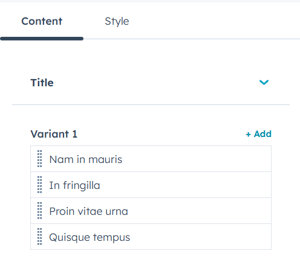
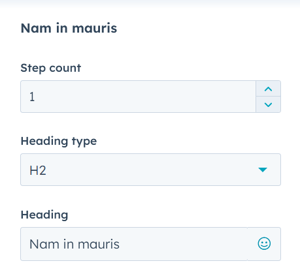
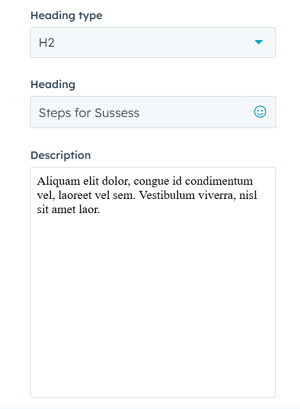
In Variant 1 content settings while editing the steps, you can customise the step count, heading type, heading, and description. 
v2.2v2.1

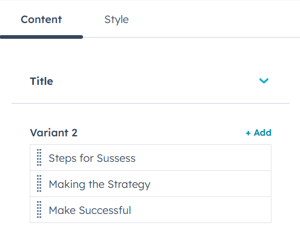
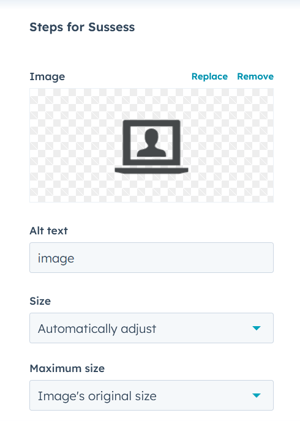
In Variant 2 content settings while editing the steps, you can customise the image, image size, heading type, heading and description. 


Style features:
 

main

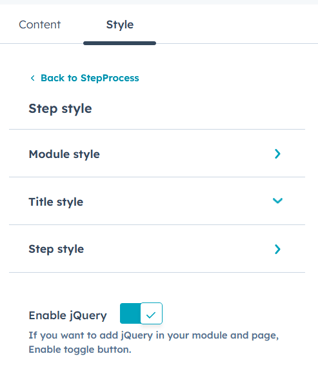
In module style settings, you can customise the module style, title style, and step style. 


Module Style:
m1m2

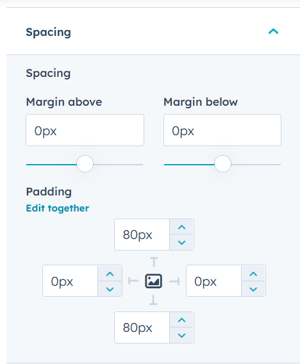
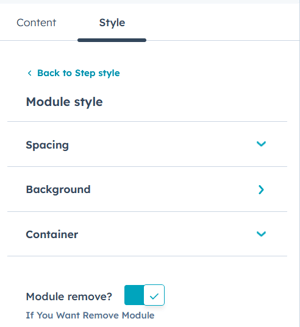
In module style, you can customise the spacing, background and container settings. In spacing setting, you can customise the margins and paddings. 
 

m3m4m4

m5

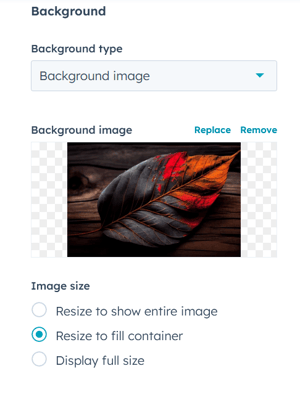
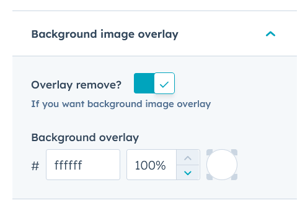
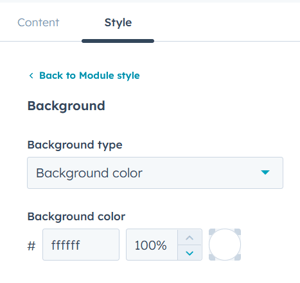
In background settings, you can customise background type, colour, image, image size and overlay colours. 
 

m6

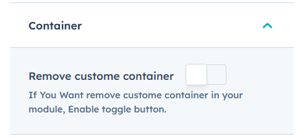
You can add or remove the container by just a toggle of a button. 
s1-3s2-1

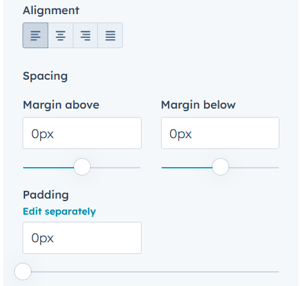
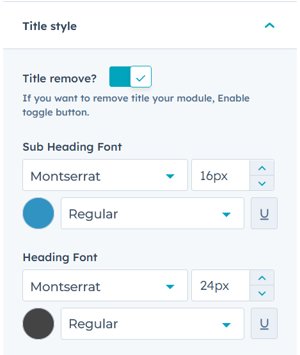
In title style setting, customise sub heading and heading font type, style, size, colour, alignment, spacing and padding. 

Step Style :
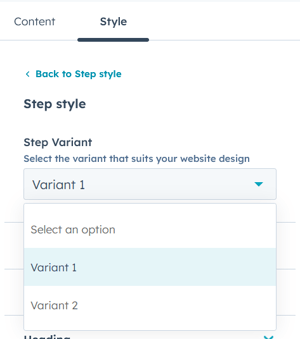
1-Oct-13-2023-07-10-49-1945-AM

Based on variant, there are different step style settings. These are discussed below. 

In Variant  1:
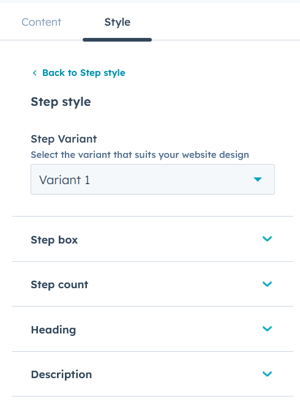
v1-1

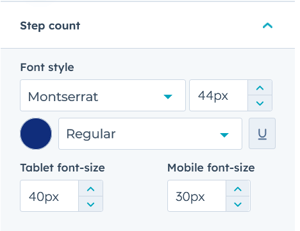
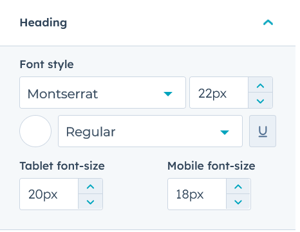
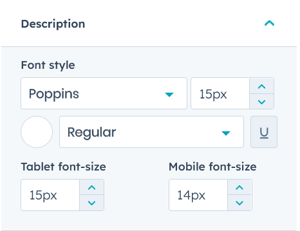
You can customise the step box, step count, heading and description. 
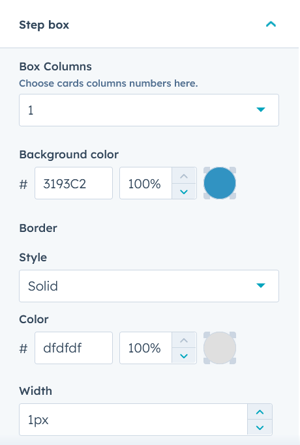
v1.1-1v1.2-1v.1.3v1.4v1.5

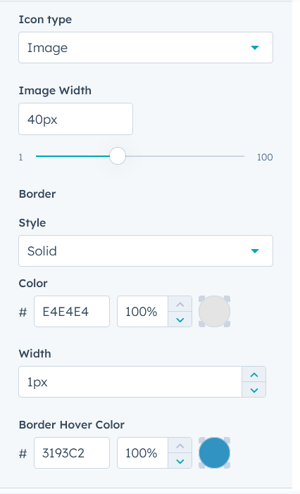
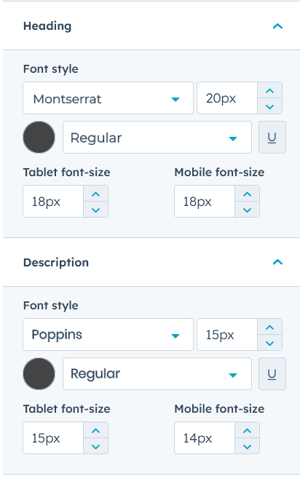
In step count, heading and description settings, you can customise the font type, type, size, and colour for laptop, tablet and mobile versions separately. 


In Variant  2:
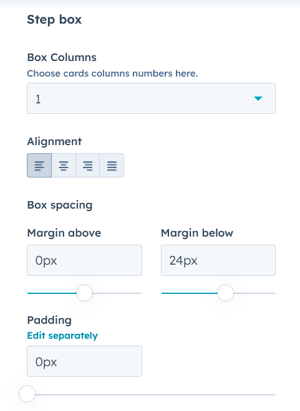
v2-3

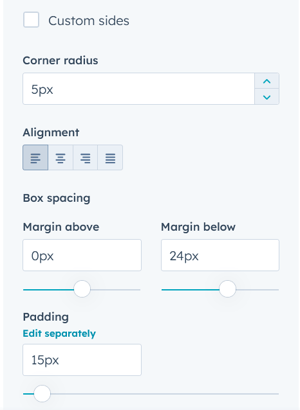
Customise the box columns, alignment, margins and padding in step box setting. 
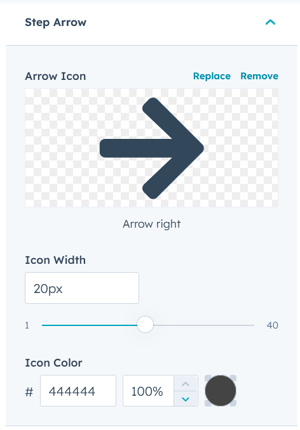
 

v2.1-1v2.2-1

v2.3


Conclusion:

The module is a powerhouse in enhancing visuals of your website and the user experience. Use this module to add that style and creative quotient to your website.