
Table of Contents
- Layouts
- Module Features in Action
- Coming Soon Effect With Headline
- Headline And Description Or Only Description With Coming Soon Effect
- Newsletter With Coming Soon Counter Effect
- Image With Coming Soon Counter Effect
- Progress Bar Effect With Headline
- Headline And Description Or Only Description With Progress Bar Effect
- Newsletter With Progress Bar Effect
- Image With Progress Bar Effect
- All The Fields Are Enabled
Table of Contents
- Layouts
- Module Features in Action
- Coming Soon Effect With Headline
- Headline And Description Or Only Description With Coming Soon Effect
- Newsletter With Coming Soon Counter Effect
- Image With Coming Soon Counter Effect
- Progress Bar Effect With Headline
- Headline And Description Or Only Description With Progress Bar Effect
- Newsletter With Progress Bar Effect
- Image With Progress Bar Effect
- All The Fields Are Enabled
Possible Layouts
Layout Options: The "Coming Soon Documentation Page" module offers a range of layout options to help you showcase your Coming soon with various fields in the best possible way. You can choose any variant from the design field and create an select fields like text, image, newsletter, social icons, progress bar and create a beautiful and functional display for your coming soon.
Layout 1- Background Image With Countdown 
Layout 2- Background Image With Countdown & Title
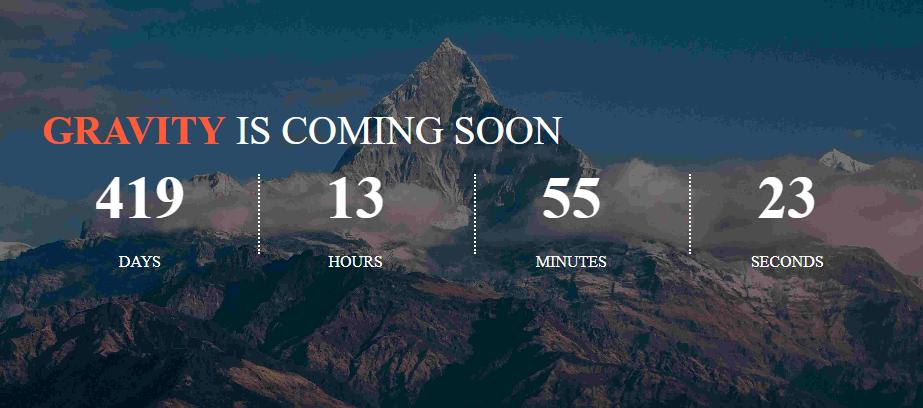
Layout 3- Background Image With Countdown, Description & Title
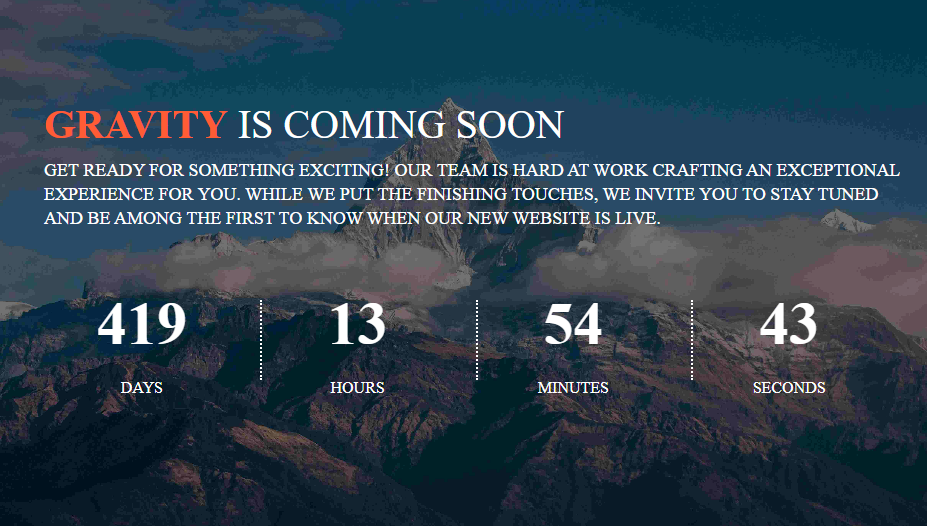
Layout 4- Background Image With Countdown, Description, Newsletter & Title
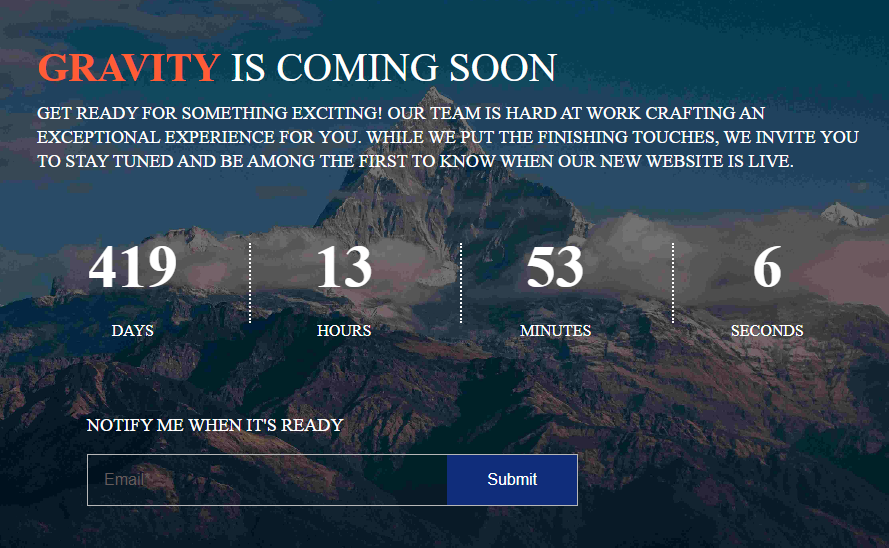
Layout 5- Background Image With Countdown, Description, Newsletter, Social Icons & Title
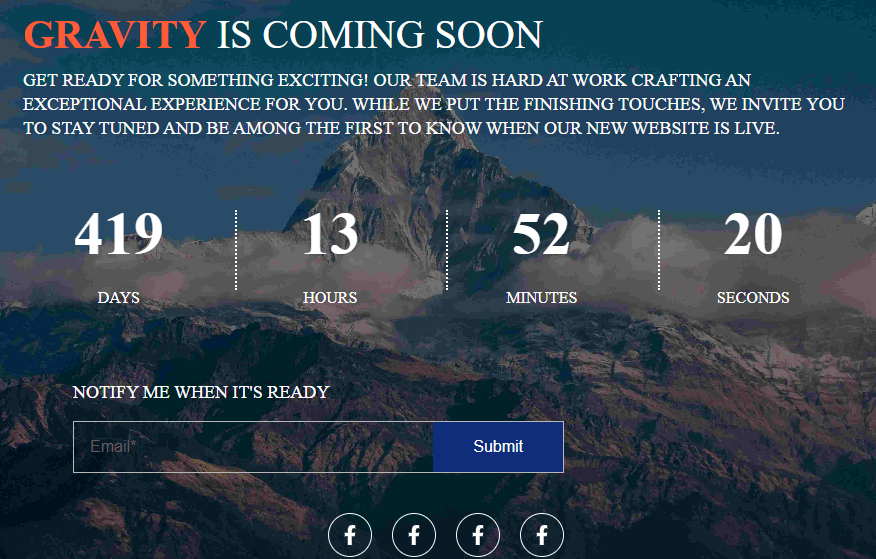
Layout 6- Background Image With Countdown, Description, Newsletter, Image & Title
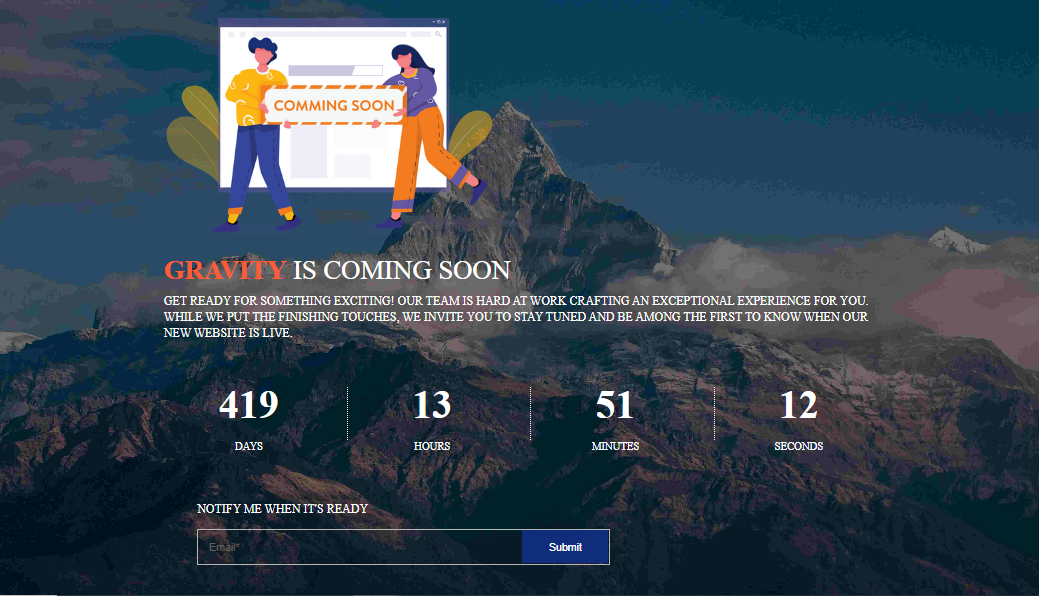
Layout 7- Background Image With Countdown, Description, Progress bar & Title
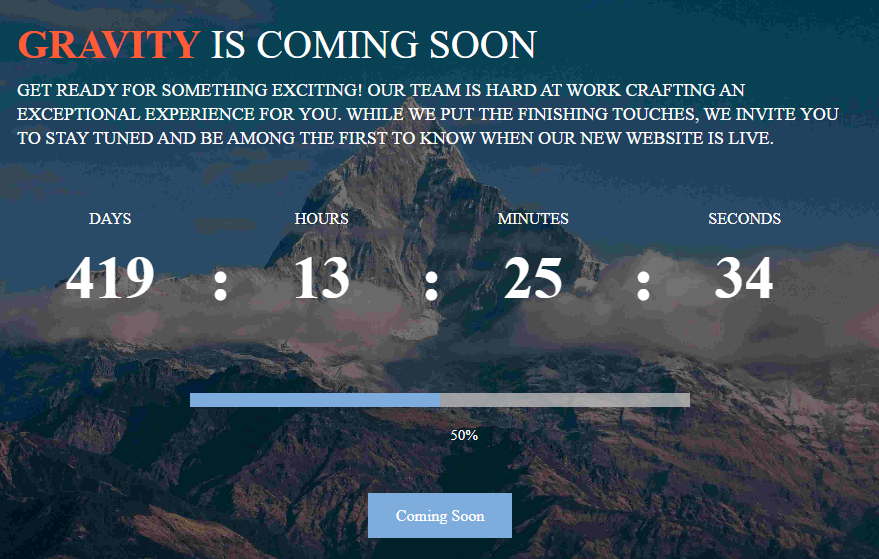
Layout 8- Background color With Progress bar & Title
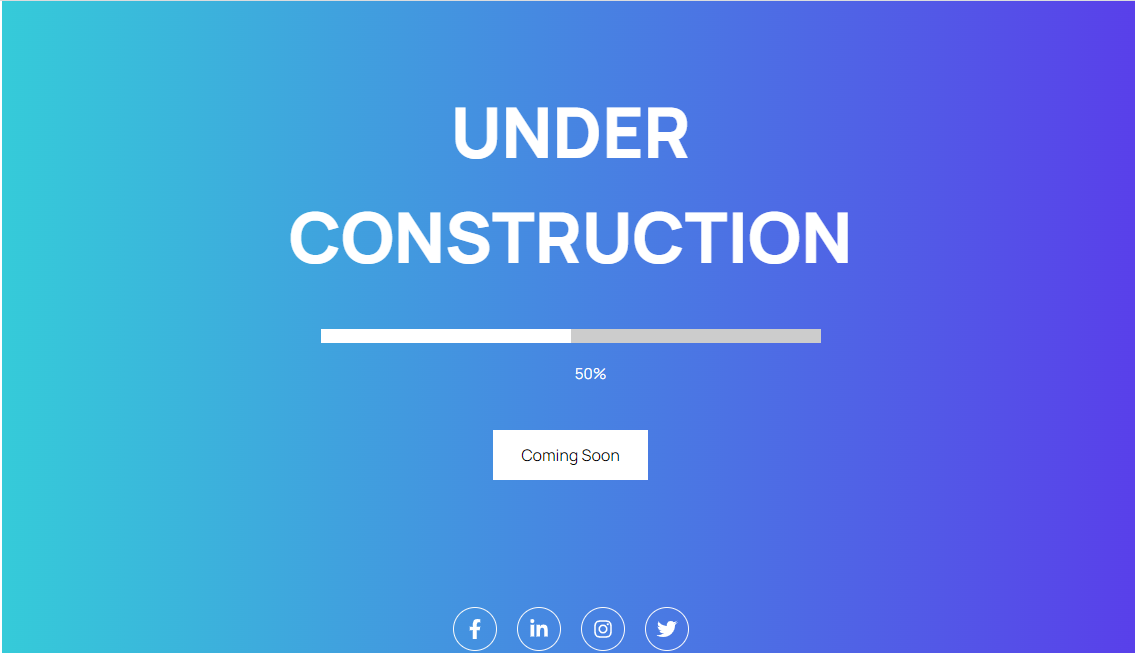
Layout 9- Background color With Progress bar & Title

Layout 10- Background image With Description, Title, Image, Newsletter, Countdown
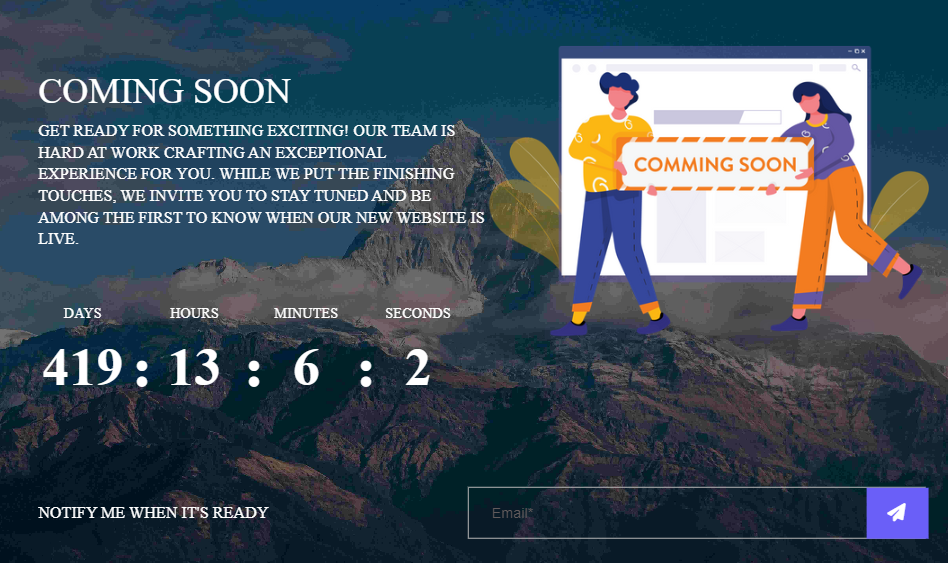
Content Tab Under Preview Section
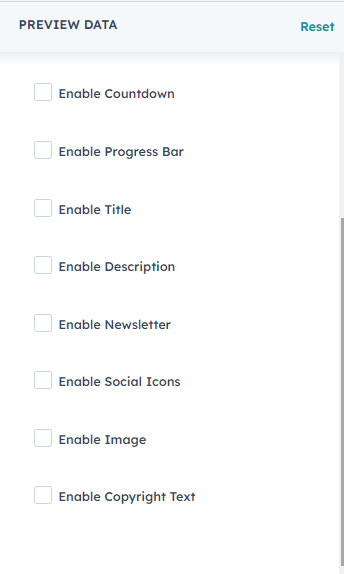
Style Tab Under Preview Section
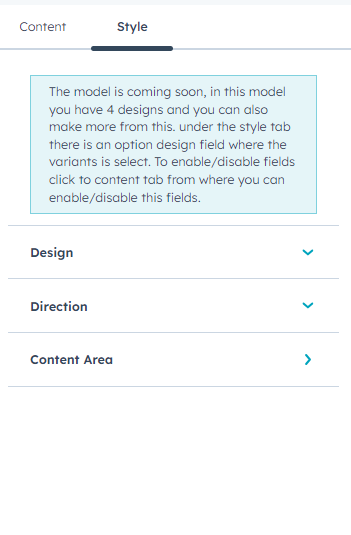
Banner Style Section
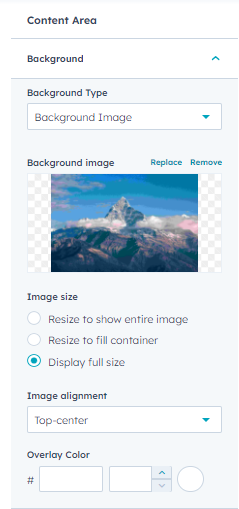
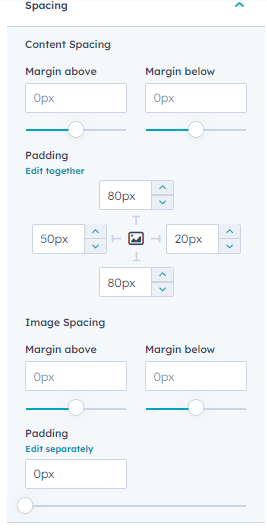
Under content area you have the option to add background image with overlay color, background color, gradient, spacing, and many more.
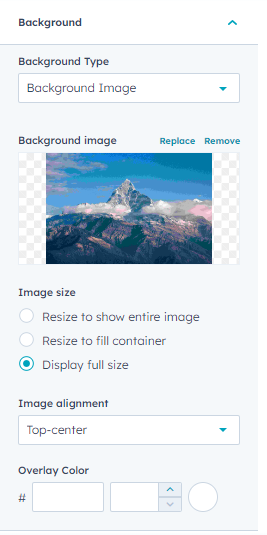
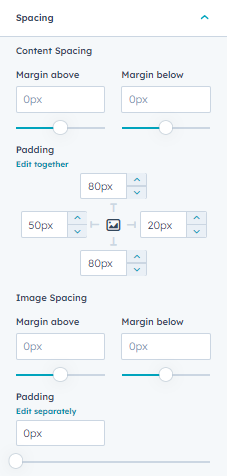
After the addition of value under style section for banner here is the final look

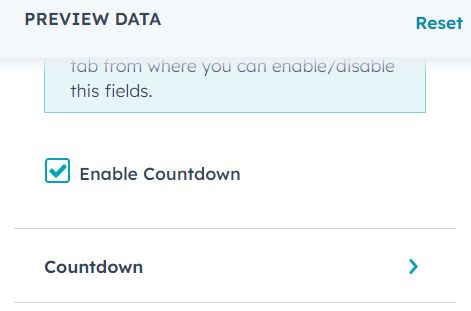
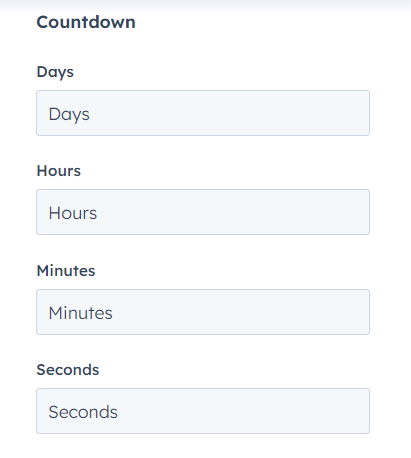
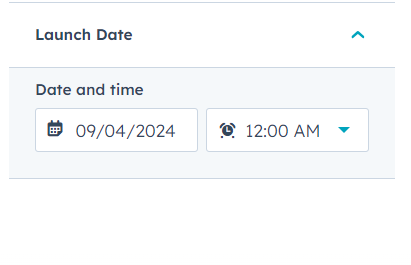
Enable Counter Section And here is the properties
Content Section
Style Section
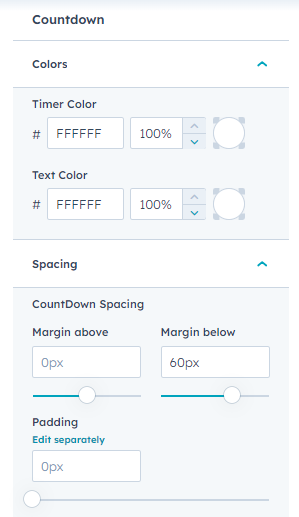
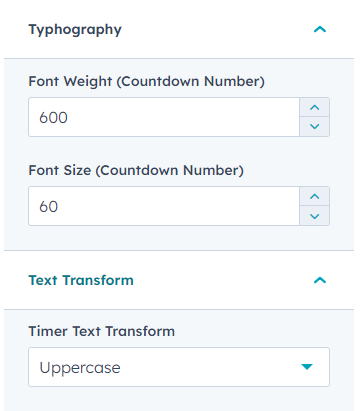
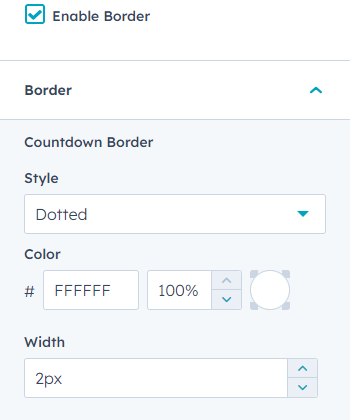
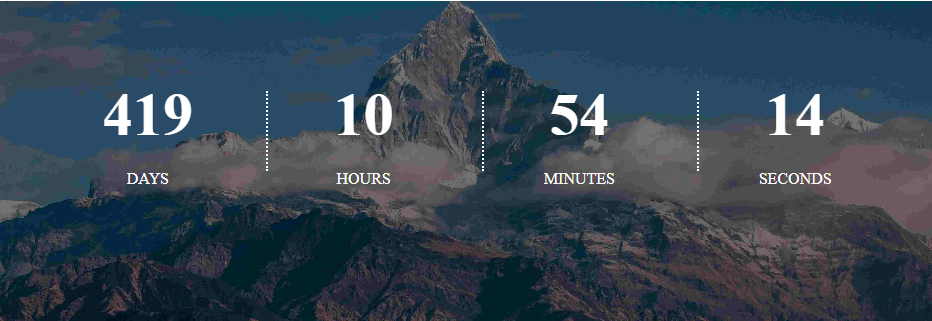
After the addition of value under style section for banner and coming soon counter here is the final look
Coming Soon Effect With Headline
Coming Soon module can be used for the website or for a product launch. Under the style tab under design section there are two variants 1 and 2 with 1 or 2 variant you can enable the headline section and can have the following
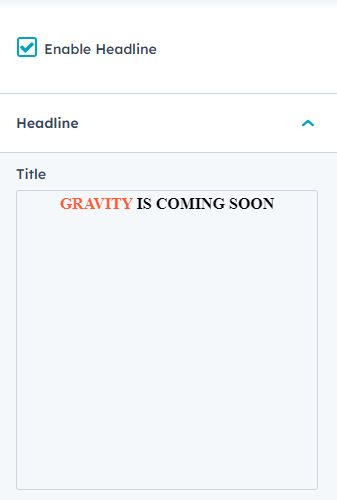
Enable The Headline field and you can add the headline text under the Headline text field and have the option of various stylings the rich text provides you multiple number of options.
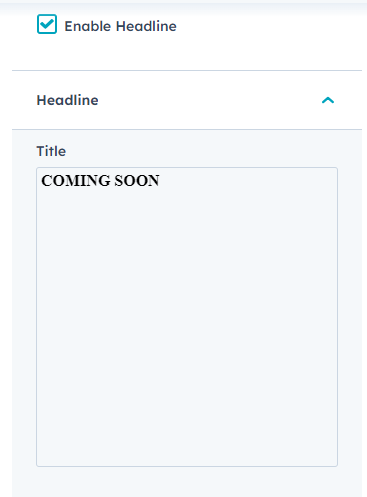
Headline with coming soon counter
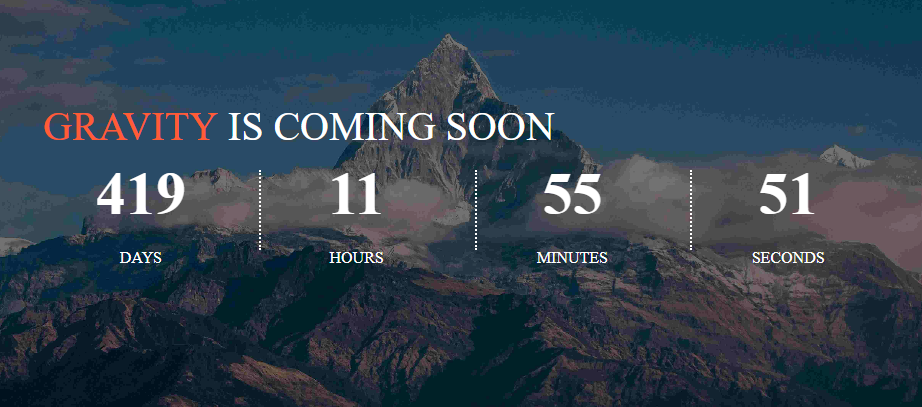
Headline with coming soon counter
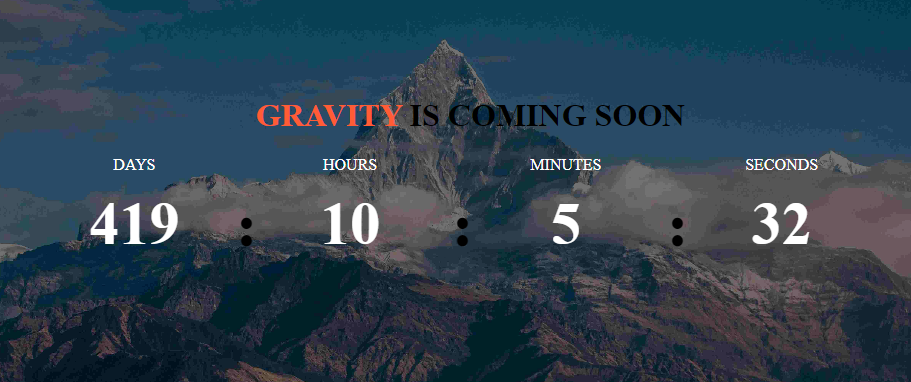
There are two variations 1 & 2 which can be available through design under style section
Headline And Description Or Only Description With Coming Soon Effect
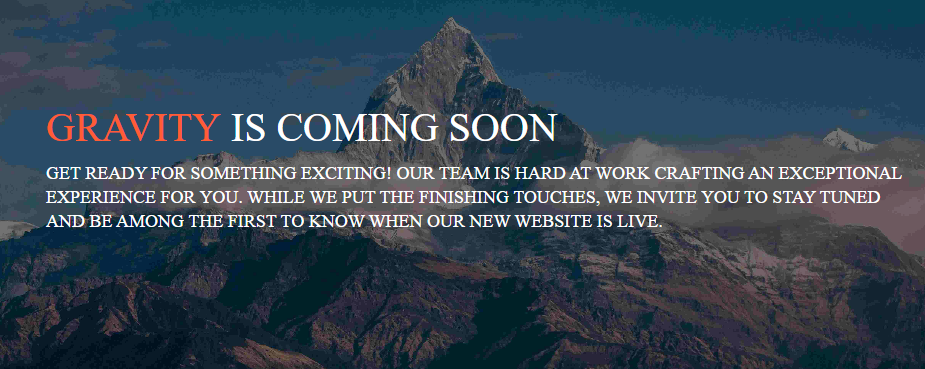
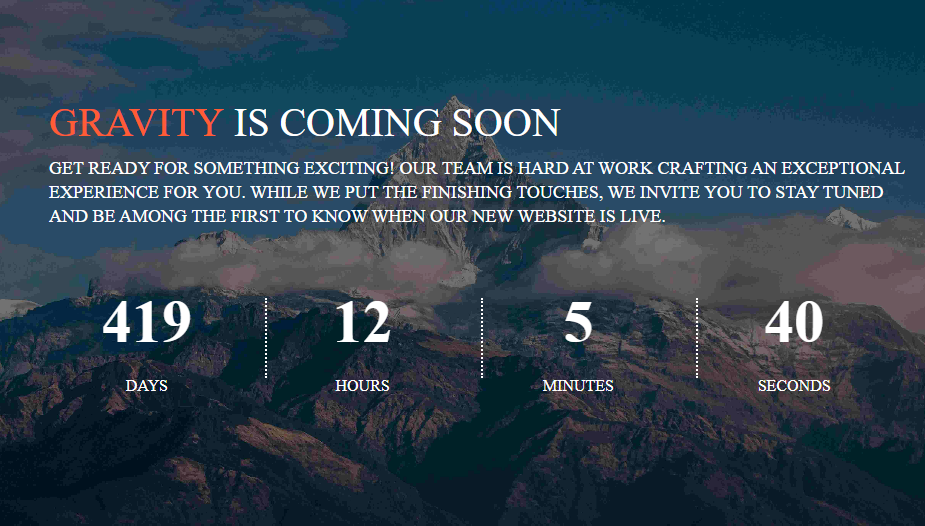
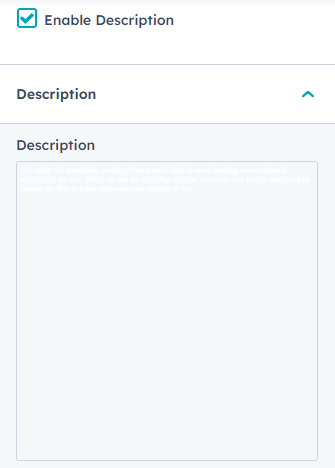
Under the content section you can find enable headline and description. After enabling the feature. You have the headline text field a rich text have the option for adding up the multiple styling effects And for Description you have a rich text have the option for adding up the multiple styling effects
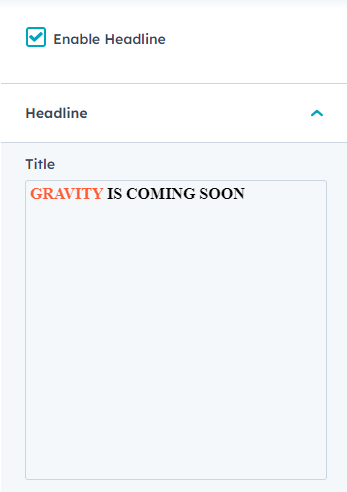
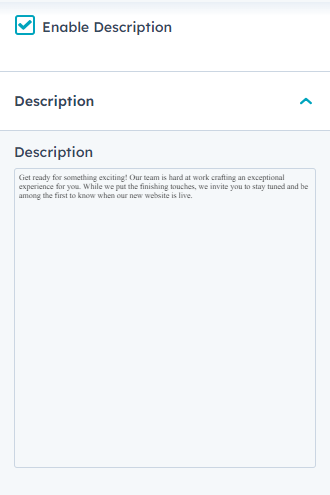
Headline And Description Without Coming Soon counter
Headline And Description with Coming Soon counter
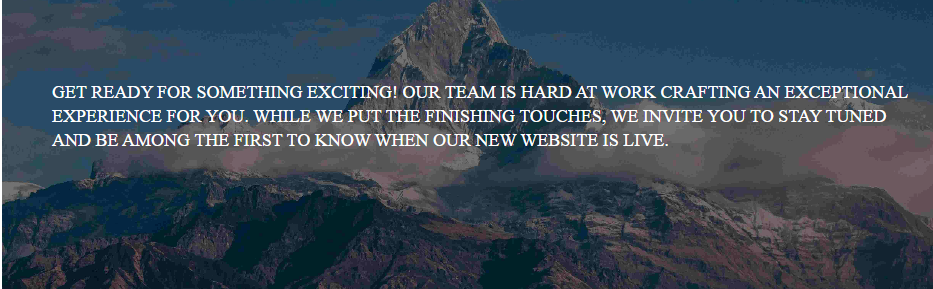
Description With Coming Soon Counter Effect
Under the content section you can find enable description. After enabling the feature. You have the Description under the rich text you can add your content To make changes for the color, font or alignment under the description section use rich text.
Description Without Coming Soon counter
Description with Coming Soon counter
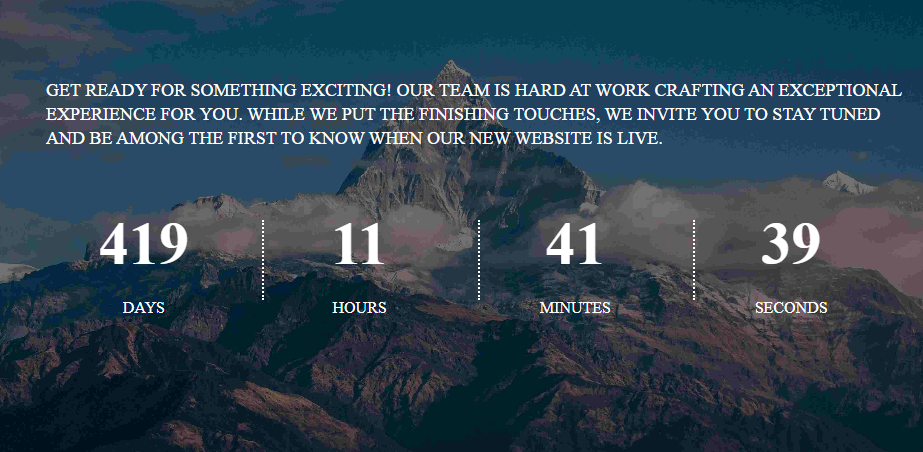
Newsletter With Coming Soon Counter Effect
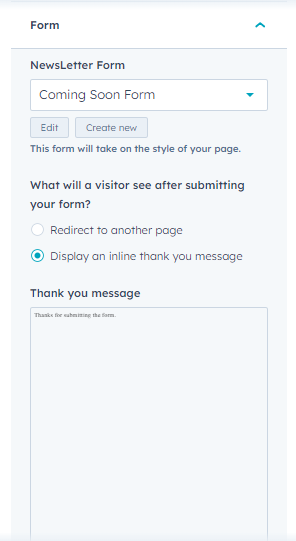
For newsletter You can customize from the style tab or you can leave the properties and can allow your default form style to be in use.
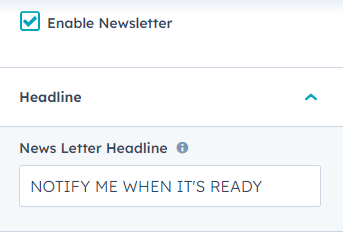
Enable The Newsletter field and you can add the newsletter under the content tab and also the headline for the newsletter
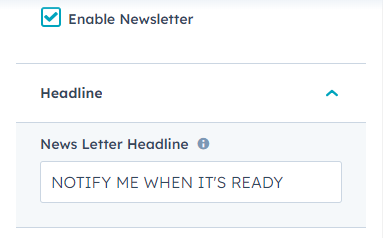
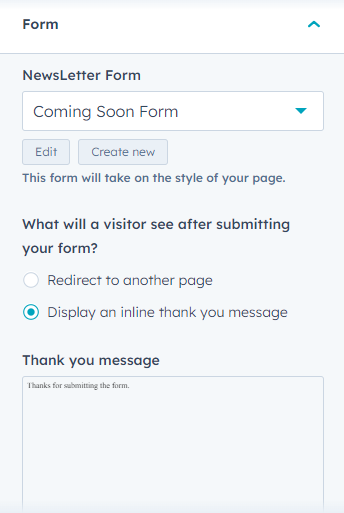
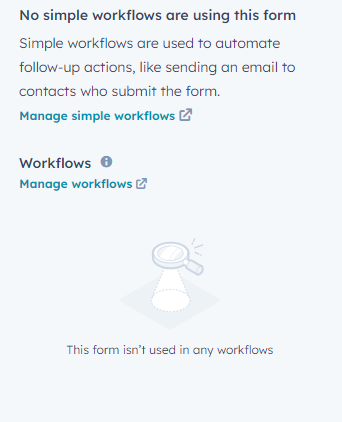
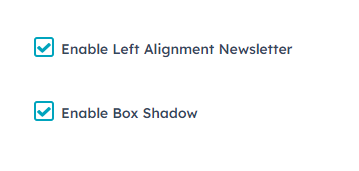
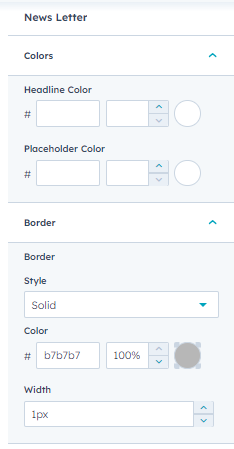
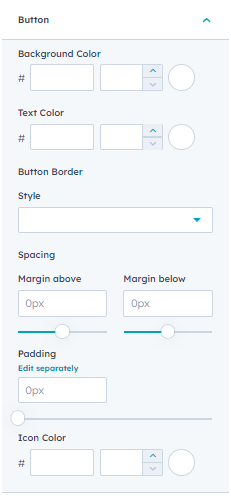
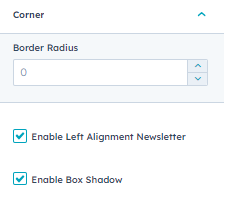
For newsletter Background Area you have the options under the style tab under newsletter where you can find color, corner, border, button, enable box shadow, enable alignment 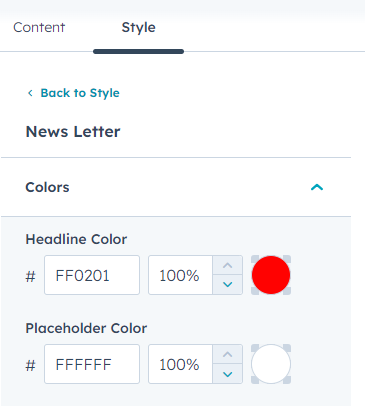
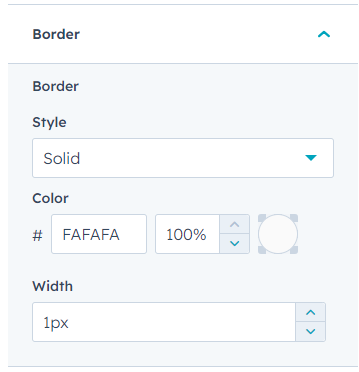
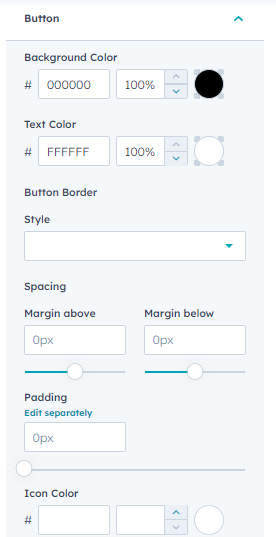
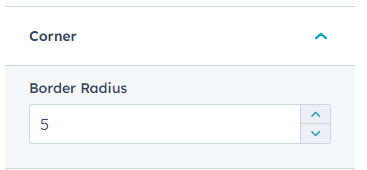
After the addition of value under style section for form here is the final look
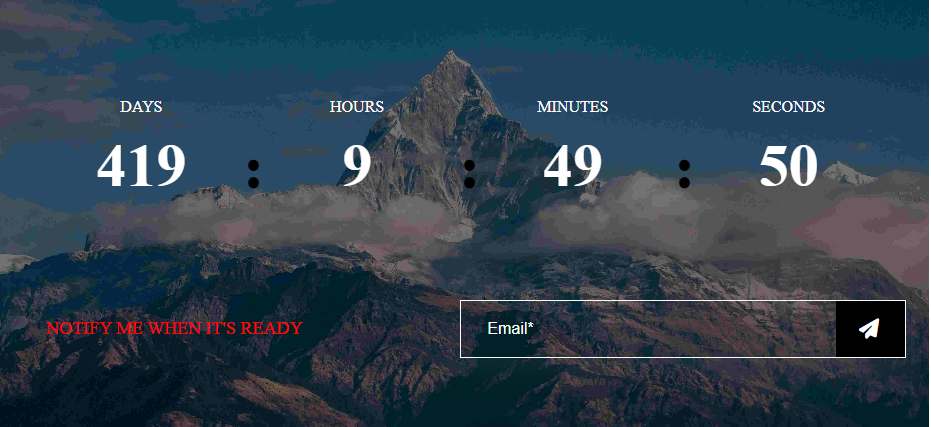
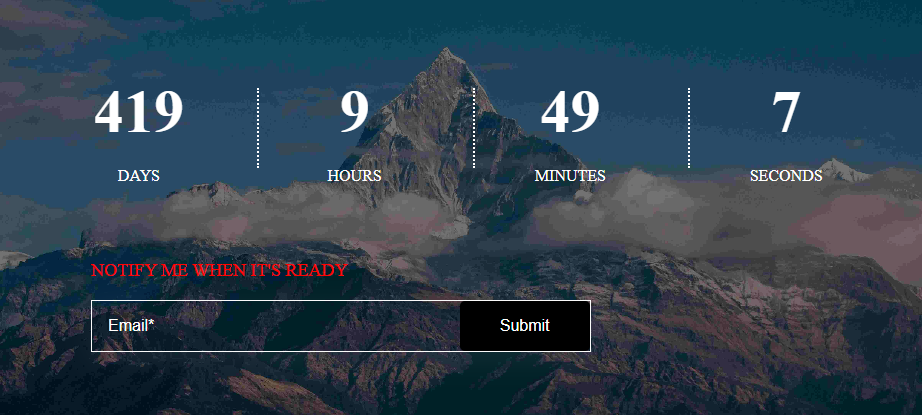
There are two variations 1 & 2 which can be available through design under style section
Image With Coming Soon Counter Effect
Enable The Image field and you can add the image under the content tab with coming soon counter
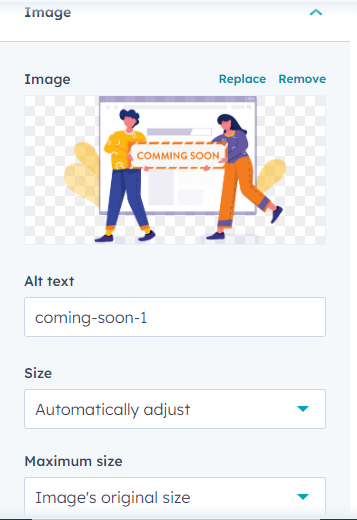
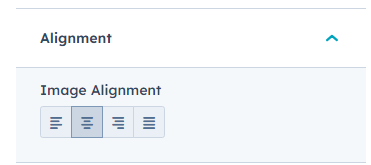
For Image You can customize from the style tab where you have the properties of alignment
After the addition of value under style section for counter and image here is the final look
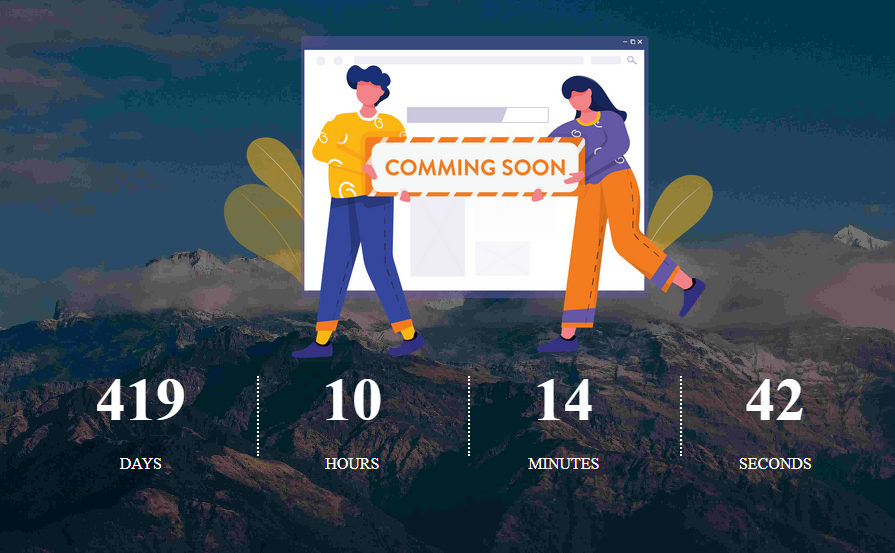
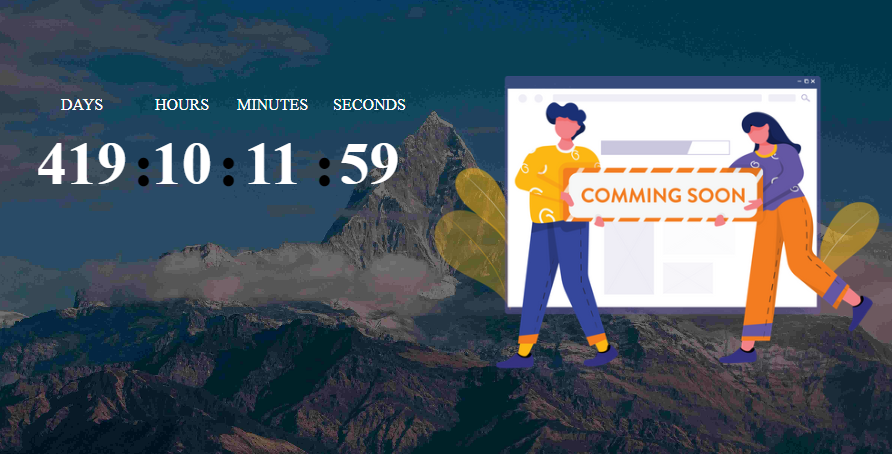
There are two variations 1 & 2 which can be available through design under style section
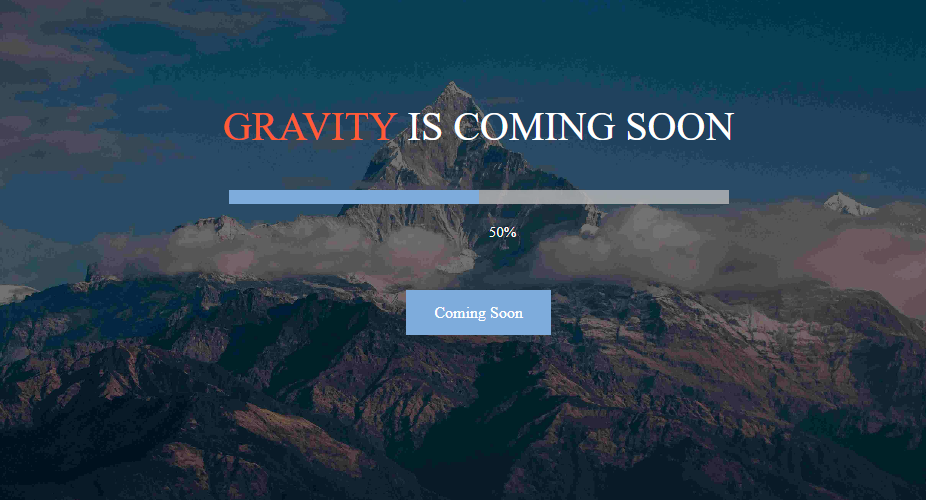
Progress Bar Effect With Headline
Progress Bar module can be used for the website or for a product launch. Under the style tab under design section there are two variants 1 and 2 with 1 or 2 variant you can enable the headline section and can have the following
Enable The Headline field and you can add the headline text under the Headline text field and have the option of various stylings the rich text provides you multiple number of options.
Headline with progress bar
Headline And Description Or Only Description With Progress Bar Effect
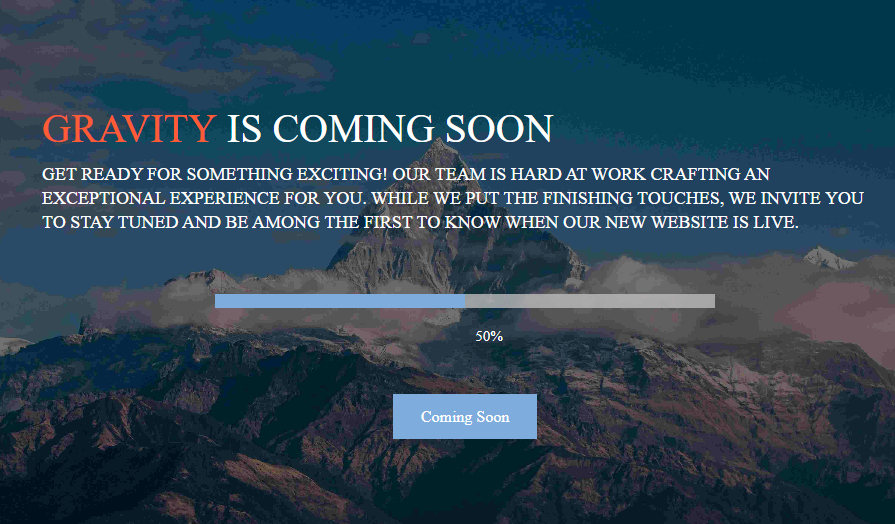
Under the content section you can find enable headline and description. After enabling the feature. You have the headline text field a rich text have the option for adding up the multiple styling effects And for Description you have a rich text have the option for adding up the multiple styling effects
Headline And Description Without Progress Bar counter
Headline And Description with progress bar
Description With Progress Bar Effect
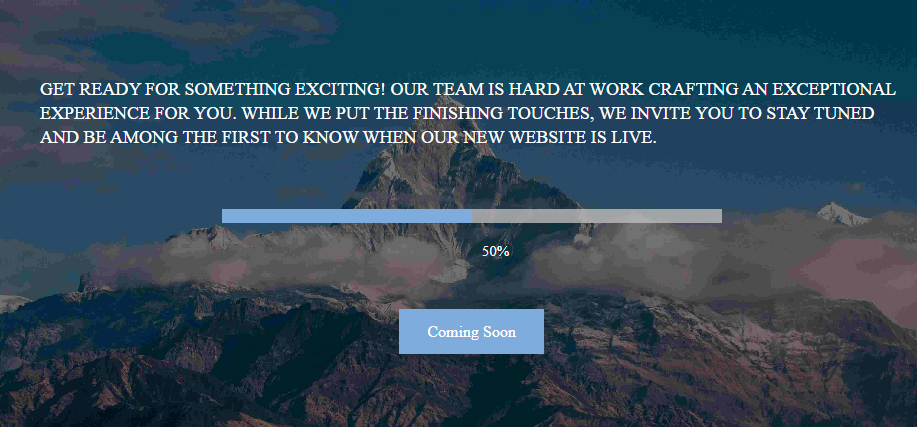
Under the content section you can find enable description. After enabling the feature. You have the Description under the rich text you can add your content To make changes for the color, font or alignment under the description section use rich text.
Description Without Progress Bar
Description with progress bar
Newsletter With Progress Bar Effect
For newsletter You can customize from the style tab or you can leave the properties and can allow your default form style to be in use.
Enable The Newsletter field and you can add the newsletter under the content tab and also the headline for the newsletter
For newsletter Background Area you have the options under the style tab under newsletter where you can find color, corner, border, button, enable box shadow, enable alignment
After the addition of value under style section for form here is the final look
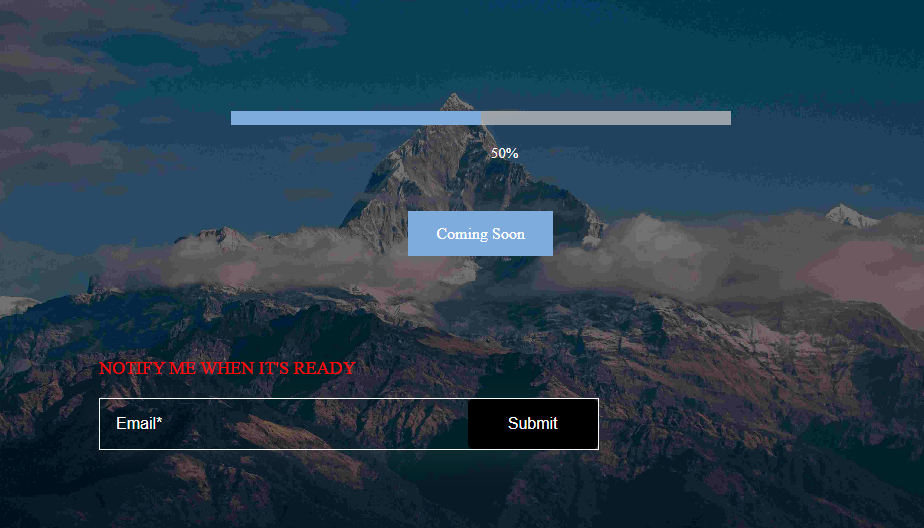
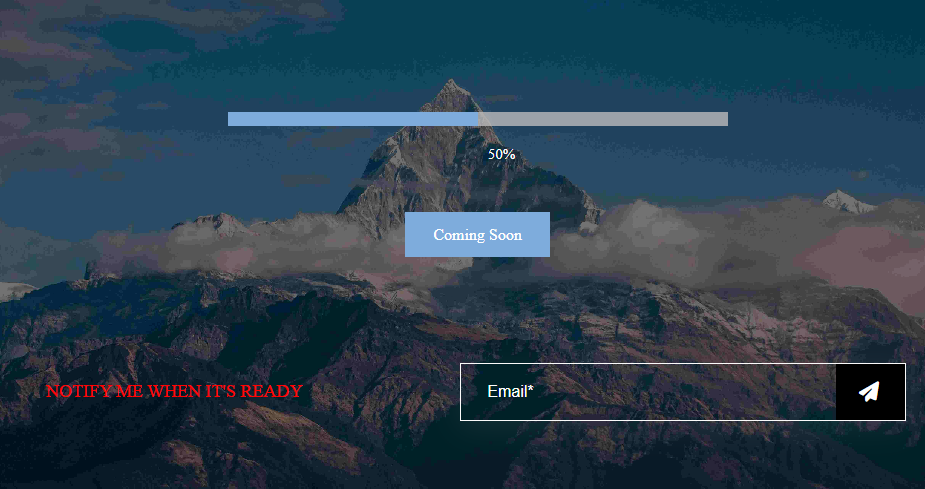
Image With Progress Bar Effect
Enable The Image field and you can add the image under the content tab with Progress Bar
For Image You can customize from the style tab where you have the properties of alignment
After the addition of value under style section for counter and image here is the final look
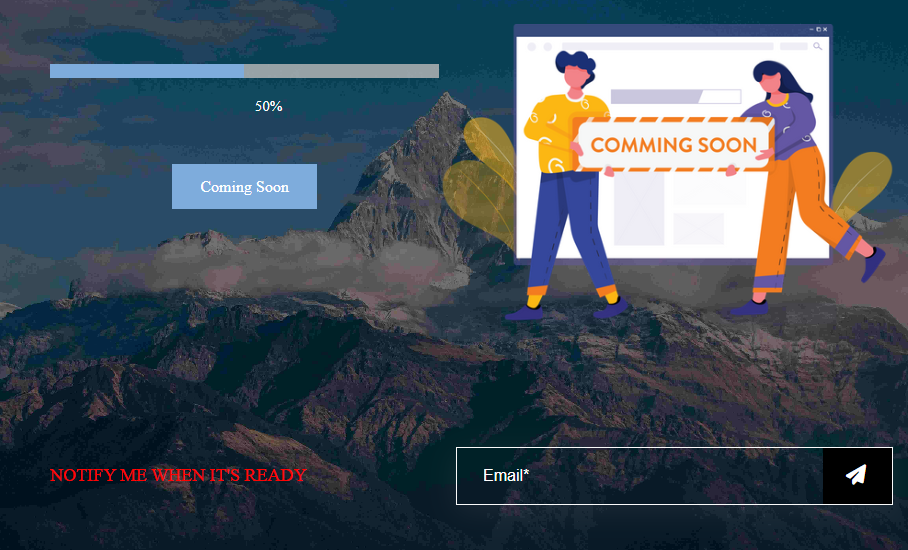
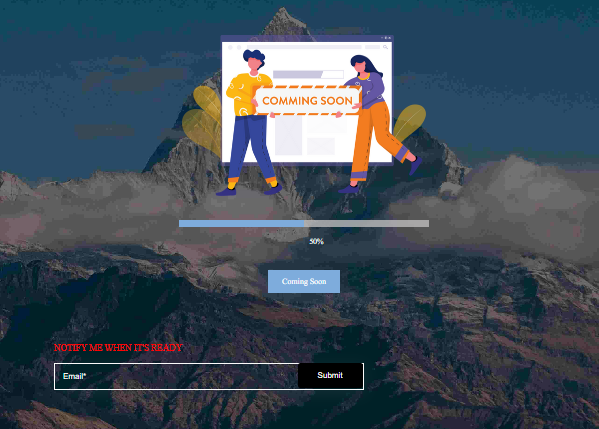
There are two variations 1 & 2 which can be available through design under style section
All The Fields Are Enabled
In this All the Fields are enabled like coming soon counter effect, progress bar, headline, description, newsletter, social icons, image, copyright
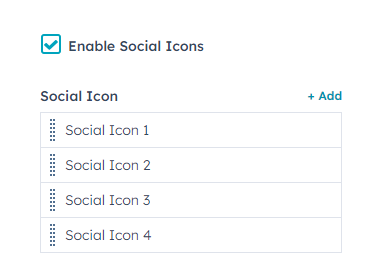
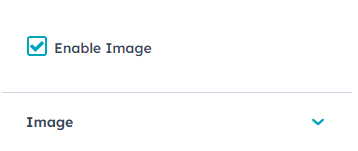
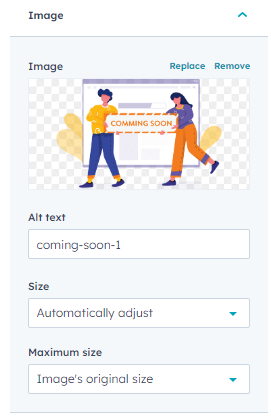
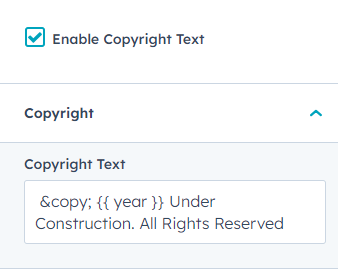
Through Content Tab You can add the enabled like coming soon counter effect, progress bar, headline, description, newsletter, social icons, image, copyright
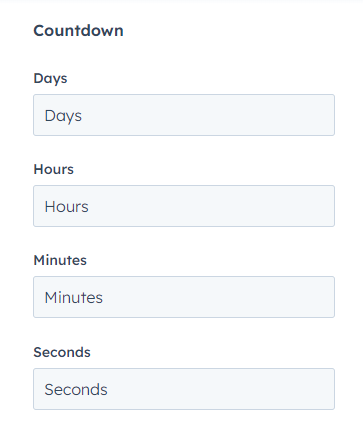
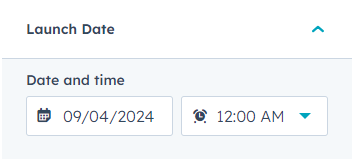
Countdown
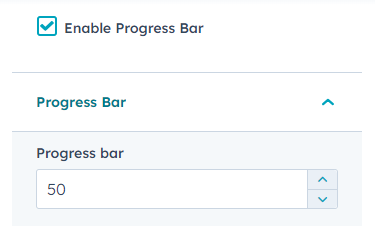
Progress Bar
Headline
Description
Newsletter
Social Icon
Image
Copyright Text
Through Style Tab You can add the styling properties for Headline, Description, progress bar, newsletter Form, Image & social icons. Through the designs section you have different variants and through direction type you have directions for text and coming soon counter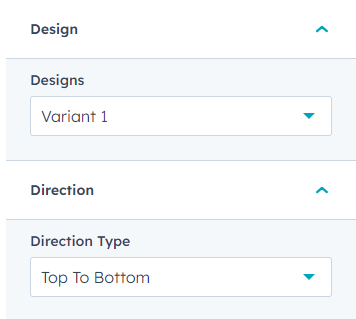
Coming Soon Counter Area Styling Properties
Coming Soon Counter Section
Newsletter
After the addition of value under style section here is the final look
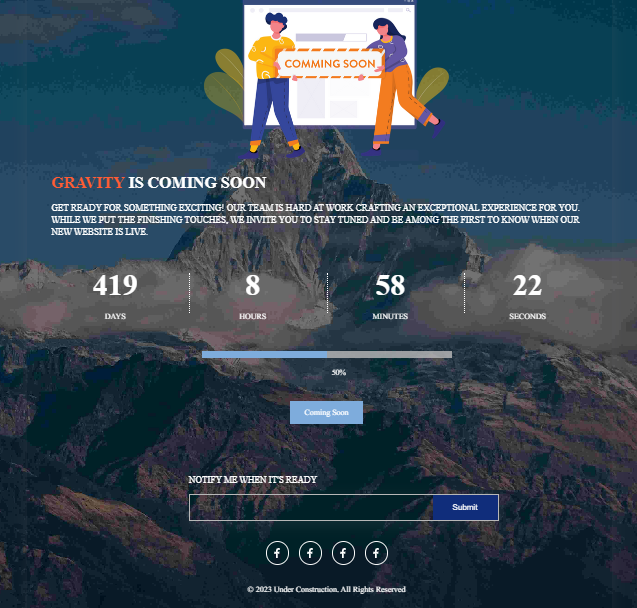
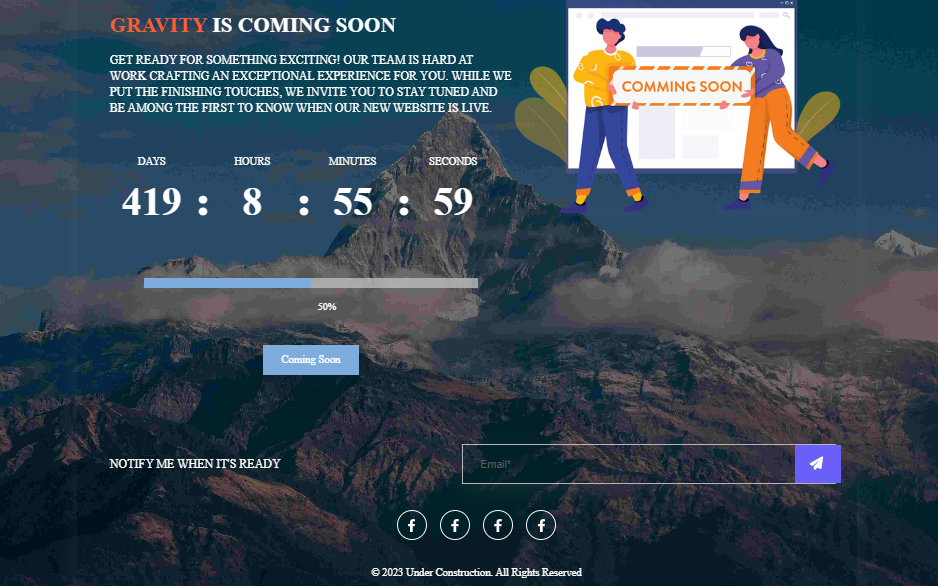
There are two variations 1 & 2 which can be available through design under style section