CTA Engagement Module Documentation

Introduction

The "CTA Engagement" module enables the creation of eye-catching cards with full-width layouts, column formats, image integration, stylish overlays, custom background colors, and buttons for enhanced user engagement. 


SUPPORT:

If you need assistance at any step of the way; get in touch with us at ProductSupport@transfunnel.com
And get Premium Support from Transfunnel - HubSpot's Elite Solutions Partner

CTA Engagement Module Documentation

Possible Layouts

This module offers a comprehensive solution for creating visually appealing cards that enhance user experience

  • Full-Width Design: Create impactful cards that span the full width of your layout, ensuring maximum visibility.
  • Column Layout: Easily switch to a column format for a more organized presentation of content.
  • Image Integration:  Add images to your cards, enriching the visual context and engagement.
  • Overlay Effects:  Apply stylish overlays to add depth and intrigue, making your content stand out.
  • Button Support: Incorporate buttons for calls to action, driving user interaction and navigation.
  • Responsive and mobile-friendly: The "CTA Engagement" module is designed to provide optimal viewing experiences on various devices, including desktops, tablets, and mobile phones. With its responsiveness, your page will adapt seamlessly, ensuring a consistent and engaging experience across all platforms.
  • Customisation: The “CTA Engagement” module comes with a bunch of customisations, all of which you can control to give the user a seamless experience in tandem with your website’s colours, style, and design.

Content features: 


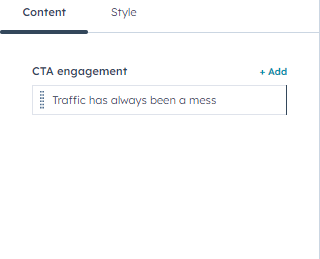
Using content settings you can customize cta engagement easily add remove
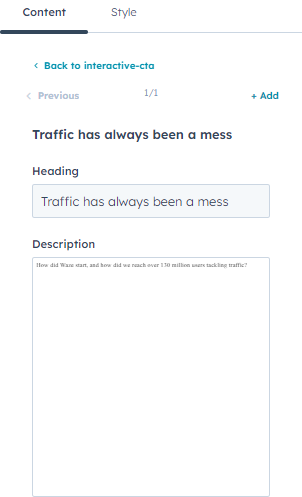
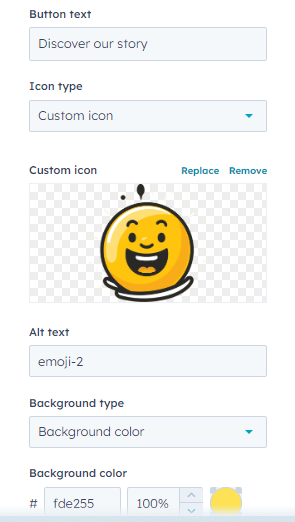


customize headings, description, button text and choose cutom icon hubspot and image with change background color


Style features: 
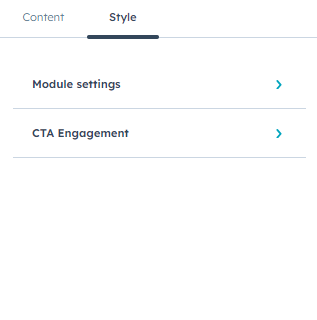


Customise the style settings inner module settings, cta engagement
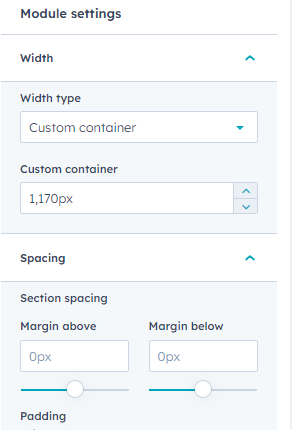


customize module settings inner with type custom container and full width and manage spacing
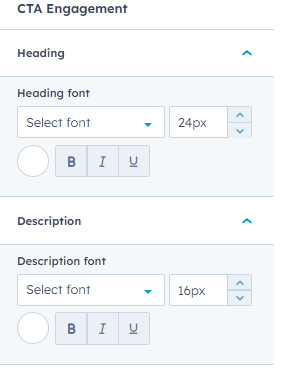


customize cta engagement inner headings, description font & style
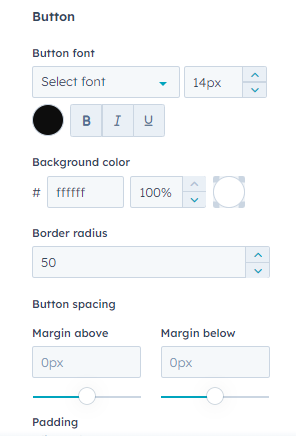
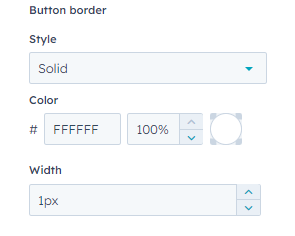


customize button font & style , background color, border radius, button spacing, button border

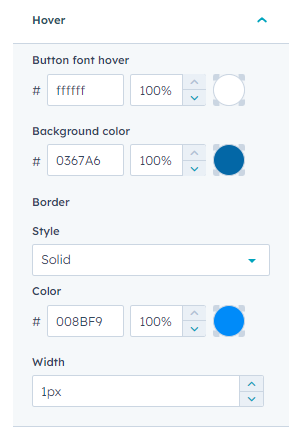
customize button hover settings button font color, background color, border
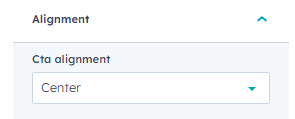


customize alignment
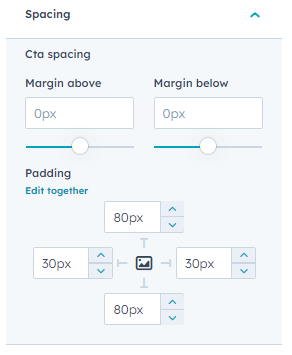


customize spacing settings
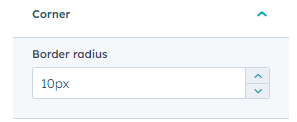


customize corner radius 
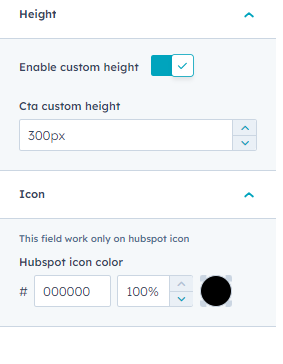


customize height default and custom height and icon color change

Conclusion:

 The "CTA Engagement" module empowers developers and designers to create stunning, interactive cards that enhance user experience, ensuring visually appealing and engaging content across platforms.