CTA/Button Strip documentation

Introduction

The “CTA/Button Strip” module provides you with the functionality to add eye-catching strips on your with call-to-action buttons on your website page. This modules make your website look captivating and attracts user attention on the CTA button with its visual appeal. With a plethora of customisation options available, you can easily add this beautifully crafted module to seamlessly integrate with your website style, structure and design.

SUPPORT:

If you need assistance at any step of the way; get in touch with us at support@transfunnel.com

And get Premium Support from Transfunnel - HubSpot's Elite Solutions Partner

CTA/Button Strip documentation

Possible Layouts

Layout Options:Welcome to the "Video On Screen" module, which when used makes your website more organised and more informative. The customisations that this module offers give you the options to choose many styles, colours, and methods to add videos to your website.

  • Customisable background: The “CTA/Button Strip” module has various background customisation options. This helps to seamlessly integrate the module with your website design and colour theme. 
  • Attractive Call-To-Action: The “CTA/Button Strip” module provides beautiful and customisable CTA buttons to enchant user to click on them with their attractive designs.
  • Responsive and mobile-friendly: The "CTA/Button Strip" module is designed to provide optimal viewing experiences on various devices, including desktops, tablets, and mobile phones. With its responsiveness, your page will adapt seamlessly, ensuring a consistent and engaging experience across all platforms.
  • Customisation: The “CTA/Button Strip” module comes with a bunch of customisations, all of which you can control to give the user a seamless experience in tandem with your website’s colours, style, and design. 

Content features:

c1-1

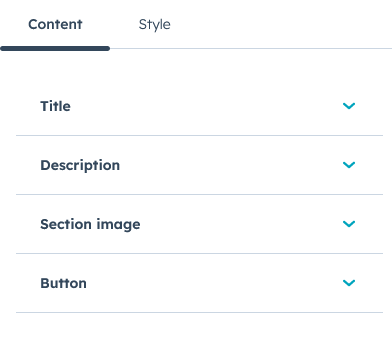
The content settings allows you to customise title, description, section image and button in the module.
c2-1

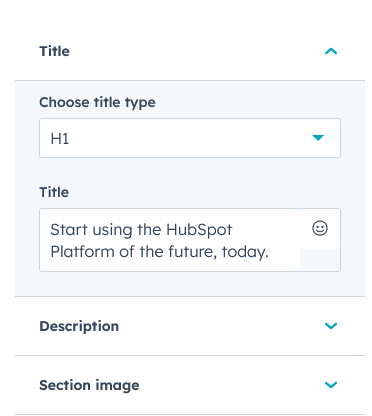
In title settings, you can customise the title type, and title content. 
c3-1

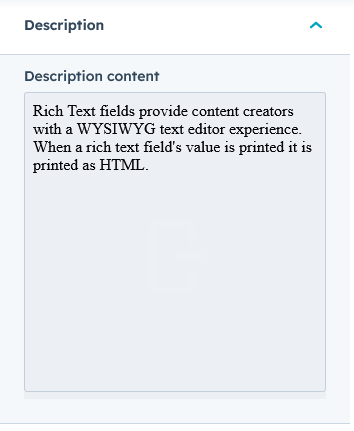
In description setting, you can edit the description content.
c4

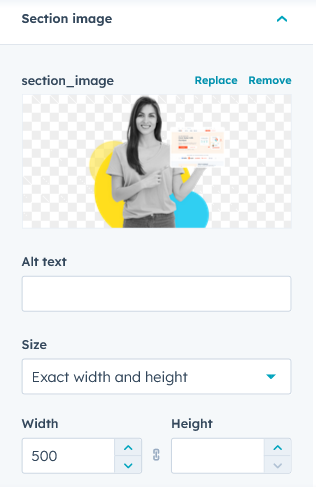
In section image setting, you can edit the image, its alt text, size, width and height. 
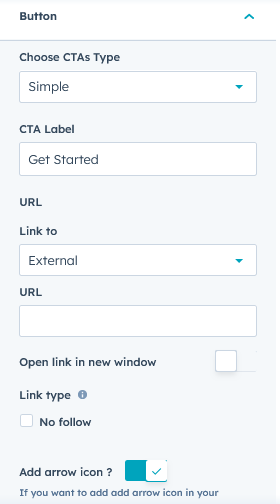
c5

In button setting, you can choose CTA type, CTA lable, URL type and linking URL, option to open link in new window, and add an arrow to the button.

Style features:
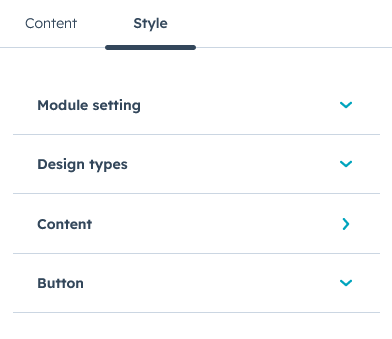
s1

In style setting, you can edit module setting, design type, content and button styles. 
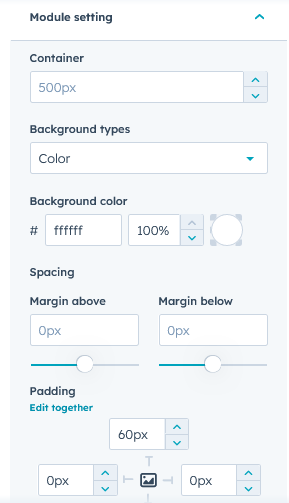
s2

In module setting, you can edit the module’s container size, background types, colour, the spacing and padding.
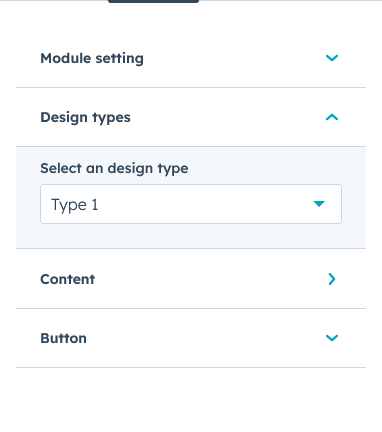
s3

In design type setting, you can select the design type. 
s66

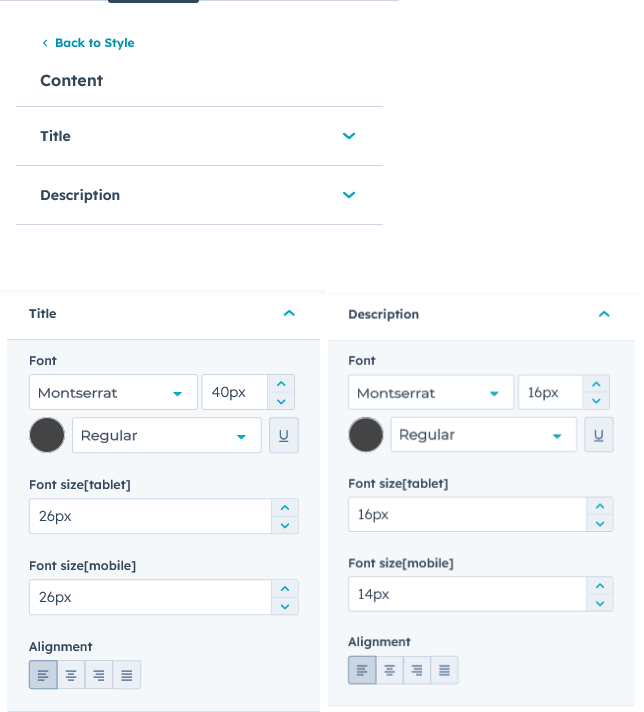
In content setting, you can edit the title and description. In title and description settings, you can edit the font type, style, size and colour for laptops, tablets and mobile. You can also select the alignment you wish to show the title in. 
s7

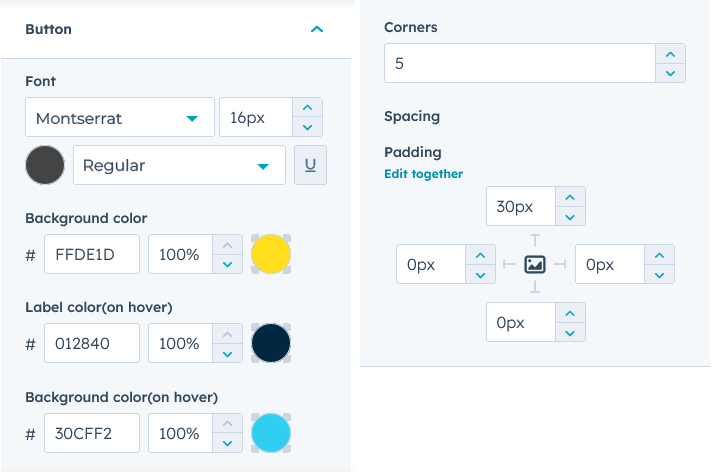
In button setting, you can edit the button content type, style, size and colour, background colour, hover colour, on/off hover, corner and spacing. 

Conclusion:

The "CTA/Button Strip " module provides you with a powerful tool to enhance your website’s visual appeal and user engagement with this versatile module. This module is designed to help you create eye-catching button strips with customizable content, images, and call-to-action buttons.