
Table of Contents
Table of Contents
Content features:
The content part contains Headings, Pricing Switcher, Pricing Cards customisation option.
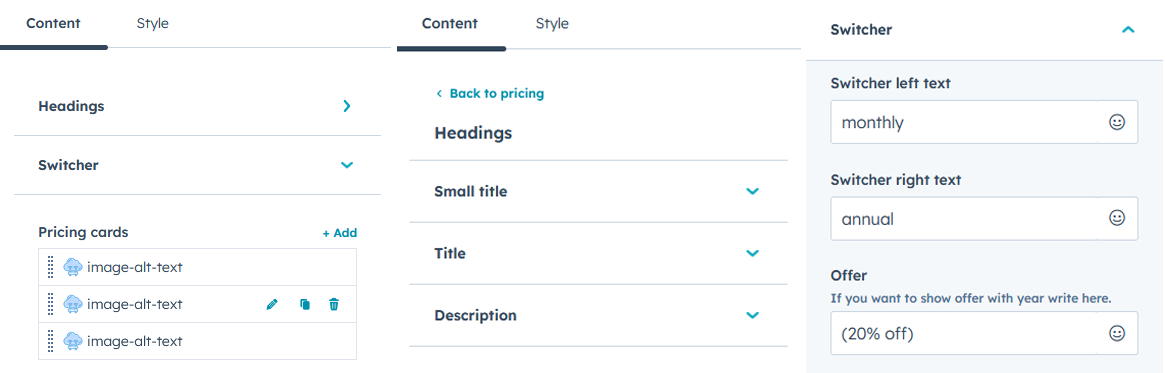
Headings are defined to make the module easier to understand and seamless to view. You can edit them as small heading, title and description.
Switcher gives you the functionality to showcase multiple pricing options for your offerings.
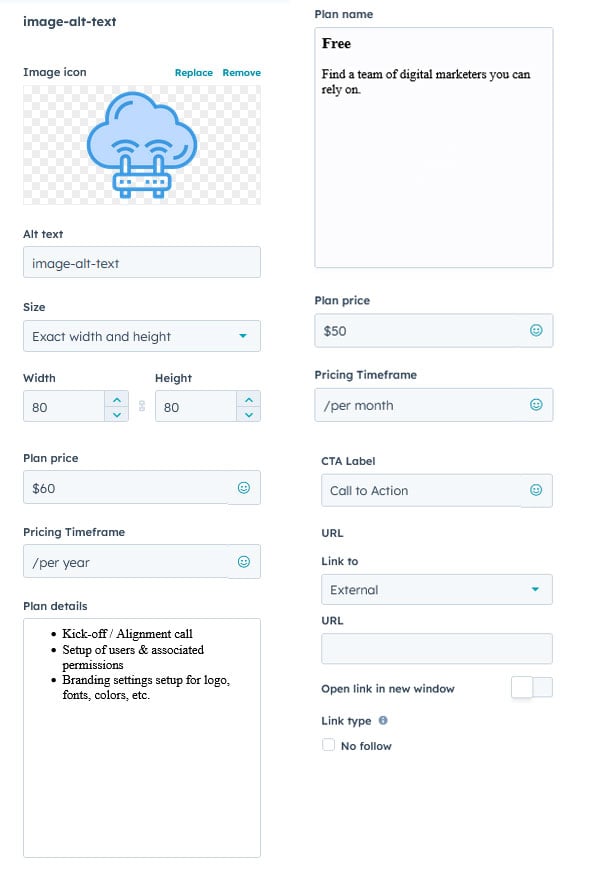
Pricing cards can be customised in many ways, you can adjust image icon, alt text, size, width and height of the card, details, prices and CTAs are also visible and can be easily edited at your will.
Style features:
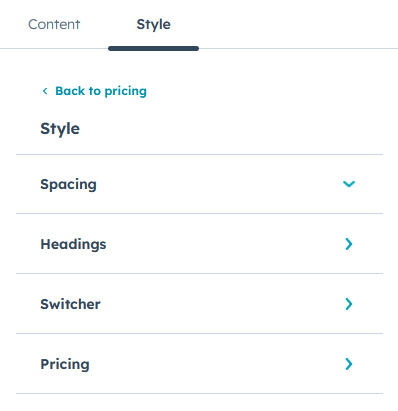
In style, you can customise the spacing, headings, switcher and pricing separately
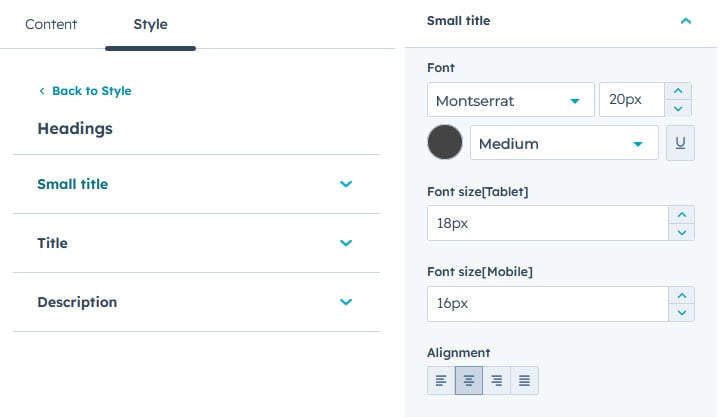
In Headings, you can edit small title, title and description. You can edit their font style, size, colour, alignment for Laptop, tablet and mobile separately.
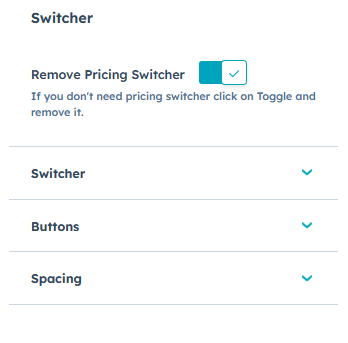
In Switcher, you can add or remove the switcher. You can customise Switcher, Buttons and Spacing.
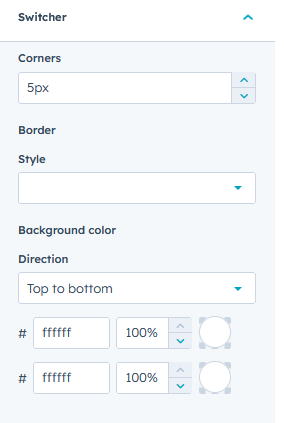
In Switcher, you can edit its corner radius, border style, background colour in solid colour or gradient colour.
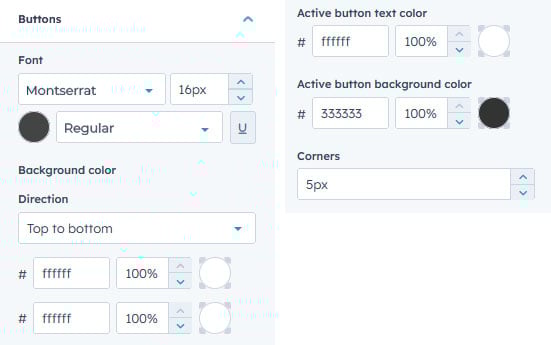
You can edit button font style, size, background colour, and corner radius.
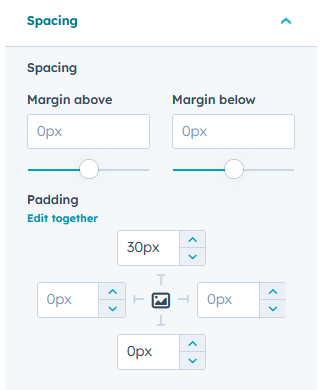
In spacing, you can edit margins above and below and padding from 4 directions.
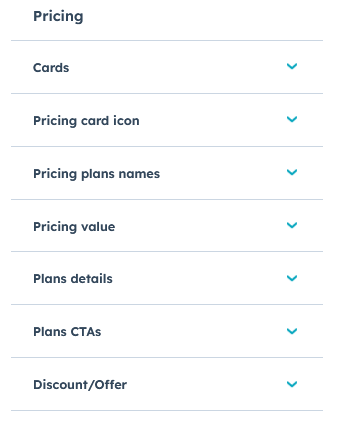
n pricing, you can customise cards, card icon, plan name, pricing value, plan details, plan CTAs, discounts/offer if any.
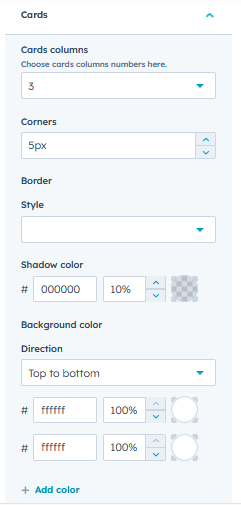
In cards settings, you can get the number of cards you require, card’s corner radius, border style, shadow colour, background colour – solid or gradient.
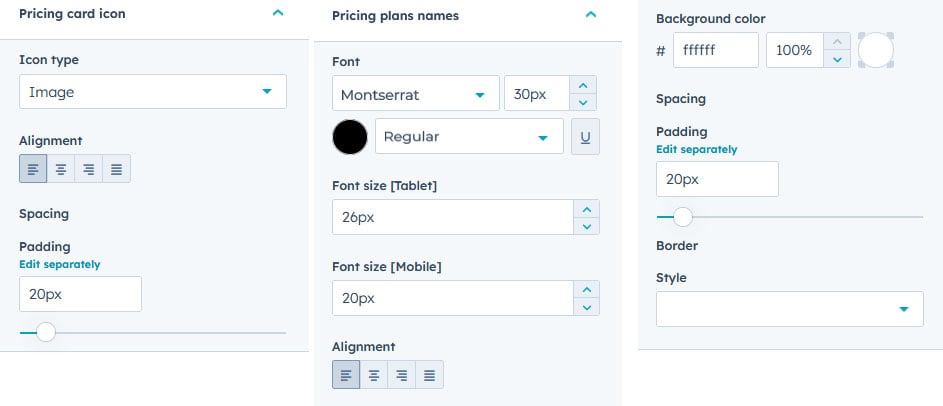
In pricing card icons, you can the icon type, alignment and padding.
In pricing plan names, you can edit font style, size, background colour, padding and border style for laptop, tablet and mobile respectively.
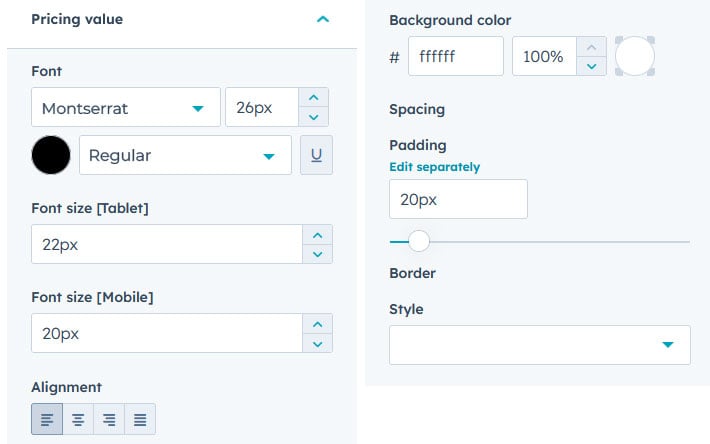
You can edit the font style, size, type, backgrounf colour, padding and border style in pricing value for laptop, tablet and mobile.
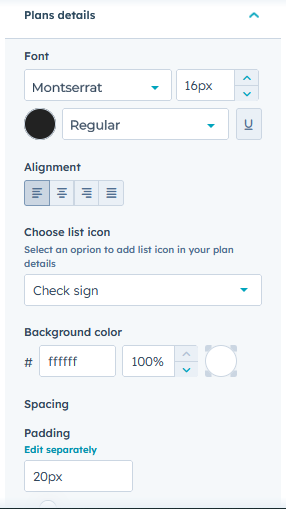
In plan details you can edit font type, style, size and alignment. You can choose the list icon, background colour, padding.
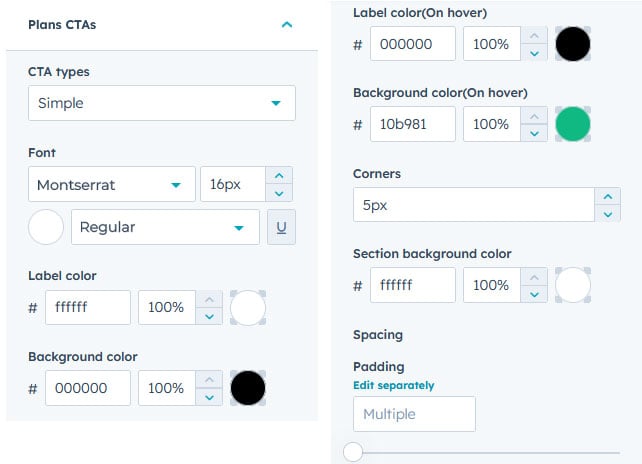
In Plan CTAs, you can edit CTA types, font type, style, size, label colour, background colour, corner radius, section background colour, and padding.
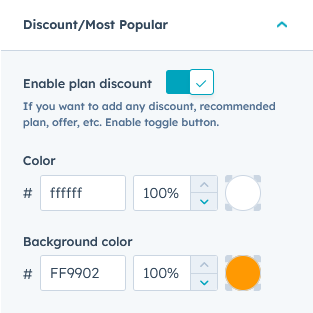
You can enable or disable the discount option in the card. When enabled, you can edit colour and background colour.
You can also show the “Most Popular” at the top of any card you want. This will help you showcase the most popular plan.