Easy Path

Introduction

Introducing "Easy Path" module Perfect for creating interactive experiences, it allows customization of each step with titles, descriptions, images, icons, and animated buttons. Enhance user engagement with visually compelling content tailored to your needs.


SUPPORT:

If you need assistance at any step of the way; get in touch with us at ProductSupport@transfunnel.com
And get Premium Support from Transfunnel - HubSpot's Elite Solutions Partner

Easy Path

Possible Layouts

Welcome to "Easy Path" module. Customize each step with titles, descriptions, images, icons, and animated buttons to enhance user experience with visually appealing and engaging content.

  • Step-by-Step Guides:Effortlessly guide users with our Step-by-Step Guides module. Customize each step with titles, descriptions, images, icons, and animated buttons for engaging content.
  • Custom Content: Add personalized titles and descriptions to each step, creating informative and engaging guides for your users.
  • Animated Buttons: Enhance user interaction with animated buttons that draw attention and encourage engagement at each step."
  • Responsive and mobile-friendly: The "Easy Path" module is designed to provide optimal viewing experiences on various devices, including desktops, tablets, and mobile phones. With its responsiveness, your page will adapt seamlessly, ensuring a consistent and engaging experience across all platforms. 
  • Customisation : The “Easy Path” module comes with a bunch of customisations, all of which you can control to give the user a seamless experience in tandem with your website’s colours, style, and design. 

Content features:


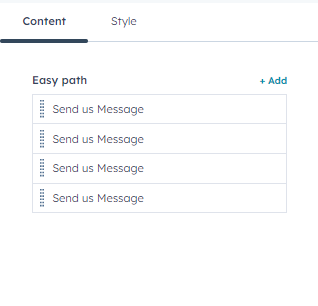
Customise the hover tile
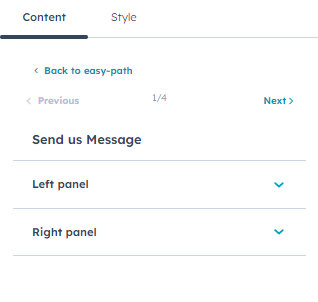
you can customize hover title inner in left panel, and right panel.
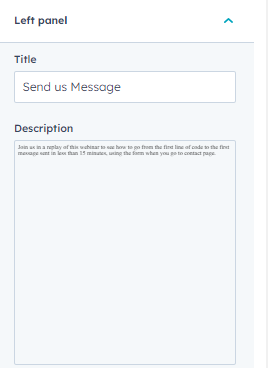
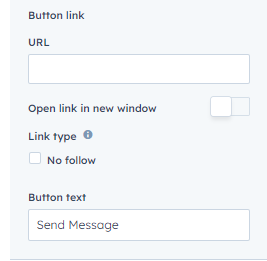


customize title and description with button
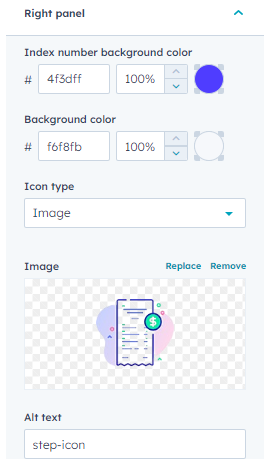

customize right pannel inner background color and image type select icon, custom image


Style features:
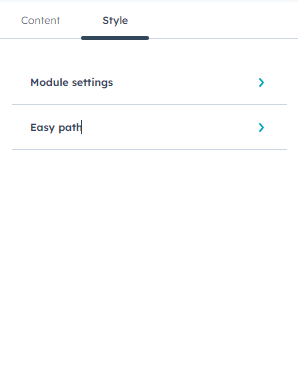


In style settings, you can customise module settings, easy path
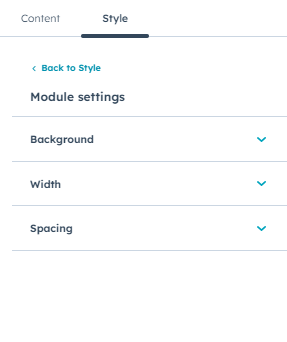
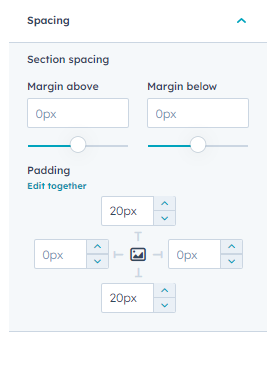
customize module settings inner background, width, spacing
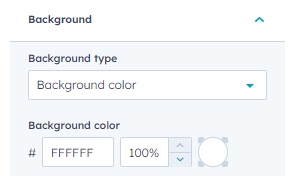
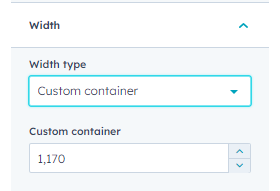


customize background color, width select type custom container and spacing
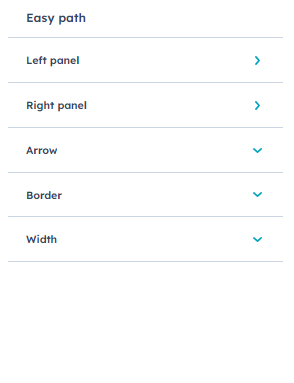


you can customize easy path settings
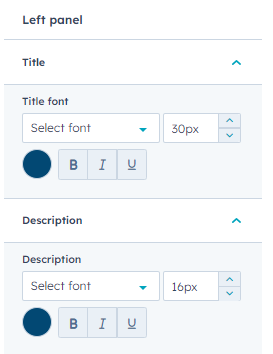
customize left pannel inner title font, description font
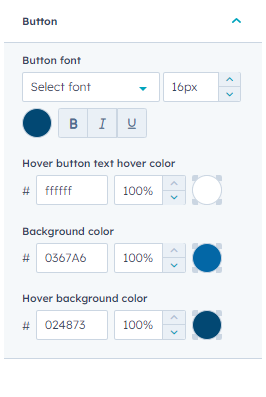

customize button font with hover button text color hover and background color, hover background color
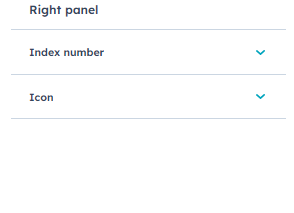

customize right pannel inner index number and icon
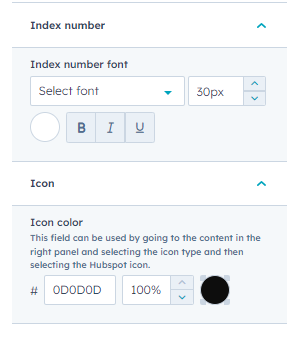
customize index number font and icon color
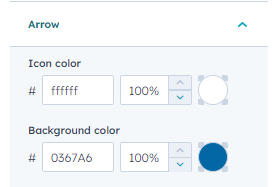
arrow customize icon color and background color
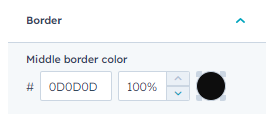
customize border middle color
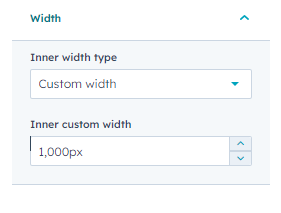

customize inner width type 

Conclusion:

Wrap up your "Easy Path" seamlessly. Ensure users navigate effortlessly with clear, engaging steps. Enhance their experience with visually appealing content and intuitive navigation."