
Table of Contents
Table of Contents
Possible Layouts
Layout Options: Welcome to the "Event Agenda" module, where you can harness the power of Event Agenda to engage your audience, and enhance your website's visuals. With range of customization options, this module offers flexibility to create a Events that aligns with your specific needs.
- Engage and Persuade: Event Agenda module evoke emotions and provide relatable experiences, making them a powerful tool for influencing purchasing decisions. This module tells you the events. This may also create an excitement within the existing customers
- Engage and Persuade: Event Agenda module provide relatable upcoming events.
- Flexibility and Customization: With numerous options, you have the flexibility to design a Event Agenda that suits your specific needs and aligns with your website's design language and to create a tailored events experience.
- Enhance Visual Appeal: Enable content to create visually appealing Event Agenda sections that capture attention and leave a lasting impression on your audience. The module's design options ensure that your Event Agenda stand out and complement your website's overall aesthetics.
- Responsive and Mobile-Friendly: The "Event Agenda" module is designed to provide optimal viewing experiences on various devices, including desktops, tablets, and mobile phones. With its responsiveness, your Event Agenda section will adapt seamlessly, ensuring a consistent and engaging experience across all platforms.
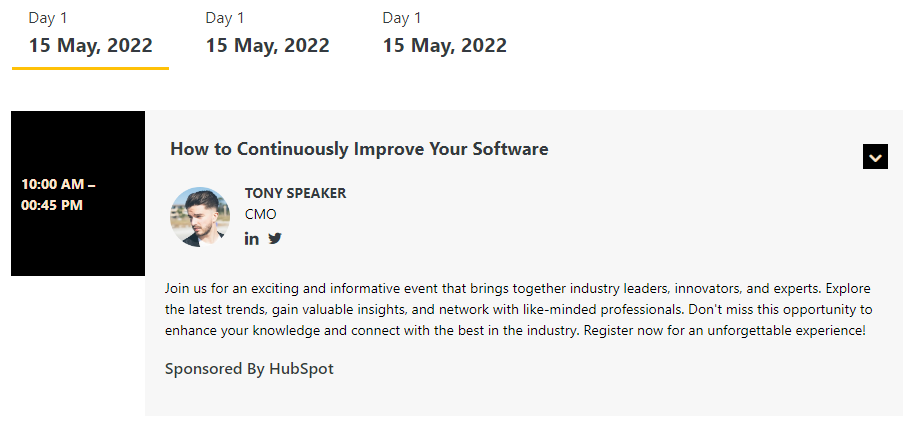
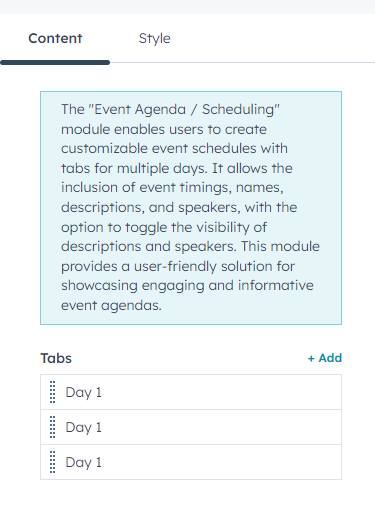
Content Section
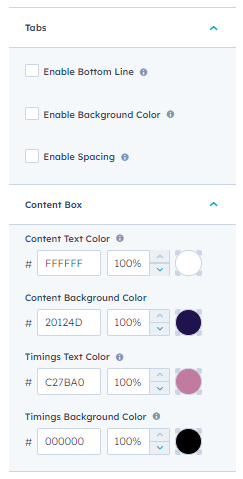
Style Section
The "Event Agenda / Scheduling" module enables users to create customizable event schedules with tabs for multiple days. It allows the inclusion of event timings, names, descriptions, and speakers, with the option to toggle the visibility of descriptions and speakers. This module provides a user-friendly solution for showcasing engaging and informative event agendas.
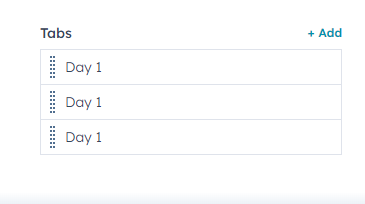
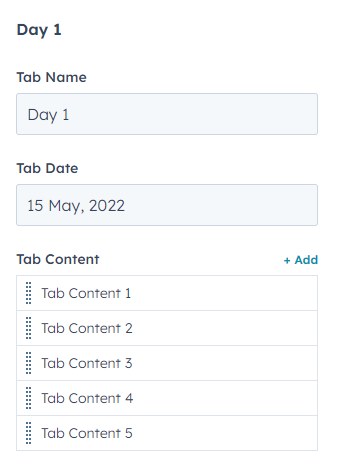
In the above image the module has Day 1 text area and date text area and under tab content you can add your events on day 1
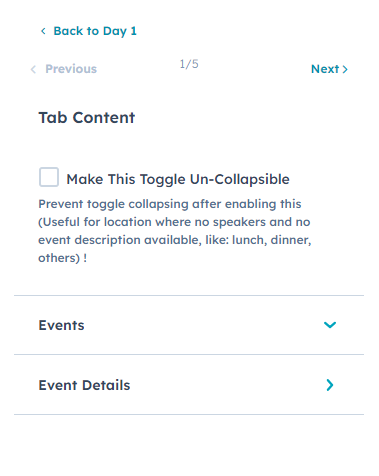
Once the toggle collapsible is enabled you see this part
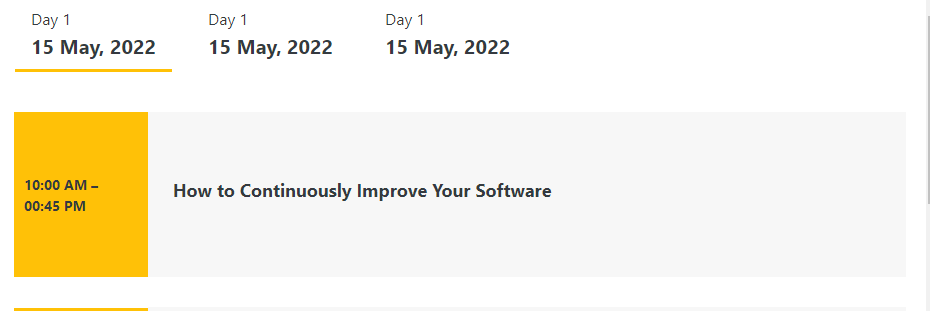
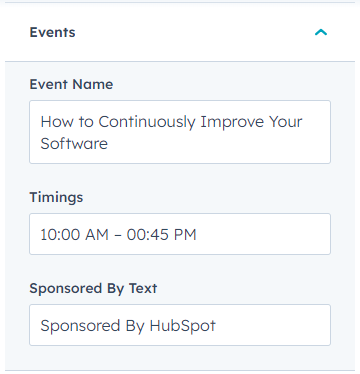
In the below image image you have image name text area, timings and sponsored area
Under Event Details module have description and speakers area
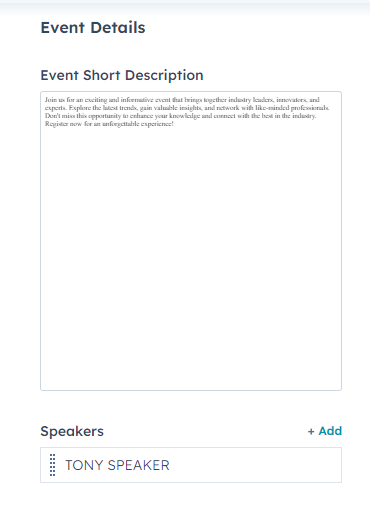
Under Speakers Area Name, Designation, Image & social icons is present.

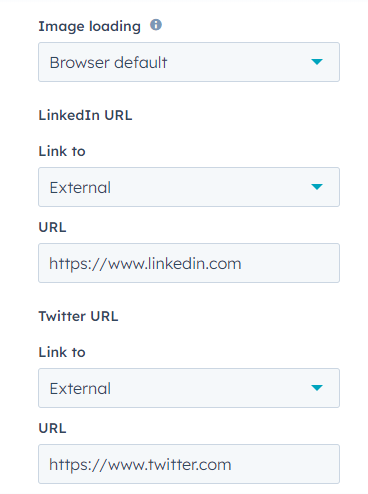
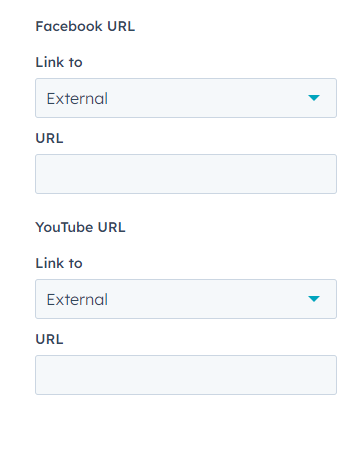
Under The style tabs the module have the option for tabs and content box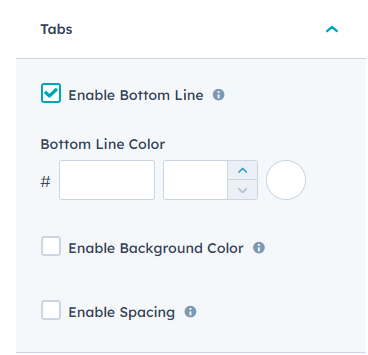
In tabs the module has enable bottom line and the color
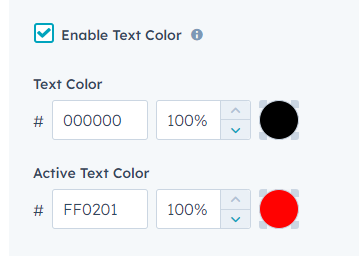
In tabs the module has enable text color the text color is for tabs
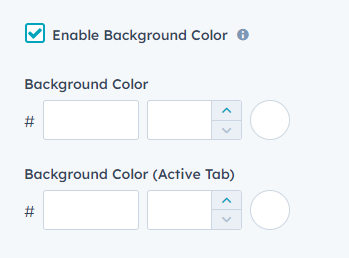
In tabs section the module has the background color option for both active and non active tab
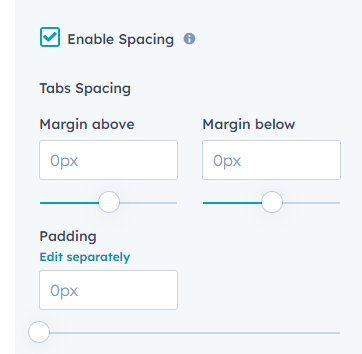
In enable Spacing module give options for tab spacing
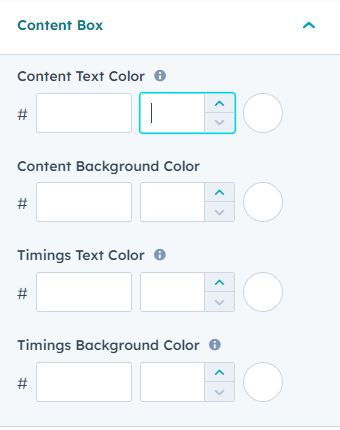
Under content box section module have content background color, timing background color and timing text color, content text color. For timing background color the same color will be applied to the background of the right arrow as well. And for timing text color the color will be applied to both the right arrow and the social icons of the speakers. Content text color used for the text color in the content section and to change the text color of description edit from rich text under content tab