Event Pro Documentation

Introduction

Introducing the “Event Pro ” module efficiently manages and displays event details on your website, including event types, names, dates, times, locations, descriptions, images, and registration links. A boolean property allows you to show or hide past events, ensuring current and relevant listings. Seamlessly integrate and customize to promote your events.


SUPPORT:

If you need assistance at any step of the way; get in touch with us at ProductSupport@transfunnel.com
And get Premium Support from Transfunnel - HubSpot's Elite Solutions Partner

Event Pro Documentation

Possible Layouts

Welcome to the "Event Pro" module Efficiently manage and display event details on your website. Categorize, inform, and engage attendees seamlessly. Control past events visibility with a boolean property for current listings.

  • Event Date: Present the date of the event prominently, ensuring attendees know exactly when it will take place.
  • Custom Fields: Add any additional information specific to your events with custom fields, ensuring you can cover all necessary details.
  • Show/Hide Past Events: Utilize the boolean property to control the visibility of past events. When enabled, past events will not be displayed on the page, keeping your event listings current and relevant. Disable this feature if you want to showcase past events for informational purposes or archiving.
  • Responsive and mobile-friendly: The "Event Pro" module is designed to provide optimal viewing experiences on various devices, including desktops, tablets, and mobile phones. With its responsiveness, your page will adapt seamlessly, ensuring a consistent and engaging experience across all platforms. 
  • Customisation : The “Event Pro” module comes with a bunch of customisations, all of which you can control to give the user a seamless experience in tandem with your website’s colours, style, and design. 

Content features:


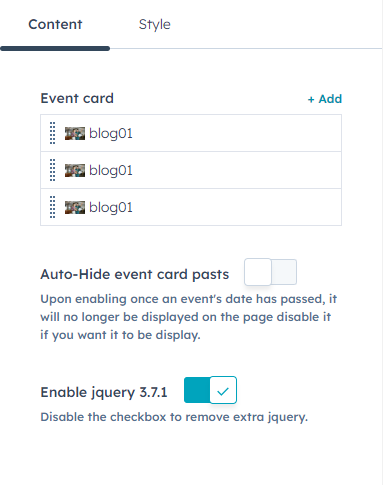
Customise the event card and auto-hide past events.
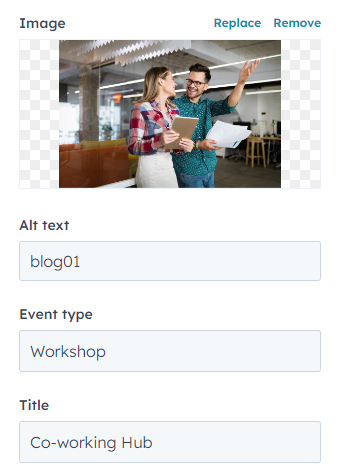
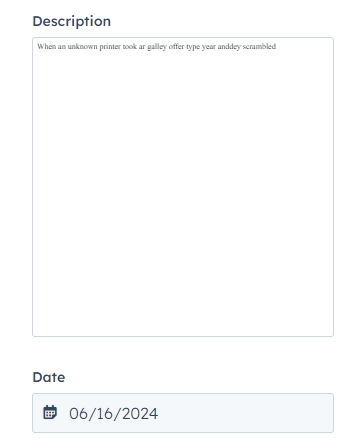


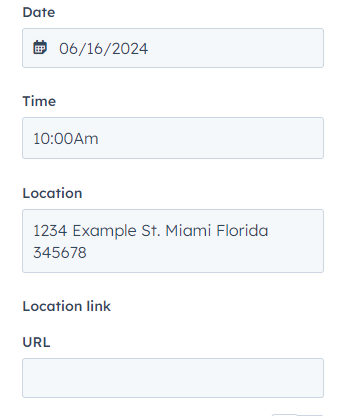
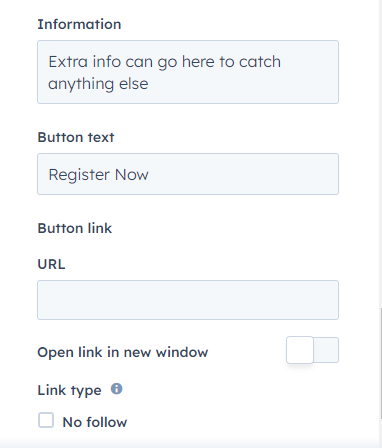
In event card settings, you can customise the image event type, title, description, date, time information location, location link add a button content. 

Style features:
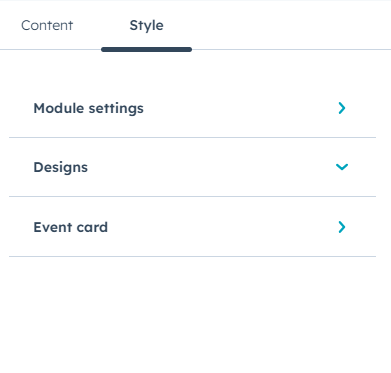


In style settings, you can customise module settings, designs, event card.
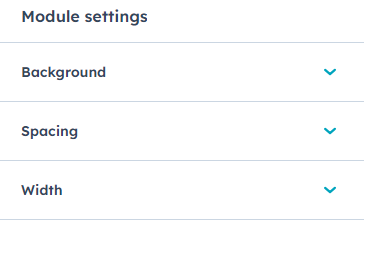


In module style, you can customise the spacing, background and width inner container settings. In spacing setting, you can customise the margins and paddings.
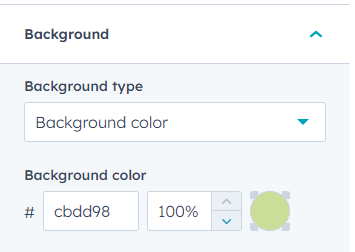
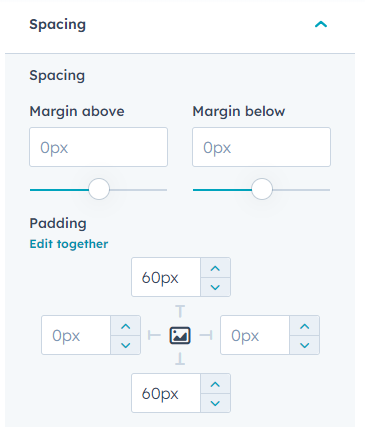
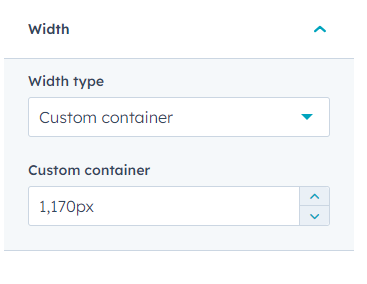


In background, spacing, width settings you can customise background type, colour, spacing, width.
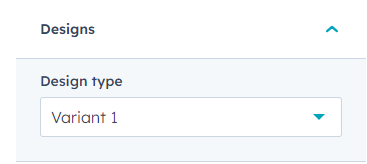

In customize in designs type.
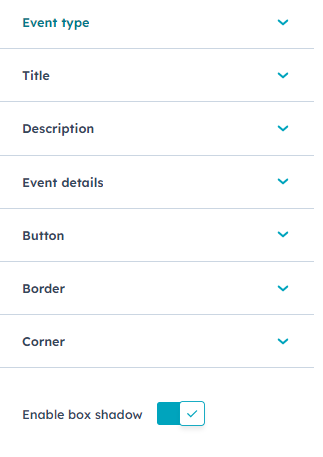

In event card style, you can customise the title, description, event details, button, border, corner and box shadow.
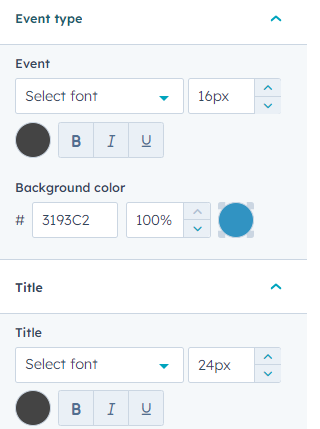
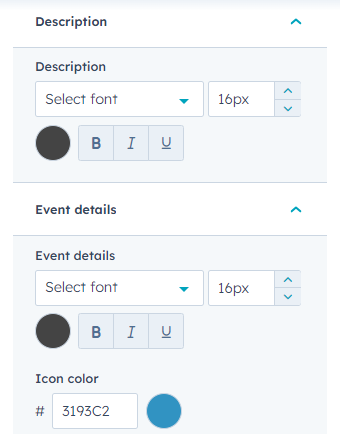
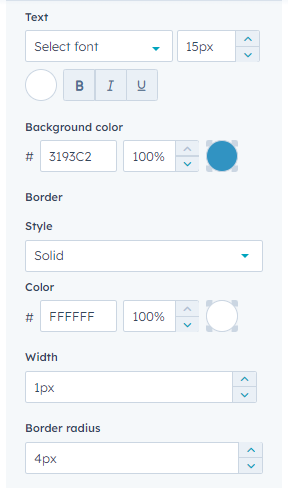
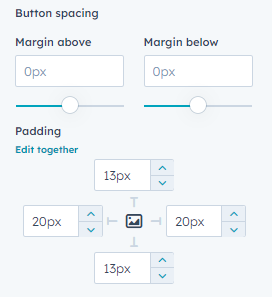
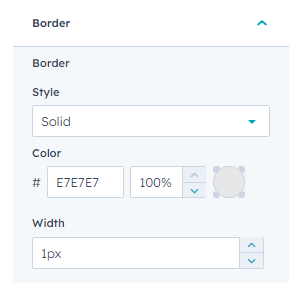
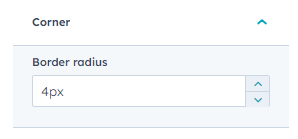
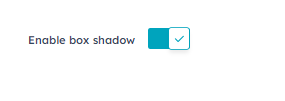


you can customize event type settings in color, and title, description, event details, button customize seettings, border, corner, and box shadow

Conclusion:

Transform your event management experience with the "Event Pro" module. From categorizing events to controlling past listings, streamline every aspect effortlessly. Engage attendees and keep your website dynamic with ease.