ExploreEase

Introduction

The "ExploreEase" Here, simplicity meets efficiency as you explore our intuitive interface. Easily navigate through clear icon titles and concise descriptions. Engage with bullet points highlighting key features, and dive deeper into detailed lists accompanied by enriching images.


SUPPORT:

If you need assistance at any step of the way; get in touch with us at ProductSupport@transfunnel.com
And get Premium Support from Transfunnel - HubSpot's Elite Solutions Partner

ExploreEase

Possible Layouts

Welcome to "ExploreEase " our user-friendly layout! Navigate effortlessly through clear icon titles and concise descriptions. Engage with bullet points highlighting key features. Dive deeper with detailed lists and enriching images.

  • Icon Title and Description : Clearly labeled with icons for quick identification and accompanied by concise descriptions.
  • Bullet Points: Highlight key features or benefits in easy-to-read bullet points, ensuring quick comprehension.  
  • Detailed Lists: Access detailed lists outlining specific steps, processes, or services offered by the module for thorough understanding.
  • Images: Visual aids accompany the text to enhance understanding and engagement.
  • Responsive and mobile-friendly The “ExploreEase” module is designed to provide optimal viewing experiences on various devices, including desktops, tablets, and mobile phones. With its responsiveness, your page will adapt seamlessly, ensuring a consistent and engaging experience across all platforms. 
  • Customisation : ExploreEase” module comes with a bunch of customisations, all of which you can control to give the user a seamless experience in tandem with your website’s colours, style, and design. 

Content features:

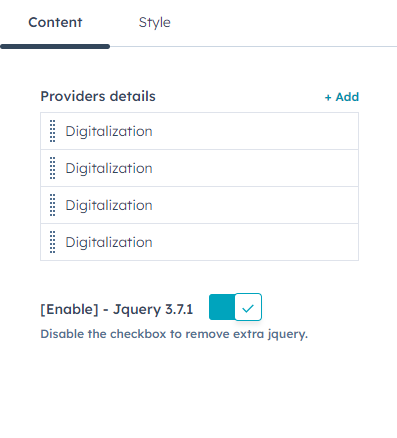
Easily add/remove panels to add provider details  information with further optimisation options.
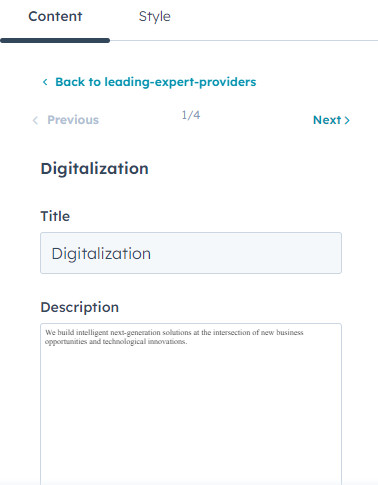


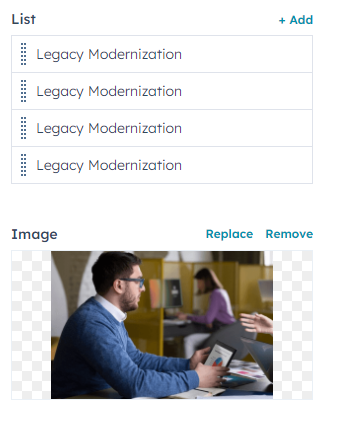
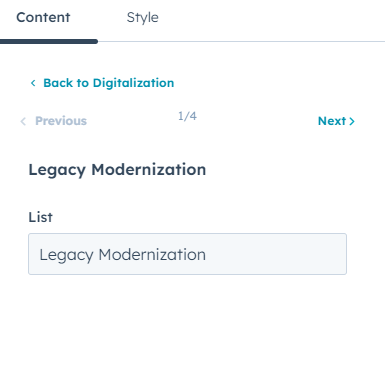
customize title, description list and images and list inner change list name


Style features:
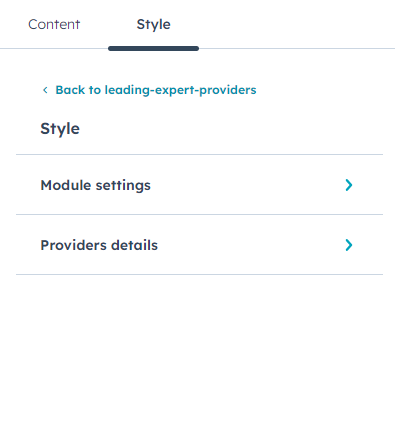

Customise your module style, module settings, provider details 
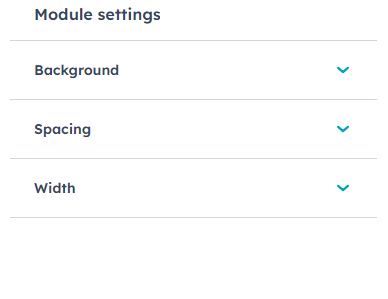

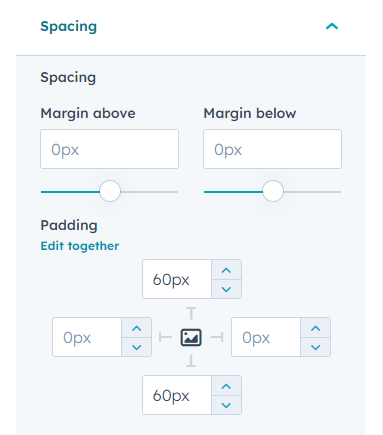
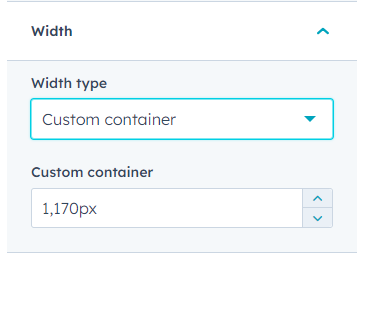
customize the module settings inner background, sapcing and width
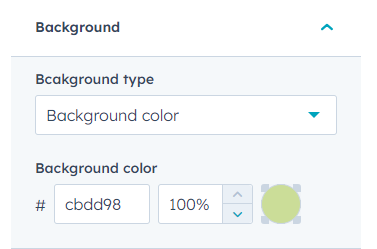


Customise the container, spacing and background settings from module style.
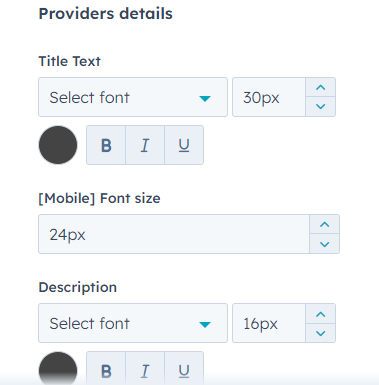

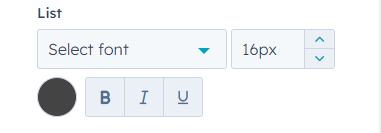
Customise provider details inner font style title, mobile font size, description and list
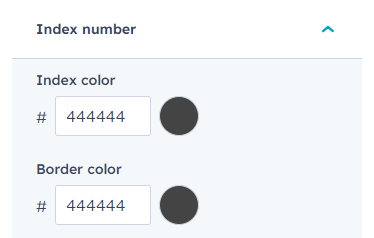


Customise index number inner color, border
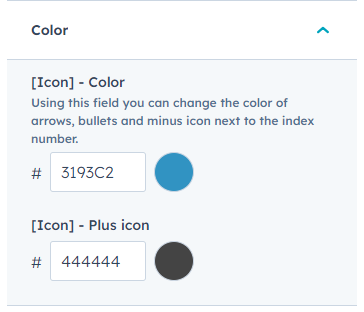
Customise color field group inner icon color, icon plus color
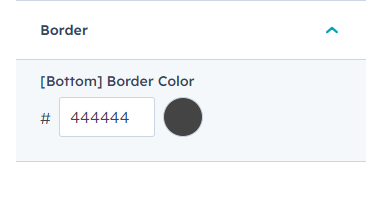

Customise border color

Conclusion:

The "ExploreEase" Easily navigate through clear icon titles and concise descriptions. Engage with bullet points highlighting key features, and dive deeper into detailed lists accompanied by enriching images. making your journey effortless and enjoyable.