Horizontal Workflow

Introduction

Welcome to "Horizontal Workflow" Sequential steps guide users, enhancing comprehension and engagement. This innovation streamlines user experience, particularly in tutorials, process demos, or data presentations. With clear guidance and full-screen focus, it simplifies information flow, revolutionizing digital interaction.


SUPPORT:

If you need assistance at any step of the way; get in touch with us at ProductSupport@transfunnel.com
And get Premium Support from Transfunnel - HubSpot's Elite Solutions Partner

Horizontal Workflow

Possible Layouts

Welcome to "Horizontal Workflow" Sequential steps with descriptive text & numbers for clear guidance, sans navigation. Full-screen layout ensures focus & comprehension. Perfect for tutorials, process demos, or data presentations, enhancing user experience by simplifying information flow.

  • Linear Steps with Title & Descriptions: stage are presented in a straight line, each including a brief title, description and a number. This layout is ideal for tutorials or instructional content.
  • Full-Screen Slides:  Each stage takes up the entire screen, providing a high impact with a clear focus on one stage at a time. This layout is effective for presentations or immersive tutorials.
  • Responsive and mobile-friendly The "Horizontal Workflow" module is designed to provide optimal viewing experiences on various devices, including desktops, tablets, and mobile phones. With its responsiveness, your page will adapt seamlessly, ensuring a consistent and engaging experience across all platforms. 
  • Customisation : The “Horizontal Workflow” module comes with a bunch of customisations, all of which you can control to give the user a seamless experience in tandem with your website’s colours, style, and design. 
Content features:


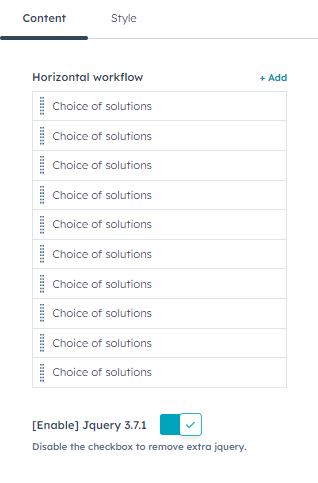
Customise the horizontal workflow  inner content title and description and add more workflow from content settings.
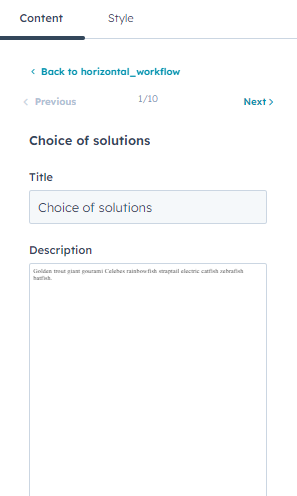

In horizontal workflow settings, you can customise the title, description.

Style features:
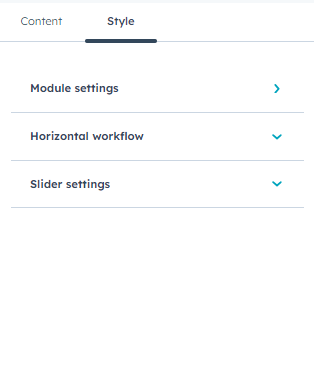

In module style settings, you can customise the module style.
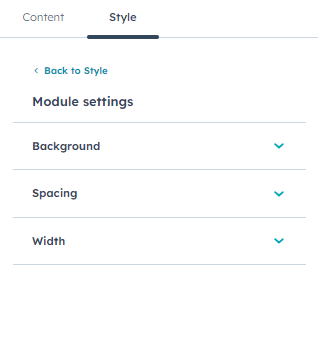

In module style, you can customise the spacing, background and container settings. In spacing setting, you can customise the margins and paddings
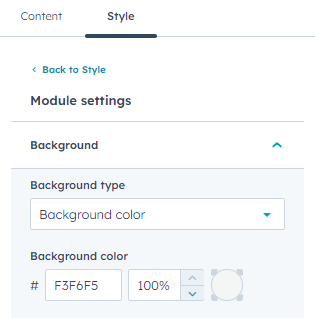

In background settings, you can customise background type, colour, gradient.
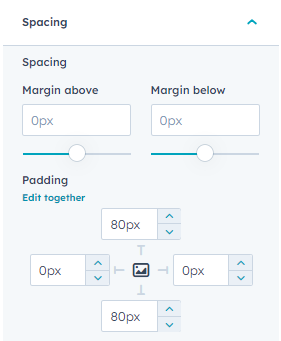


 In spacing settings, you can customise spacing margin, paddings
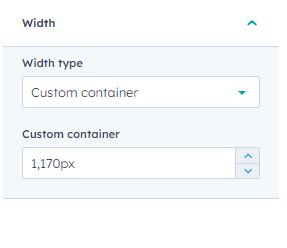
you can customise module section width default full width, and custom container.
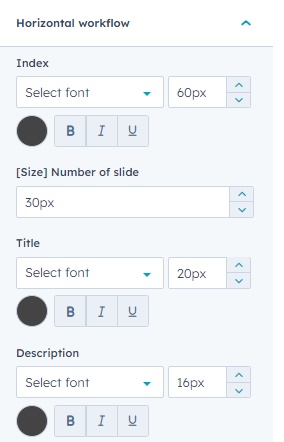
you can customise horizontal workflow inner  index, numbe of slider and title, description and dots color, background etc.
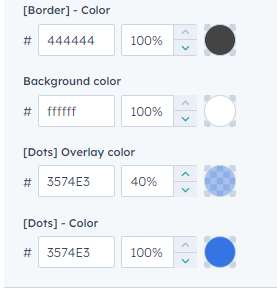
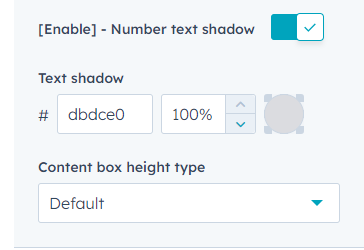


you can customise text shadow enable disable with select color and customise box height.
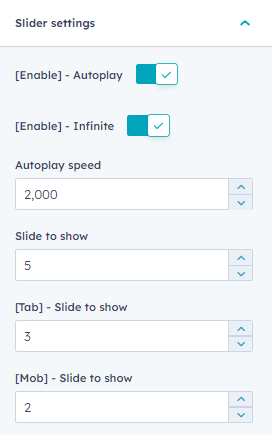


you can customise Slider settings autoplay, infinite, slide to show desktop and mobile.

Conclusion:

The "Horizontal Workflow"represents a significant advancement in user interface design. Its seamless sequential steps provide clear guidance and enhance user engagement. By simplifying information flow and maintaining full-screen focus, it streamlines the user experience, particularly in tutorials, process demos, or data presentations. This innovative tool revolutionizes digital interaction, making complex information more accessible and engaging for users.