
Table of Contents
Table of Contents
Content features:

Add/remove the filter menu (Filter Keyword Buttons) and gallery content from content settings with further customisations shown below:
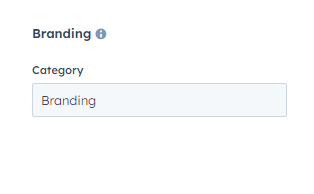
In customising the filter menu setting, you can customise its content.
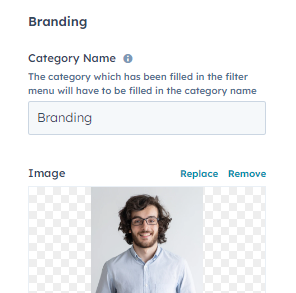
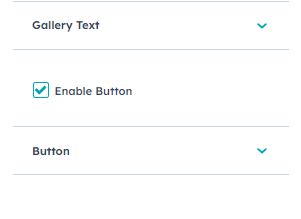
In gallery content setting, you can customise the category, image, gallery text and button.
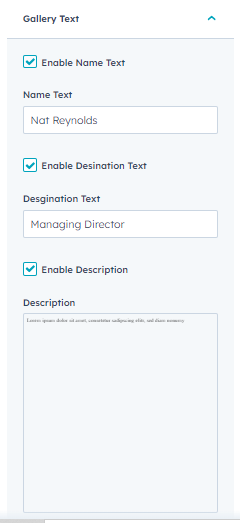
In gallery text, you can customise Name text, Designation text and description. There are also check boxes to enable/disable any of the three.
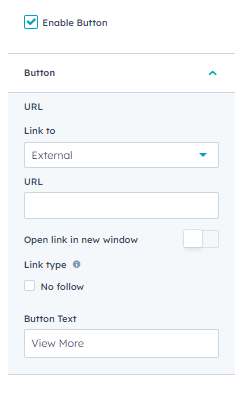
You can enable/disable and customise the button URL, link type and button text from button settings.
Style features:
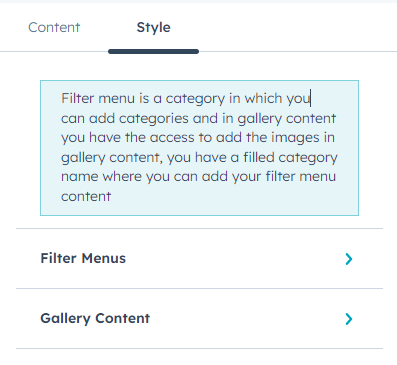
You can customise the module’s gallery design, filter menus and gallery content from style features.
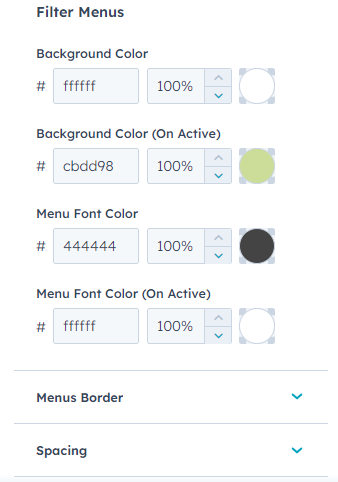
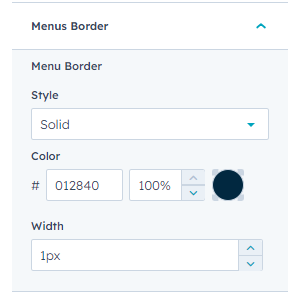

Customise filter menu’s colours, borders and spacing from filter menus settings.
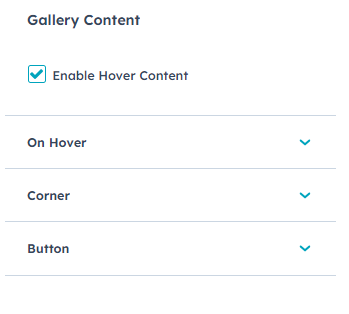
Customise your gallery.
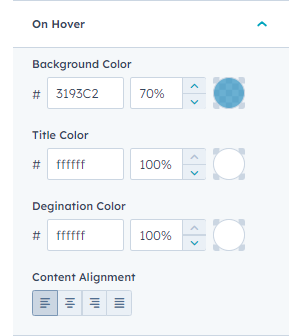
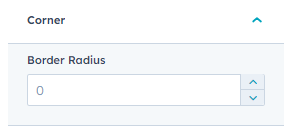
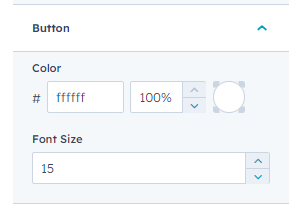
Enable On Hover button to get the overlay colour, slide up animation and content over the image with overlay colour when the user hovers over the image. In this, you can customise what happens to gallery content when the cursor hovers over the image form on hover settings, border radius from corner settings and button text colour and font size from button settings.
Disable On Hover button
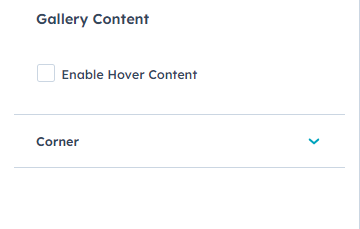
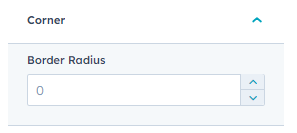
Disabling On Hover button will make your module simple and elegant. With hover above effect, you can customise the image corner radius.