Interactive Columns Documentation

Introduction

The “Interactive Columns” module provides you with the functionality to easily add multiple products, services, and resources in a single page in a stylish way. It also allows you to individually hyperlink any column to your desired link.


SUPPORT:

If you need assistance at any step of the way; get in touch with us at ProductSupport@transfunnel.com
And get Premium Support from Transfunnel - HubSpot's Elite Solutions Partner

Interactive Columns Documentation

Possible Layouts

Layout Options: Welcome to the "Interactive Columns" module, which when used makes your website stylish

  • Vertical Columns: The module provides stylish vertical columns with options to customise them to fit your website design and theme.
  • Image and Overlay: The stylish columns allows you to add image, overlay animations and options to change visuals when a column is active
  • Responsive and mobile-friendly: The "Interactive Columns" module is designed to provide optimal viewing experiences on various devices, including desktops, tablets, and mobile phones. With its responsiveness, your page will adapt seamlessly, ensuring a consistent and engaging experience across all platforms
  • Customisation:The “Interactive Columns” module comes with a bunch of customisations, all of which you can control to give the user a seamless experience in tandem with your website’s colours, style, and design.

Content features: 

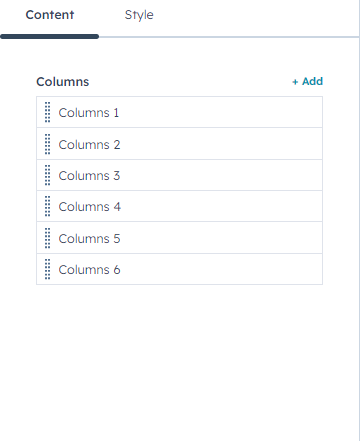
Add or remove columns with further customisation options.  
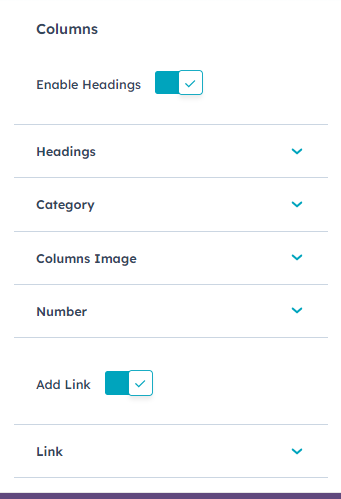
In each individual column: 
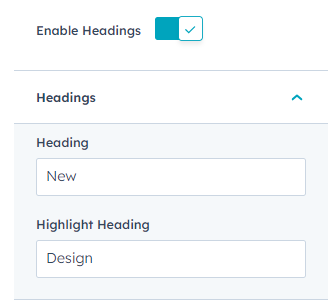
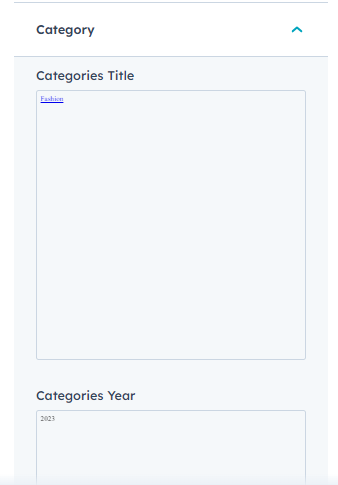
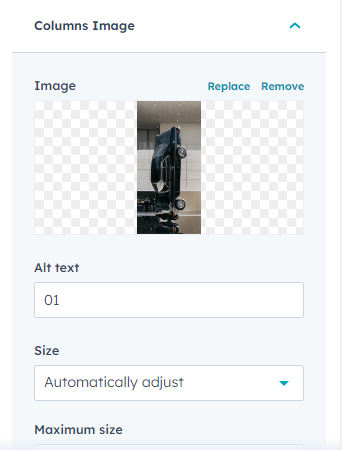
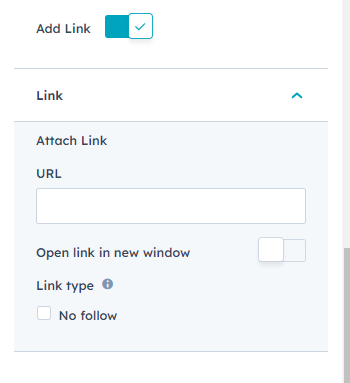
Add heading, category, column image, number, and link in the individual column. 

Style features: 
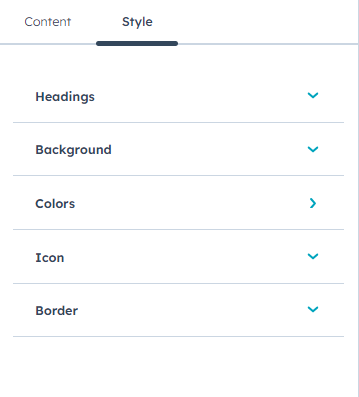
Customise your module with heading, backgrund, colours, icon and border setting from Style settings. 
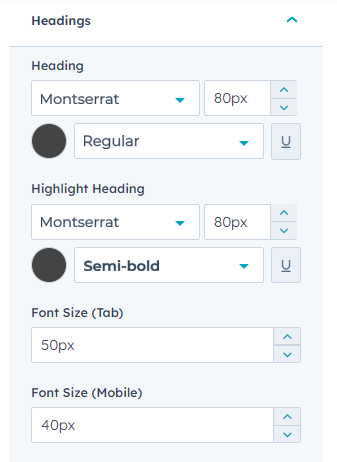
Customise heading font type, style, size and colour separately during active and inactive state. You can customise the heading size separately for tablet and mobiles. 
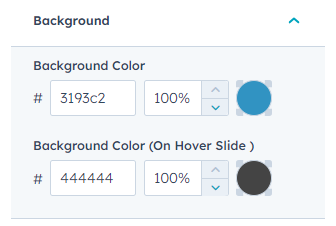
Customise the hover and non-hover background colour. 
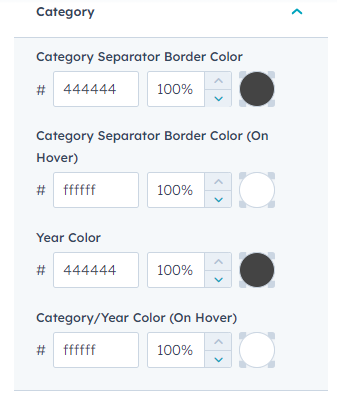
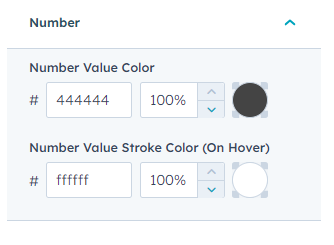
Customise the colours of category separator border colour, year and number value for hover and non-hover separately from colours setting. 
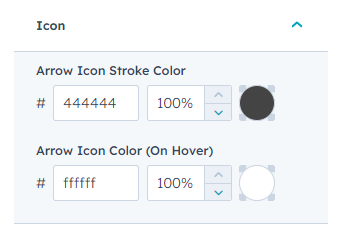
Customise the arrow icon stroke colour from icon settings. 
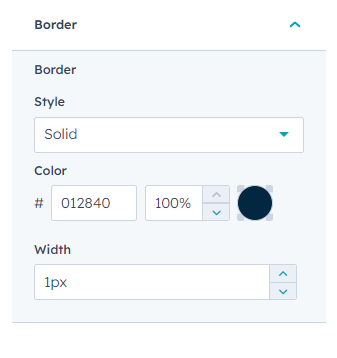
Customise the border style, colour and width from border setting. 

Conclusion:

The “Interactive Columns” module provides you with the functionality to easily add multiple products, services, and resources in a single page in a stylish way. It also allows you to individually hyperlink any column to your desired link. Start leveragingInteractive Columns” module today.