
Table of Contents
Table of Contents
Possible Layouts
Layout Options:Welcome to the "Job Listing" module, which when used makes your website more organised and looks professional. The customisations that this module offers give you the options to choose many styles, colours, and give your website a visual character.
- Filter relevant jobs: The “Job Listing” module enables you to add jobs on your website along with filter options to help user easily view relevant jobs. This not only helps the user but also helps the organisation as it decreases irrelevant job enquiries.
- Enhances the viewing experience: The “Job Listing” module gives you a professionally stylish and organised way to list jobs on your website. It enhances the viewing experience of the user by enabling you to add multiple beautiful customisation options.
- Responsive and mobile-friendly: The "Job Listing" module is designed to provide optimal viewing experiences on various devices, including desktops, tablets, and mobile phones. With its responsiveness, your page will adapt seamlessly, ensuring a consistent and engaging experience across all platforms.
- Customisation: The “Job Listing” module comes with a bunch of customisations, all of which you can control to give the user a seamless experience in tandem with your website’s colours, style, and design.
Layout 1
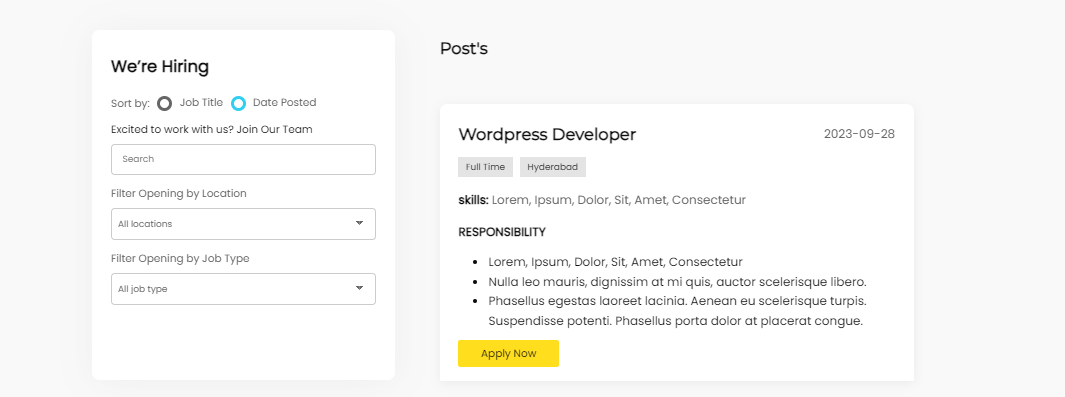
Content features:
The content part has many customization and editing options that let you add information about the job. You can edit the job title, Job description, required skills, and more.
NOTE-
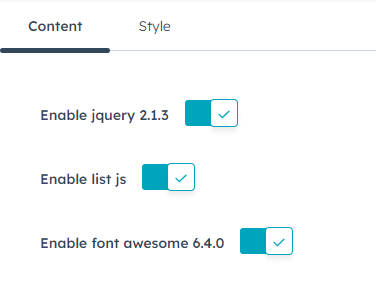
- If you already have “jQuery 2.1.3” or higher enabled in your website, disable the “Enable jquery 2.1.3” button shown below.
- If you have “list JavaScript library” enabled in your website, disable the “Enable list js” button shown below.
- If your website contains “font awesome” library, you can disable the “Enable font awesome 6.4.0” button shown below.
Whole Content
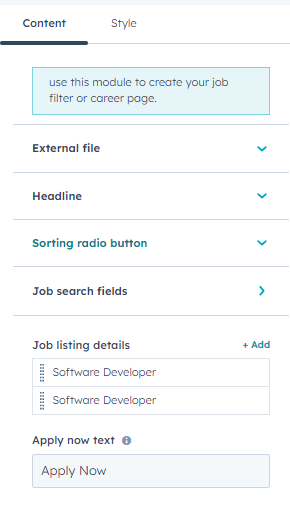
There are 2 card types, One for Sorting and filtering options and the second one for job details. Both have their own specific content and style features.
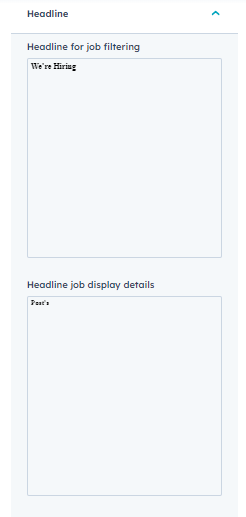
Sorting Section
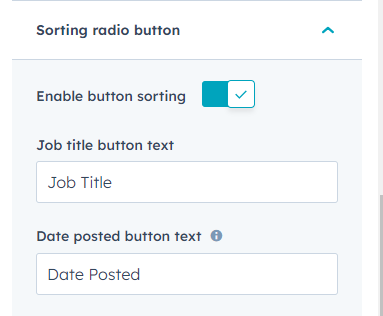
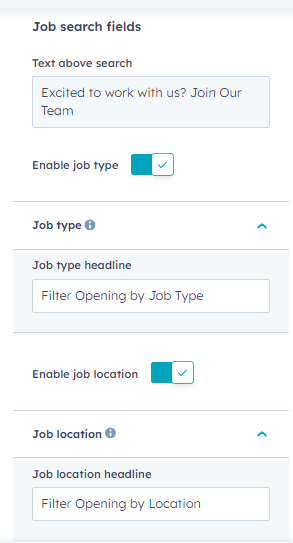
You can edit headline for job filtering, job display details, text above the search bar, enable/disable sorting by job title or date of posting of the jobs on the website, and filter by location and job type.
Job listing whole section
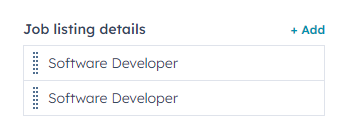

In Job details, you can add multiple job posts each in different cards, edit job title, job type, job description, location, date, job skills and apply link embedded in the customisable Apply Now button.
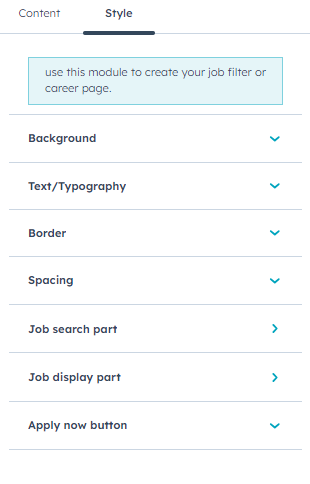
In style features, you can customise the background, text/typography, borders, spacings, job search part, job display part and apply now button.
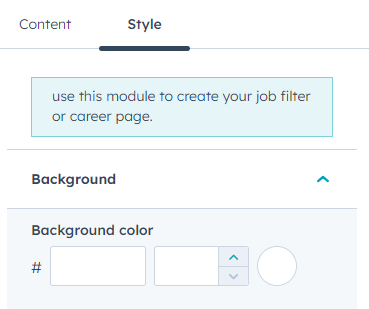
You can edit the background colour of the job filter or career page.

You can customise the fonts in this module.
NOTE- To edit the text in “Job location filter”, “Job type text” and “Sort type text”, you need to “Job search” tab to change their font family.
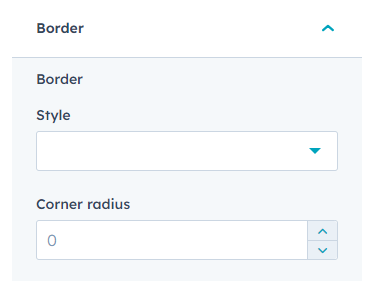
You can edit the border style and its corner radius.
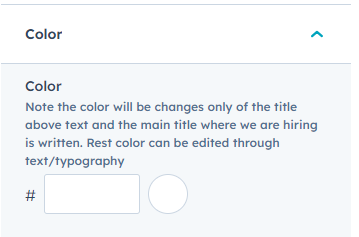
You can edit the colour of the job search part.
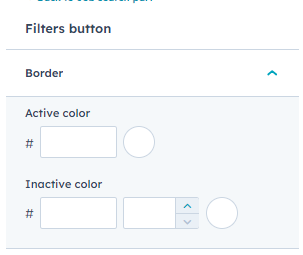
You can customise the boreder colour in active or inactive forms.
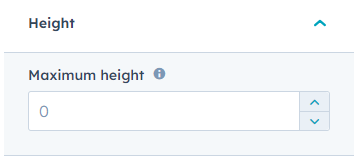
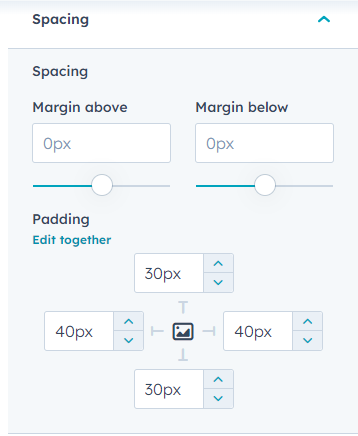
You can customise height, spacing and paddings.
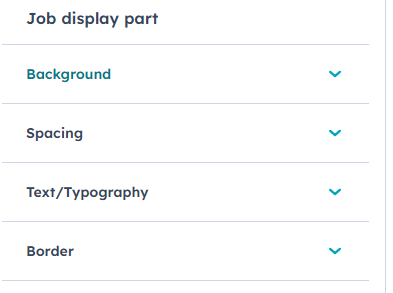
You can edit the section border style and corner radius. You can also edit the spacing margins and padding.
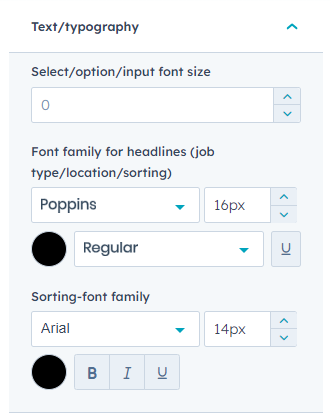
You can edit the text/typography colour, and edit both title and content text’s font family, type, size and colour.