Table of Contents
Table of Contents
Content features
Welcome to the “Multiple Filters for Resource” module.
On the content side, you find more options for adding content to you see below:
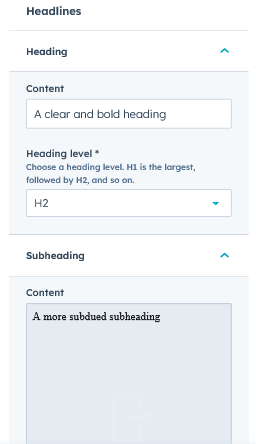
Section headlines: In this option, you have the option to add the section title and subtitle for your section see the screenshot below:
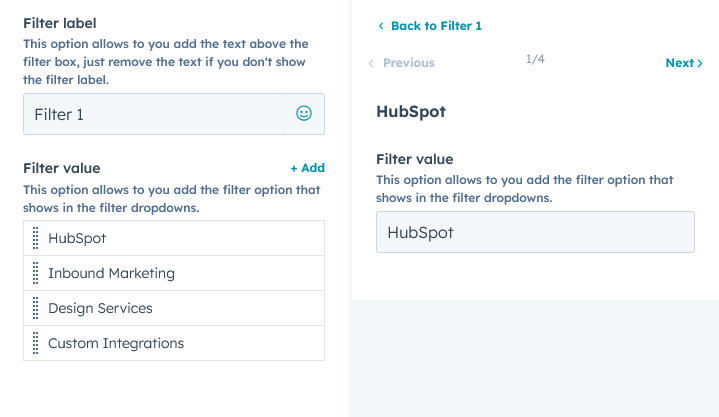
Filters: In this option you have the option add and remove the filter as you want and also have option to add multiple filters values in a single filter for this see the screenshot below:
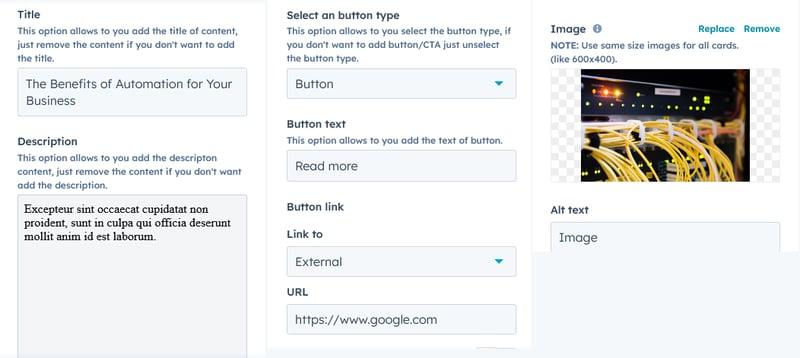
Resource Cards: For resource cards you have multiple option here you can add title, description, button and image also and you have option to add URL in you Resource Cards see the option below:
Style features:
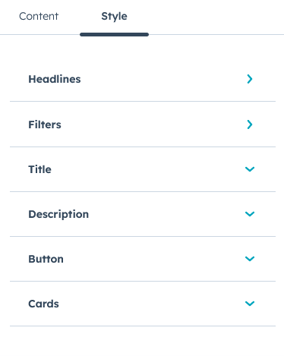
Section headlines styles: In this option, you customise your title pretty well according to you, here you find the multiple options to changes the title and description styles, options are Font size, font family, color, font styles, and font size in mobile devices also you can add line height, text transform and letter spacing.
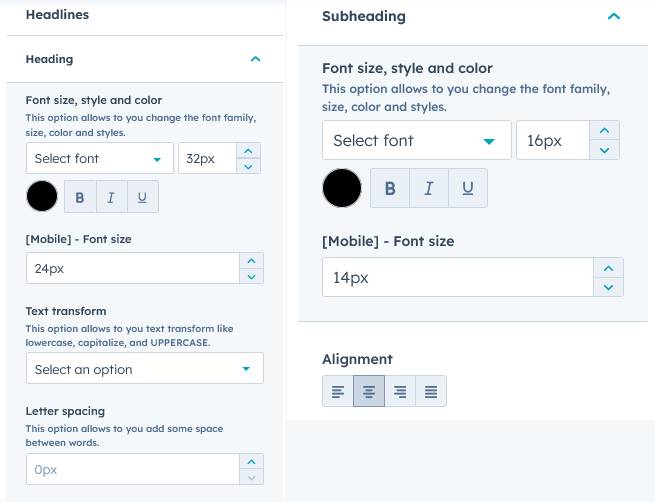
Filters:
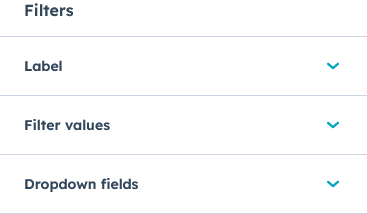
In the filter option you have three elements styles options.
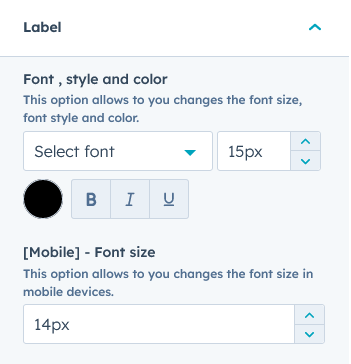
Label: In this option you have option to customise the font styles , color, font family and mobile font size, see the screenshot below:
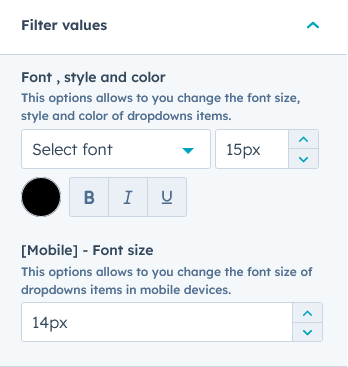
Filter values: In this option you have options to customise the dropdown filter values link: font styles , color, font family and mobile font size, see the screenshot below:
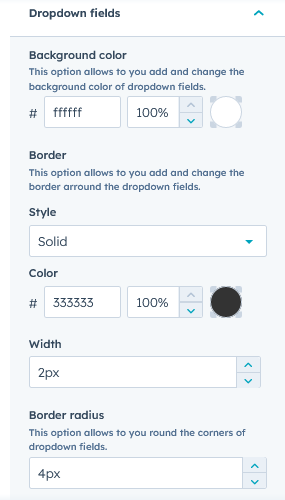
Dropdown field: In this option you have the options to customise the dropdown field font styles, color, and font family and also have the option the change the background color and add the border to the fields, see the screenshot below:
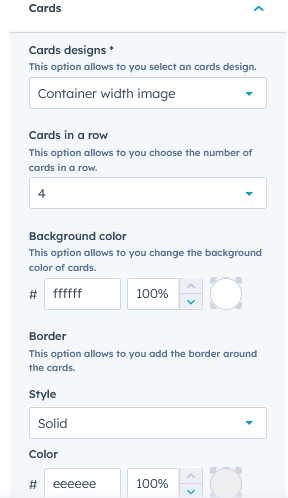
Cards: In this option you customise the background color , border, border radius and cards shadow colors.
Also you have the option to choose the cards design type here you find the 2 cards design types(Full width image and Container width image) see the below screenshot:
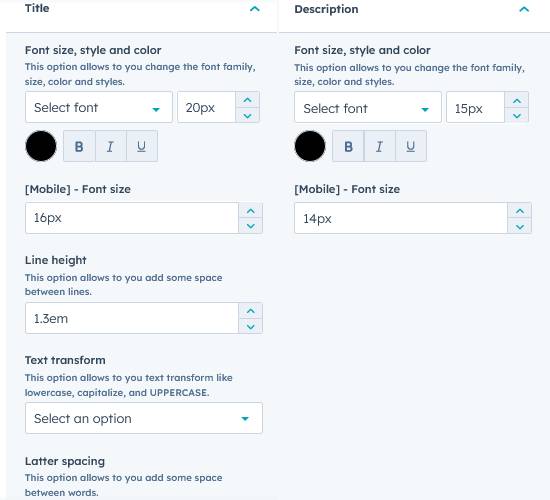
Title and description: In this option you customise title and description font style, color, line height , text transform etc see the screenshot below:
Button: In this option customise the button styles font. color , text transform etc.
See the screenshot below: