Client Review Documentation

Introduction

Welcome to our dynamic “Client Review” module. This module offers multiple ways to showcase your client reviews on your website. With static and scrolling variations available in the module along with many customisations, you can be assured to find what you are looking for. Empower your website with this powerful module.


SUPPORT:

If you need assistance at any step of the way; get in touch with us at support@transfunnel.com
And get Premium Support from Transfunnel - HubSpot's Elite Solutions Partner

Client Review Documentation

Layout Options: Welcome to the "Client Review" module, which when used makes your website more organised and more informative. The customisations that this module offers give you the options to choose many styles, colours, and methods to add videos to your website. 

  • Static Reviews: This module gives you the option to add client reviews on your website in a static grid. You can add images, review stars, testimonials in various eye-catching yet simple designs.  
  • Scroll your reviews: Want to showcase your testimonials in stylish and automatic sliders, this module has got you covered. 
  • Responsive and mobile-friendly: The "Client Review" module is designed to provide optimal viewing experiences on various devices, including desktops, tablets, and mobile phones. With its responsiveness, your page will adapt seamlessly, ensuring a consistent and engaging experience across all platforms. 
  • Customisation: The “Client Review” module comes with a bunch of customisations, all of which you can control to give the user a seamless experience in tandem with your website’s colours, style, and design. 

Content features:

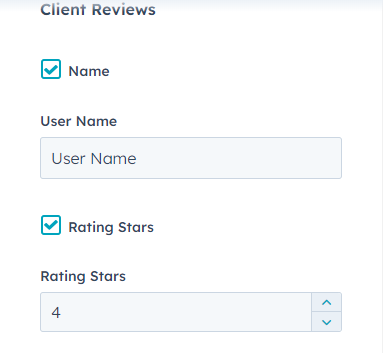
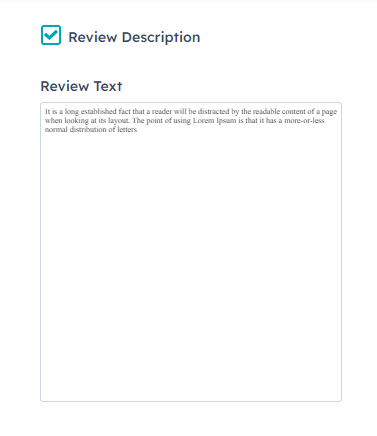
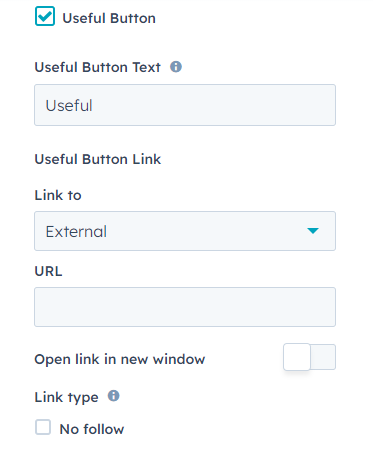
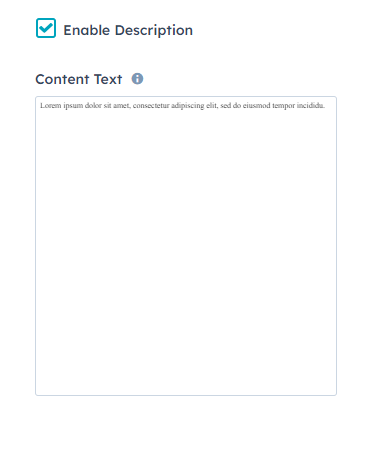
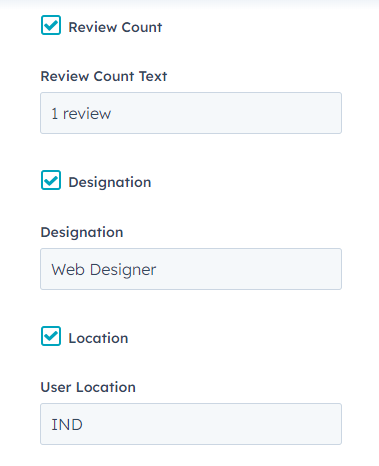
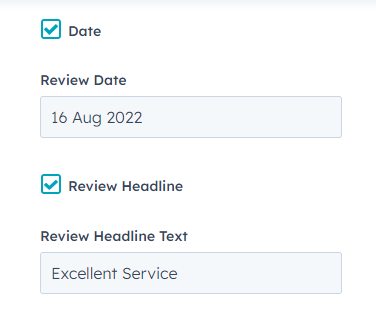
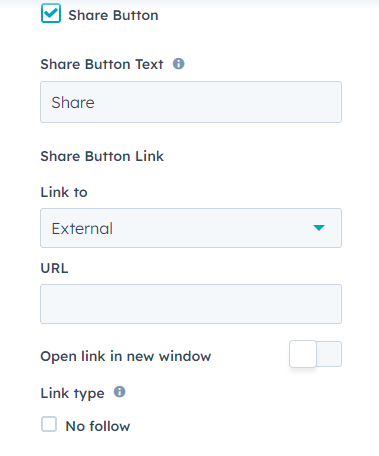
In content settings, you can customise the client reviews and enable/disable styles. 
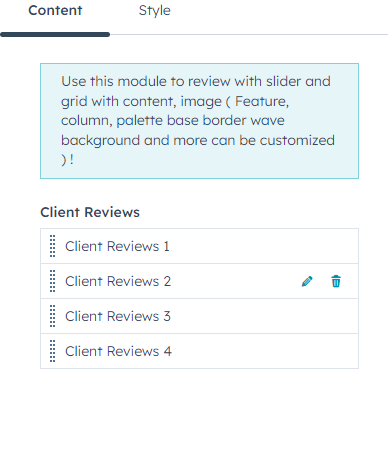
You can add/remove and customise any field shown in the above images. You can customise the content in the testimonial card using these.

Style features

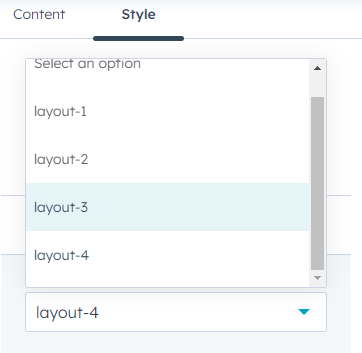
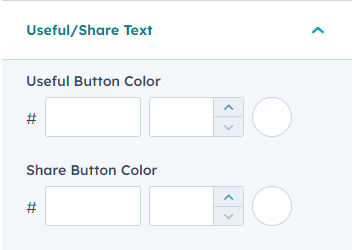
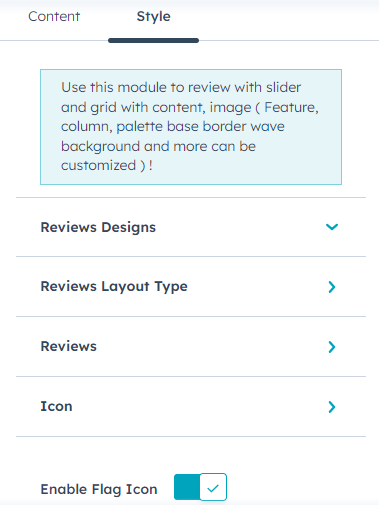
In style settings, you can customise the review designs, review layout type, reviews and icon in the module

  • In style settings, you can customise the review designs, review layout type, reviews and icon in the module. 
  • You can customise the review design type from review designs setting. 
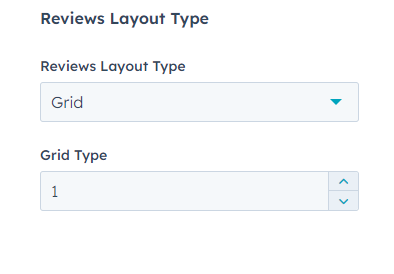
  • You can customise the review layout type and grid type from reviews layout type settings.
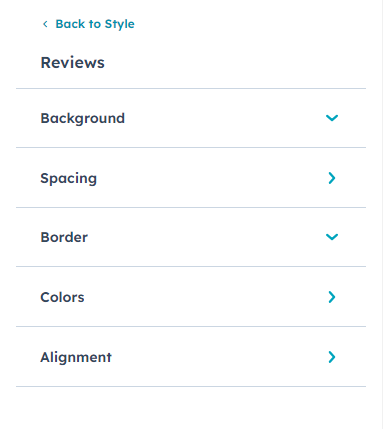
  • In reviews setting, you can customise the background, spacing, border, colours and alignment in the module. 
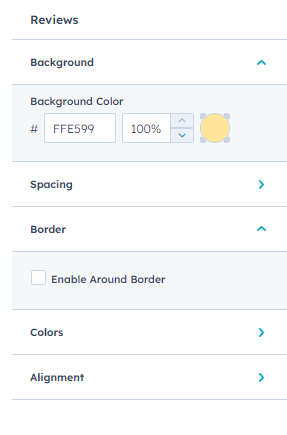
  • You can customise the background colour from background setting. 
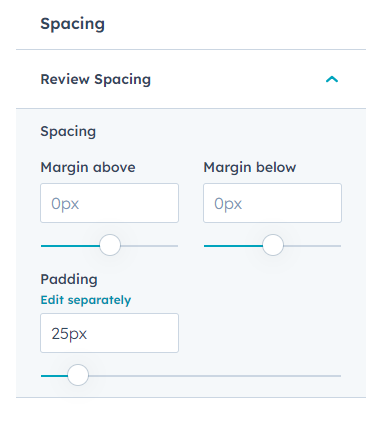
  • You can customise the spacing and paddings in spacing settings. 
  • You can enable/disable border around the testimonial from border setting. 
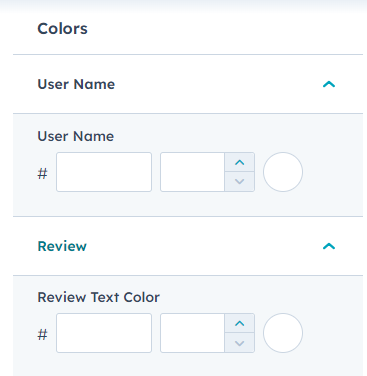
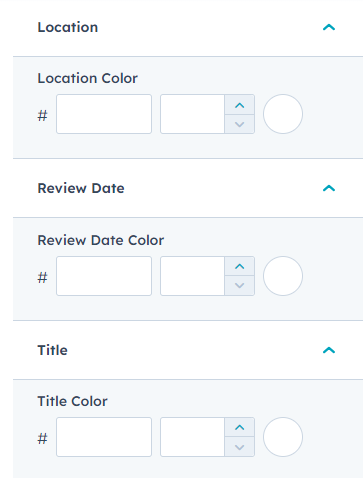
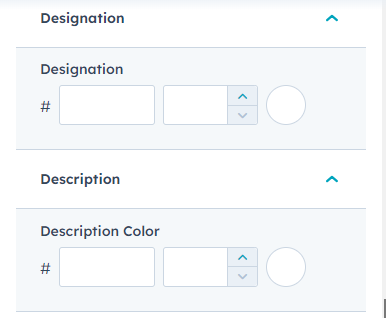
  • You can customise the module colours using colours setting. 
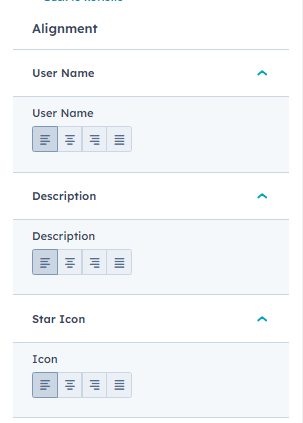
  • You can customise the alignment of the testimonials using the alignment settings. 
  • You can customise the icon size, and icon colour using icon setting.  


Conclusion:

The "Client Review " module provides you a powerful tool to showcase your client reviews or testimonials with plethora of available customisation options. With this, you can make your website viewing experience seamless, organised, and better to view in structured manner. Start leveraging client reviews to garner website visitor trust.