
Table of Contents
Table of Contents
Content features:
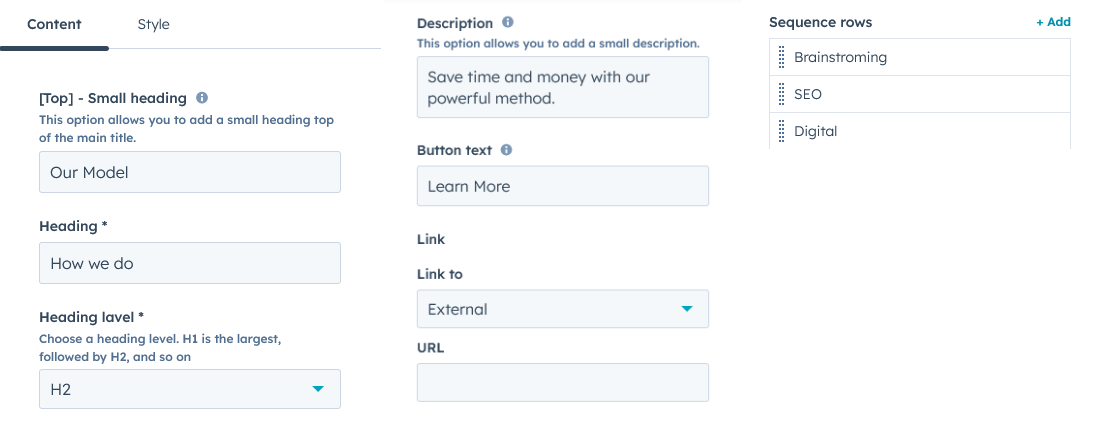
You can customize the Small title, heading, heading level, description button, and Sequence operations repeter from it’s content settings.
Style features:
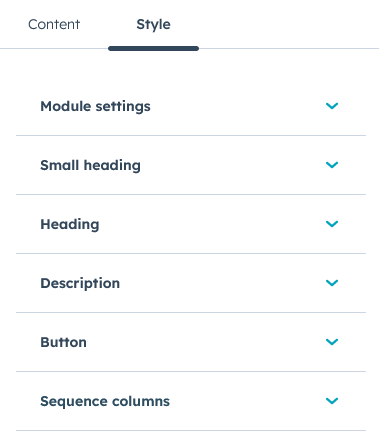
In style settings, you can customize small headings, headings, descriptions, buttons, and repeater styles in the module.
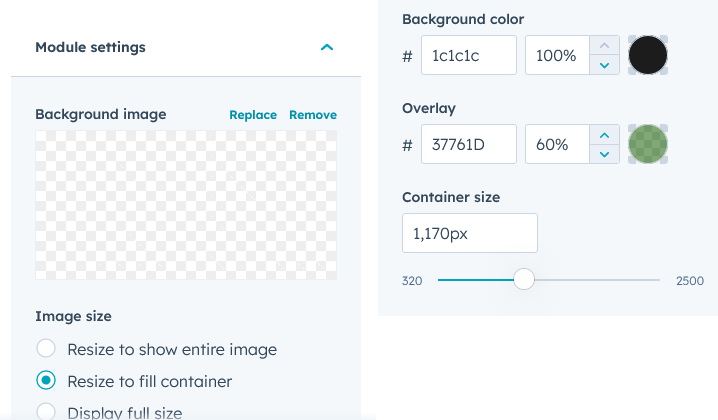
In the module settings you can customise the background image, background color, ovarlay color and module container size.
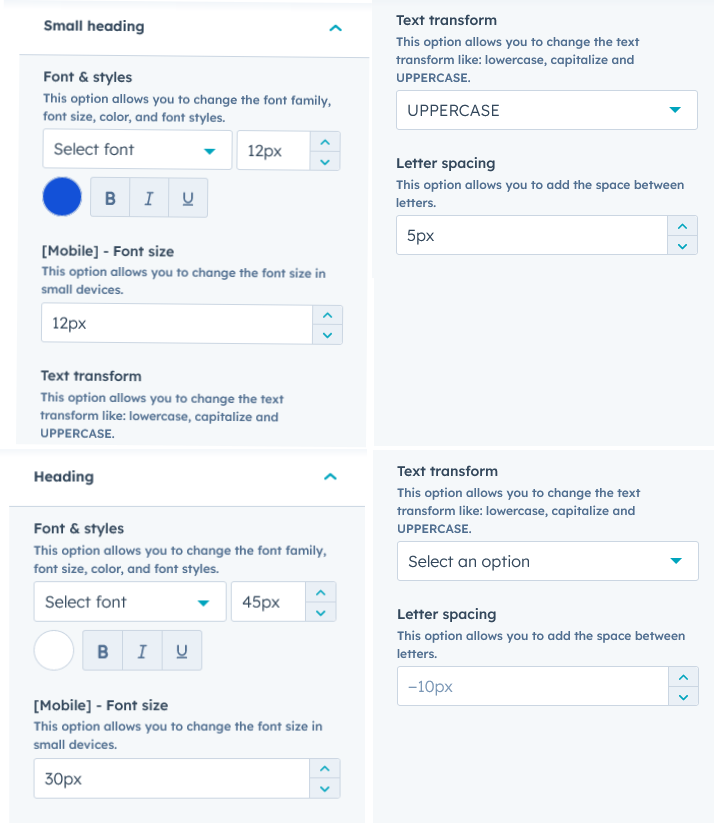
In the heading and small heading, you can customize fonts, colors font size, font styles, text transform, letter spacing and font size in the mobile.
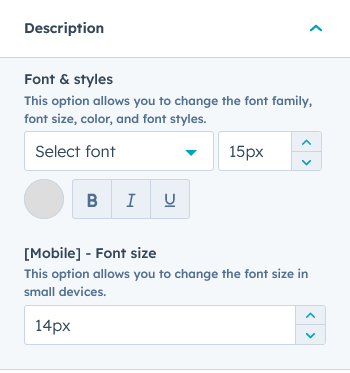
In the Description, you can customize fonts, colors font size, font styles, and font size in the mobile.
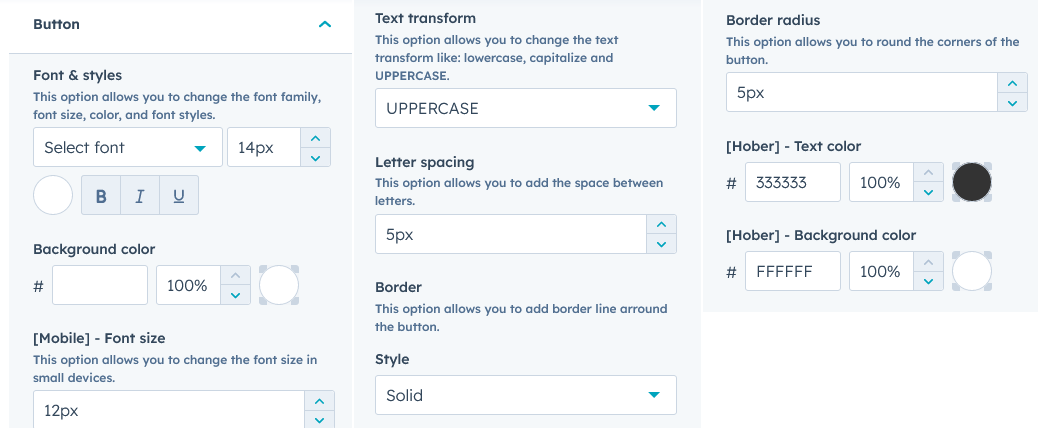
In the button, you can customize fonts, colors font size, font styles, text transform, letter spacing, border styles, background color text color also hover background and text color border radius, and font size in the mobile.
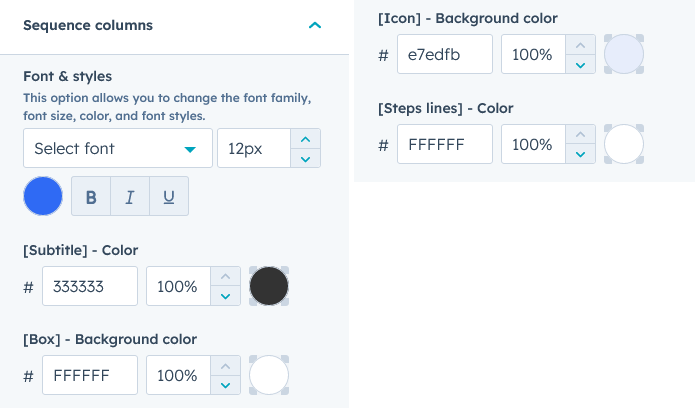
In Sequence columns you can customize fonts, colors font size, font styles, background color, icon background and steps lines.