Services provider Documentation

Introduction

The “Services Provider” module provides you with the functionality to easily add your services on a single page section. This makes decision-making easy and convenient for the user and improves lead quality. With a plethora of customisation options available, you can easily add this beautifully crafted module to seamlessly integrate with your website style, structure and design.


SUPPORT:

If you need assistance at any step of the way; get in touch with us at support@transfunnel.com. And get Premium Support from TransFunnel - HubSpot's Elite Solutions Partner 

Services provider Documentation

Layout Options: Welcome to the "Services Provider" module, which when used makes your website more organised and more informative: 

  • Image in the middle: The module provides functionality to add an image in the middle of the services content layout. The image is removable as well. 
  • Icons with content: Icons (HubSpot Icons only) can be easily added or removed in the module. 
  • Limit: A maximum of 5 services and 5 icons can be added to the module. 
  • Responsive and mobile-friendly: The "Services Provider" module is designed to provide optimal viewing experiences on various devices, including desktops, tablets, and mobile phones. With its responsiveness, your page will adapt seamlessly, ensuring a consistent and engaging experience across all platforms. 
  • Customisation: The "Services Provider" module comes with a bunch of customisations, all of which you can control to give the user a seamless experience in tandem with your website’s colours, style, and design. 

Content features:


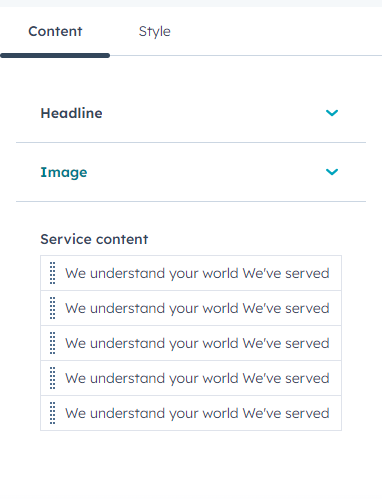
Customise the headline and image. And easily add or remove service content with further customisation options available to each service content individually. 
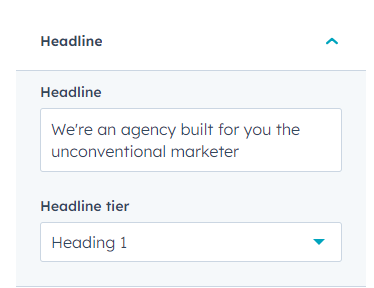
   

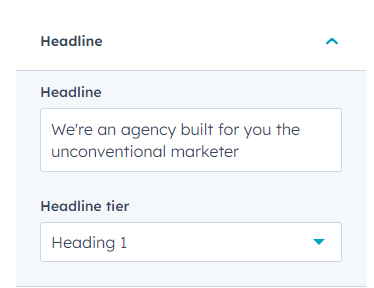
Edit the headline content and set its tuer. 
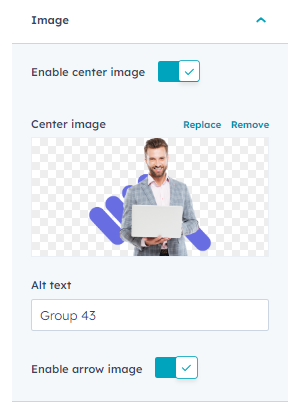
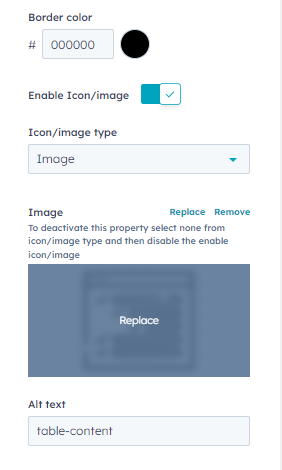
Add/remove/replace the centre image. Toggle the enable arrow image button to add or remove arrow. 
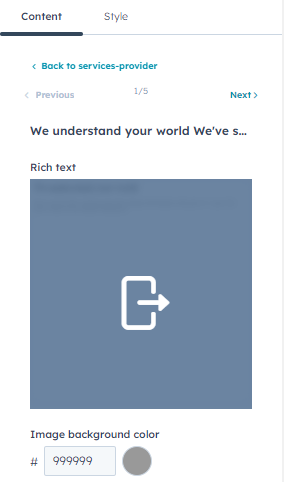
Customise the image background colour, border colour, icon/image, alt text and rich text.  

Style features: 

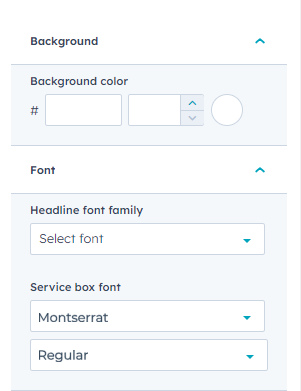
 Customise the module background, font, alignment, width and spacing from style settings. 
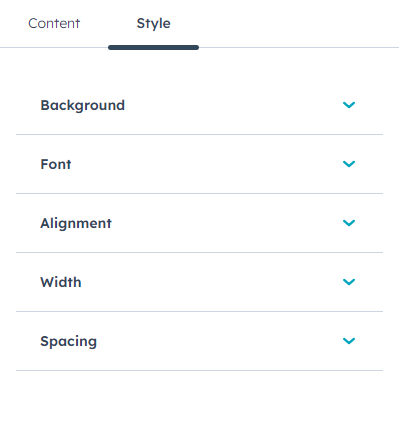
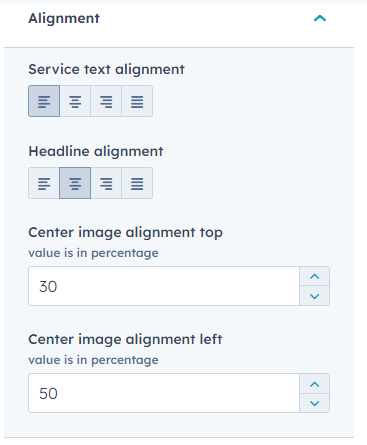
Customize the alignment of image and the text
 Customise the background colour from background settings. 

And

Customise the headline and service box font from font settings. 
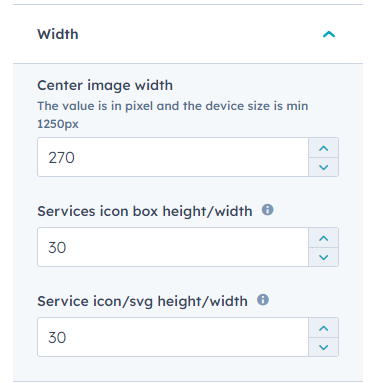
Customise the width for the image center and icons box. 
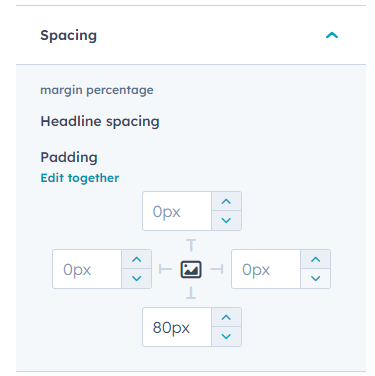
Spacing for headline spacing
Conclusion:

The "Services Provider" module provides you with a powerful tool to enhance the user experience by helping you add content briefs about your services on a single page section. The module offers a plethora of customisation options that you can control to make the module suit your brand and website design. With this, you can make your website viewing experience seamless, organised, and better to view in a structured manner. Start leveraging the “Services Provider” module today.