
Table of Contents
Table of Contents
Content features:
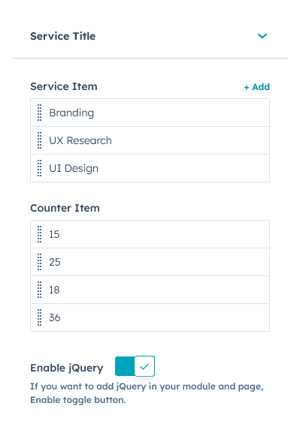
Customise the Service Title content and Service Item and counter item from settings.
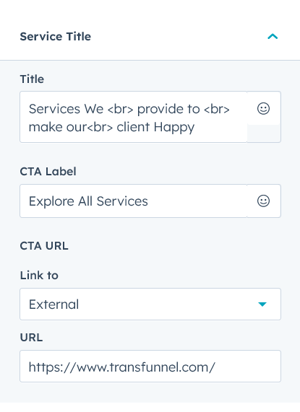
In Service title settings, you can customise
title, cta label and cta url.
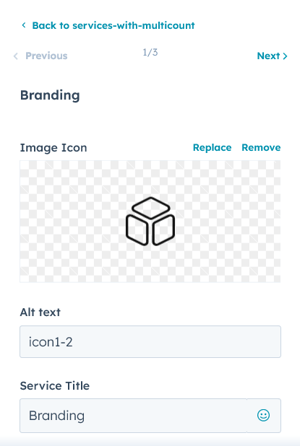
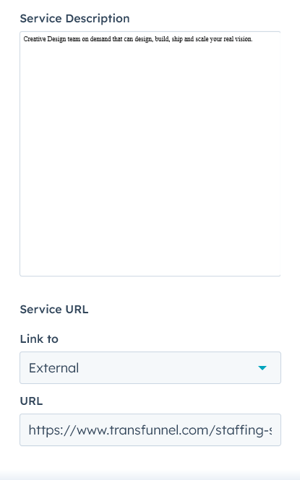
In the service item settings you can edit image icon or HubSpot icon according your choice and edit the service title, service description, and service URL.
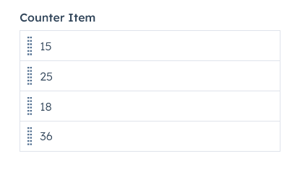
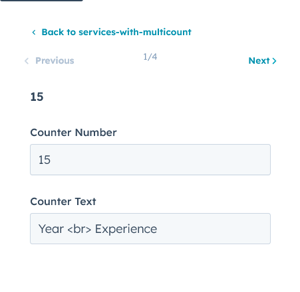
In the Counter item settings, you can add multiple counter according to layout and you can edit the counter number and counter text set you layout.
Style features:
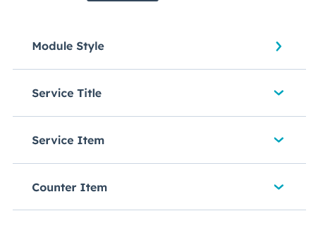
In module style settings, you can customise the module style, title style, service item, and counter item
Module Style:
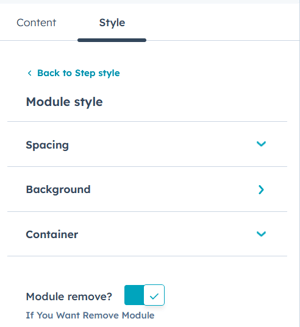
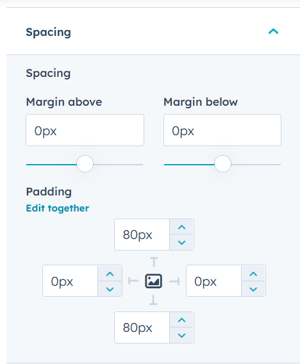
In module style, you can customise the spacing, background and container settings. In spacing setting, you can customise the margins and paddings.
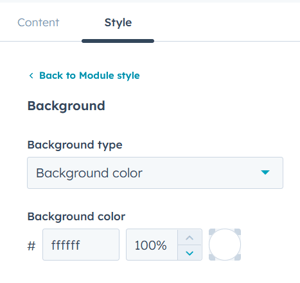
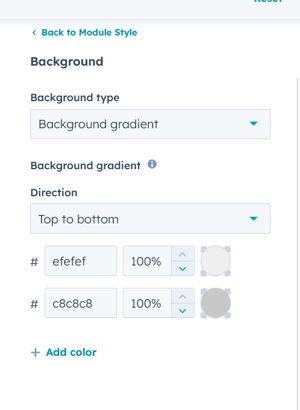
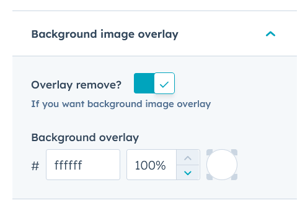
In background settings, you can customise background type, colour, image, image size background grediant and overlay colours.
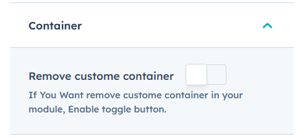
You can add or remove the container by just a toggle of a button.
Service Title Style:
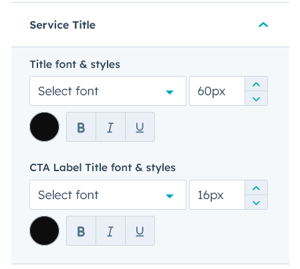
In title style setting, customise Title font & Styles, and CTA label font & Styles.
Service Item Style :
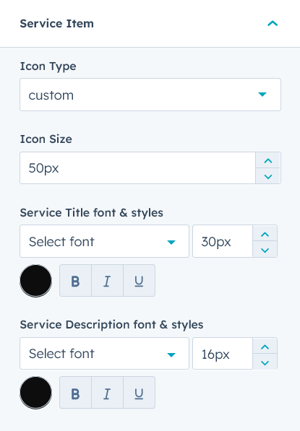
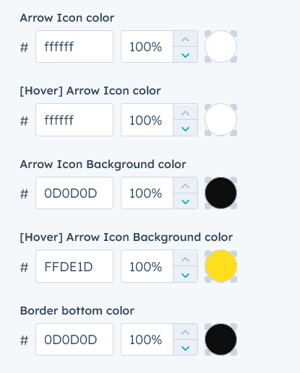
You can edit in the Service Item, Icon type, custom and hubspot according to fit your layout. icon size, hubspot icon color, Sevice title, Service description font & styles, Arrow icon color, Arrow background color Border color. also change the hover color of icon or background color.
Counter Item style:
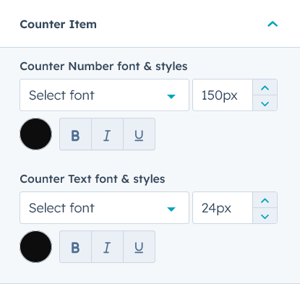
in the Counter item Settings, you can edit the Counter number and counter text font & styles.