Tabular Services Revealer Documentation

Introduction

Introducing the “Tabular Services Revealer” module. The Tabular Services Revealer module offers a neat & clean, and functional way to showcase your multiple services on a single page, with minimum redirections. With a plethora of customisation options available, you can easily add this beautifully crafted module to seamlessly integrate with your website style, structure, and design.


SUPPORT:

If you need assistance at any step of the way; get in touch with us at ProductSupport@transfunnel.com
And get Premium Support from Transfunnel - HubSpot's Elite Solutions Partner

Tabular Services Revealer Documentation

Possible Layouts

Layout Options: : Welcome to the "Tabular Services Revealer" module, which when used makes your website more structured. The module has service headings on the upper right side which when selected showcases the pre-determined services set with the then active service heading. The module also has space in below right corner to add an image.

  • Upper Right Side:On the upper right side of the module, you have services mentioned there. When a service is selected, it reveals its content (pointwise) and what the service is about in the left side of the module.
  • Left side: The left side of the module contains pointwise additional services which are pre-set with the combined services column on the upper right side. The left side content contains a heading, icon, subheading and description.
  • Accordion:The module works as an accordion on mobile devices to provide a better and neater user experience.
  • Responsive and mobile-friendly: The "Tabular Services Revealer" module is designed to provide optimal viewing experiences on various devices, including desktops, tablets, and mobile phones. With its responsiveness, your page will adapt seamlessly, ensuring a consistent and engaging experience across all platforms.
  • Customisation: The “Tabular Services Revealer” module comes with a bunch of customisations, all of which you can control to give the user a seamless experience in tandem with your website’s colours, style, and design.

Content features: 

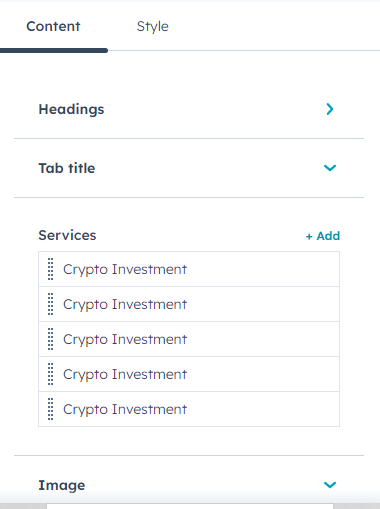
Customise the heading, tab title, services and image from the content setting. 
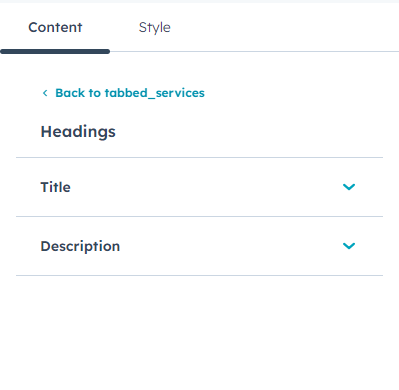
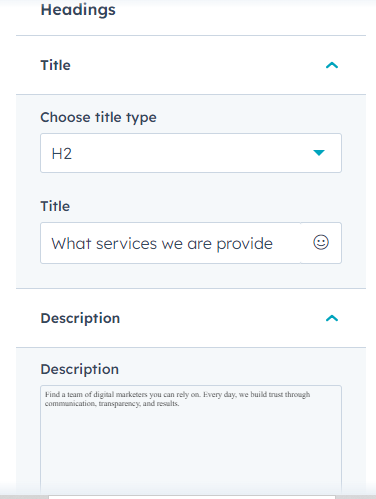
Customise the title and description from headings settings. 
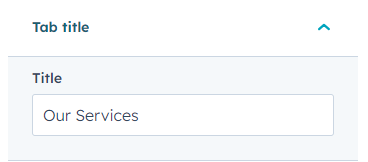
Change the Title from Tab Title settings. 
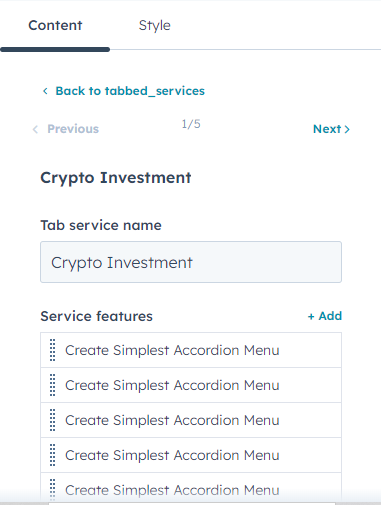
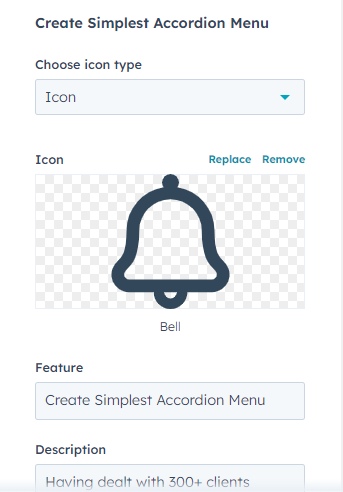
Customise the tab service name and service features from services settings. You can also customise icon type, icon, feature and description from here. 
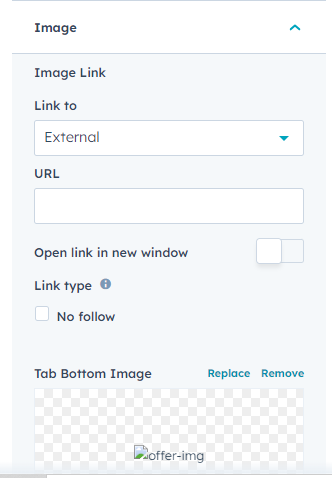
You can add an image that is clickable with option to add external hyperlink from image settings. 


Style features: 
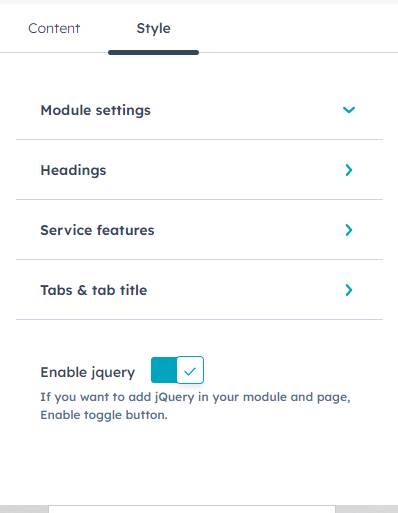
Customise the module settings, headings, service features and tabs & tab title from style settings. 
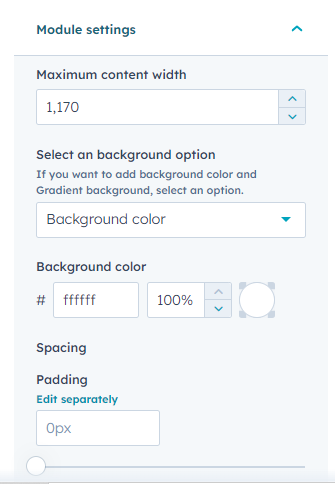
Customise the max content width, background colour and padding in the module from module settings. 
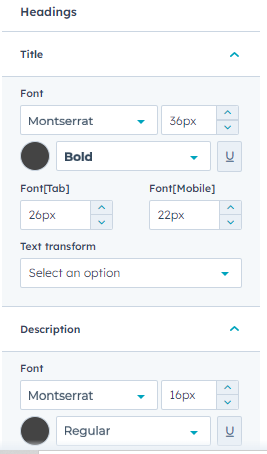
Customise the heading title and description font style, size and colour and alignment from headings settings. 
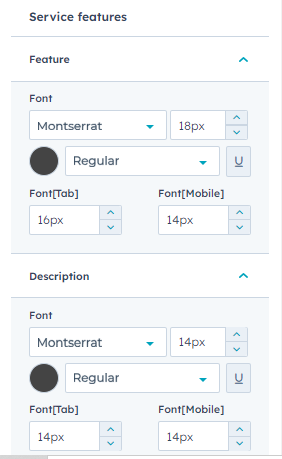
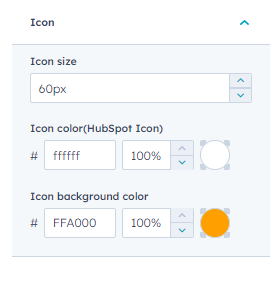
Customise the feature and description font style, size and colour. You can also customise the icon size, colour and background. All this to can be done in service features settings. 
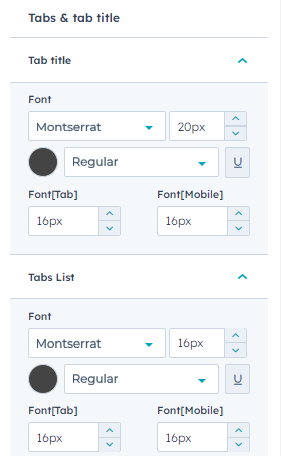
Customise the tab title and tab list font style, size and colour from tabs & tab title settings. 


Conclusion:

The Tabular Services Revealer module offers a neat & clean, and functional way to showcase your multiple services on a single page, with minimum redirections. With this, you can make your website viewing experience seamless, organised, and better to view in a structured manner. Start leveraging the Tabular Services Revealer” module today.