Table of Contents
Table of Contents
Webinar Talks is an adaptable, user-friendly theme aimed at easy online events, webinars, and conferences. It is clean and modern, with an easy navigation system. You can easily create professional and enjoyable online experiences. Whether your event is a valuable session or a large gathering with thought leadership or collaborative interaction, Webinar Talks makes it seamless. You can engage your participants comfortably and intuitively.
Theme Includes:
The theme emphasizes collaborative cohort webinars for building relationships and furthering education on selected topics.
Why Webinar Talks?
Best For:
Webinar Talks specializes in virtual engagements that connect people and fuel ideas, so there is a continuous learning experience.
Designed by TransFunnel Consulting, HubSpot's trusted Elite Partner.
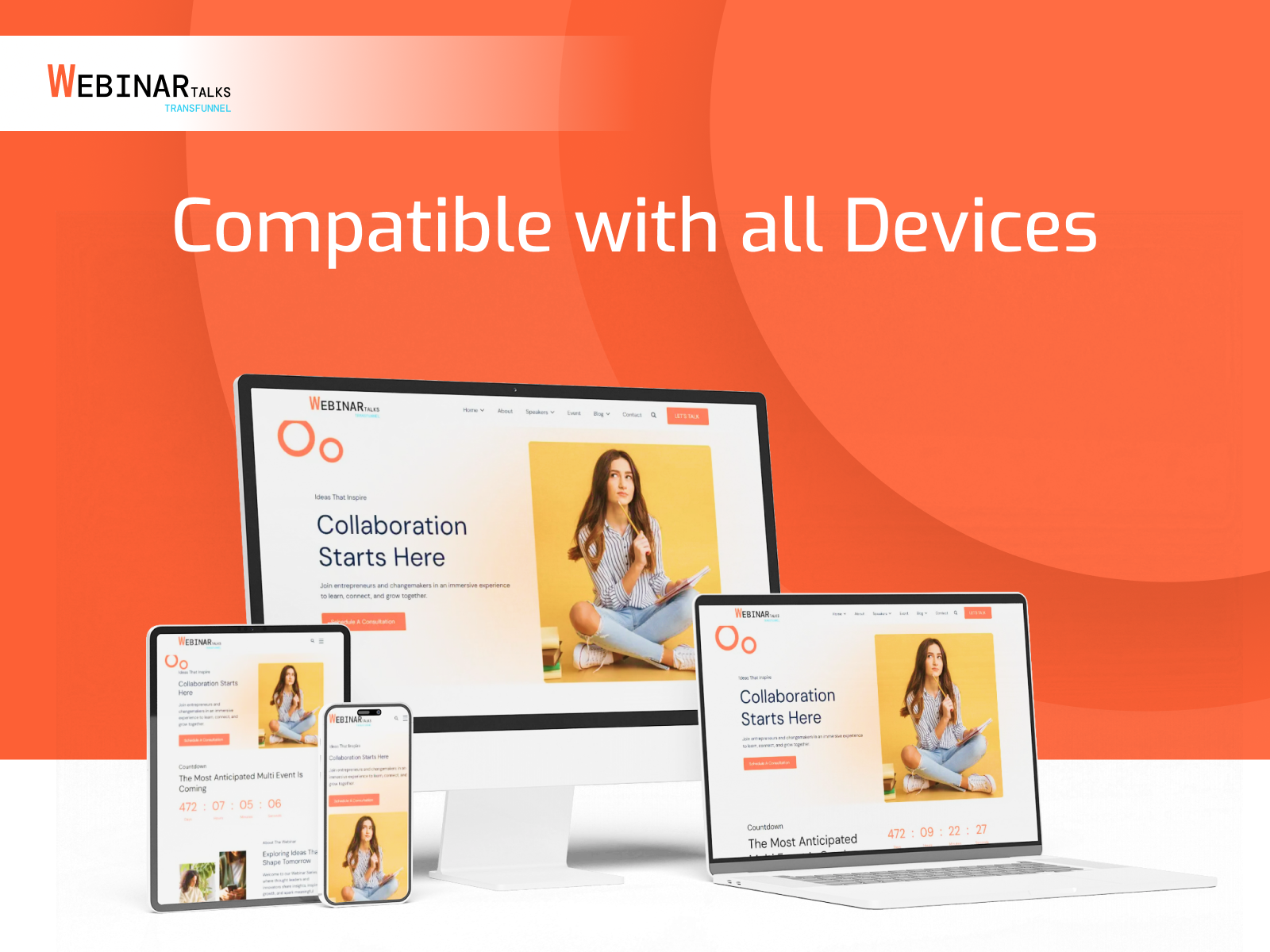
It's easy, powerful, and 100% responsive.
Support
If you need any assistance, then get in touch with us at productsupport@transfunnel.com.
What happens once you buy our theme?
Once you have purchased our theme, you will find all the templates and modules in your HubSpot portal. While you are creating a website, select ‘Webinar Talks' Theme’ for a list of all available templates.
The theme encompasses many website and landing page templates that will help you get started with creating well-designed inbound websites.
Check out our demo-pages and find sample pages and modules configurations created just for you.
Important:
The Webinar Talks Theme pages can be used as is. If you still want to configure pages on your own, it is advisable to set up a child theme version of Webinar Talks Theme before you start configuring and building your site. This will help you change code, extend it with specific requirements or change styles as needed by still keeping the original theme intact. This can help you go back and take reference from original theme anytime you need and also receive and install all theme updates for free without affecting your code.
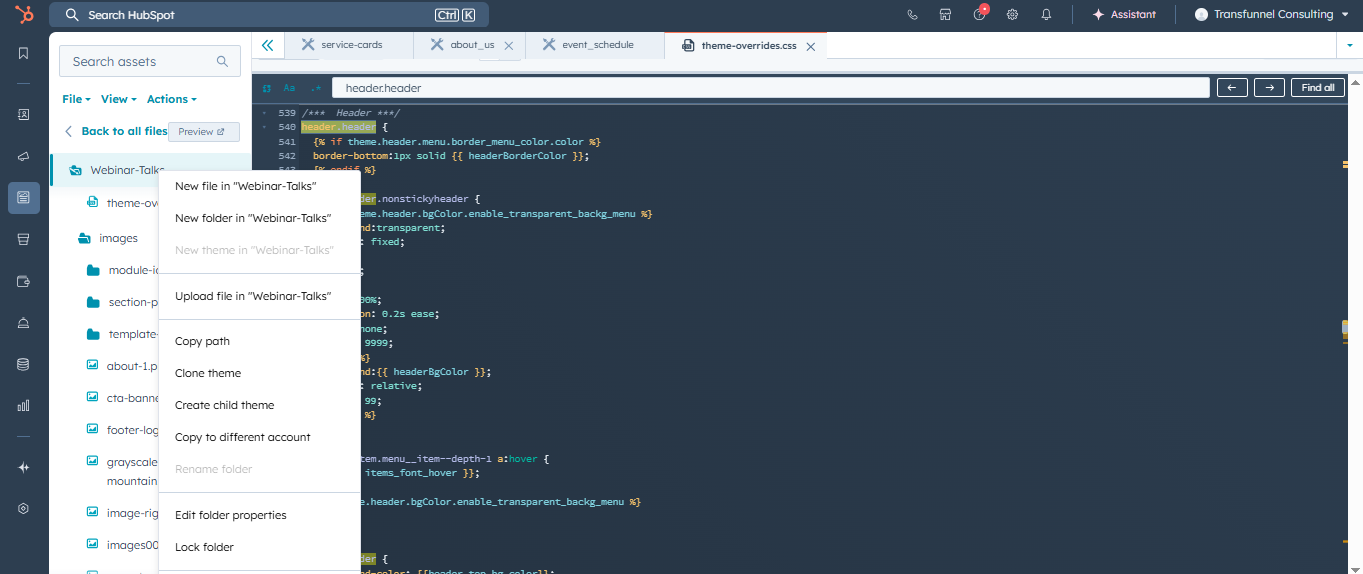
Create a child theme from the Design Manager. This child theme will inherit the assets and files from Webinar Talks.

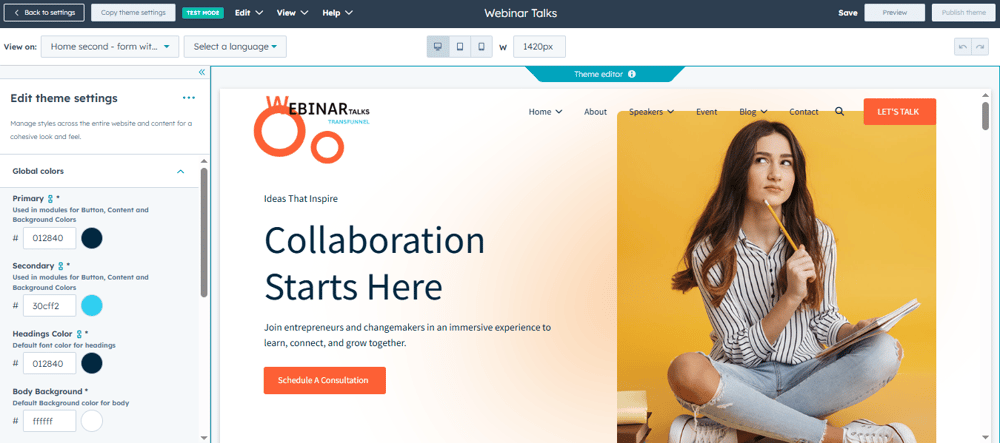
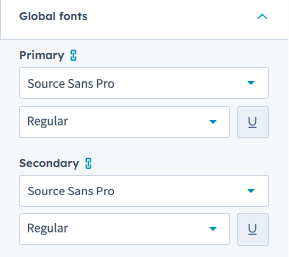
Add Secondary Font that will apply to all the headings and Primary Font that applies to body text.
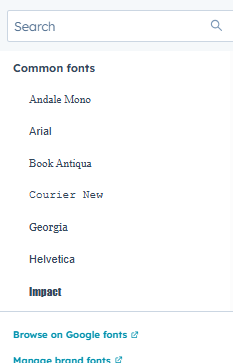
Note: Only Google fonts can be used on Webinar Talks Theme.

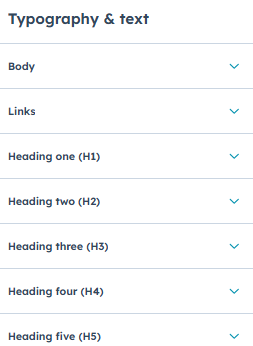
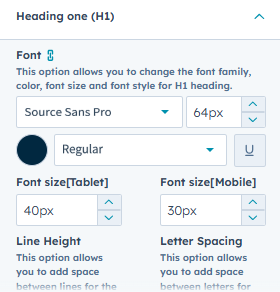
Each heading has its own font and text color defined under this category.
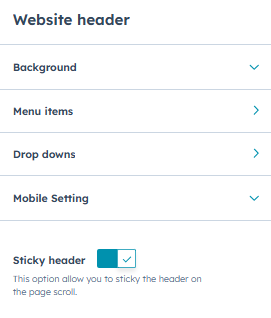
Fully drag & drop environment in header area
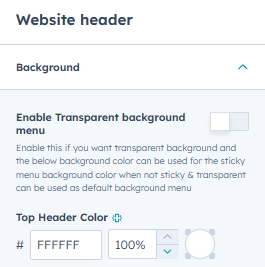
Header properties:
Header background color
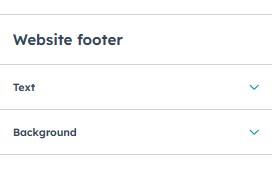
Fully drag & drop environment in footer area. Each part is easily editable
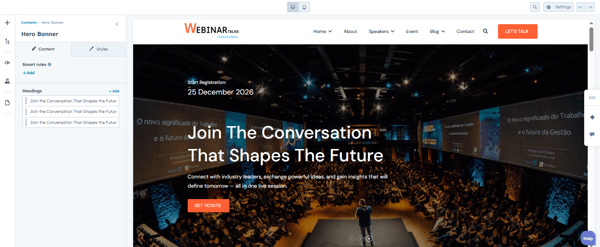
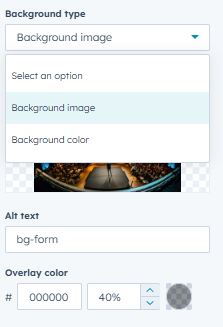
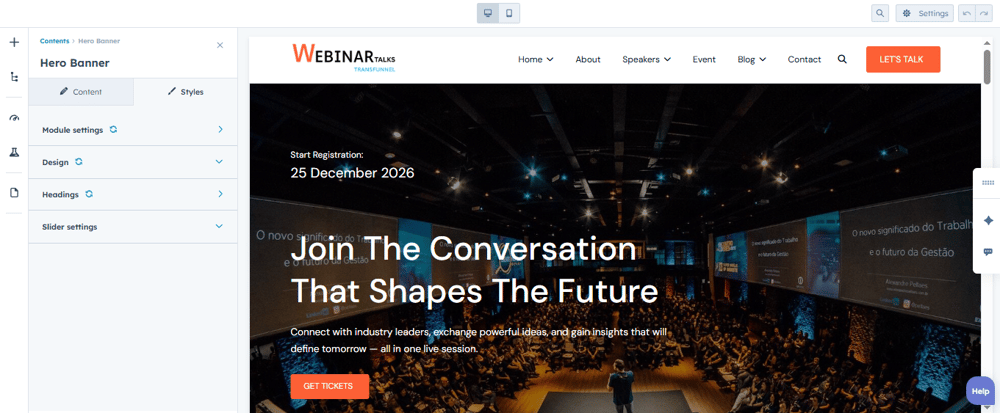
We provide you beautiful, impactful banners to attract visitors and hold their interest. You can add beautiful images as background or just a simple colour or gradient background. Create the banner you like all with ease.
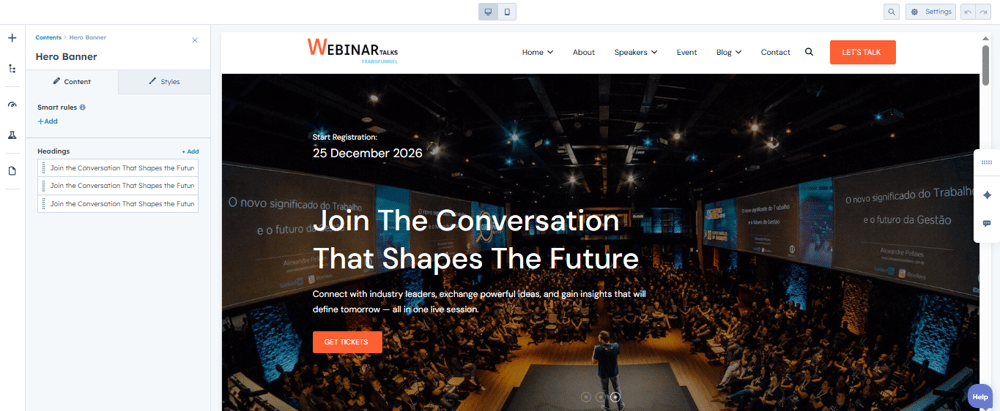
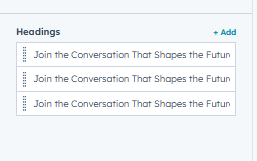
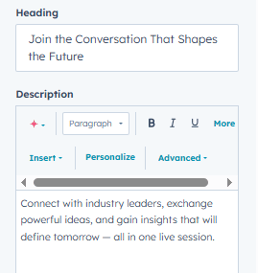
Hero banner contents
Style part for banner
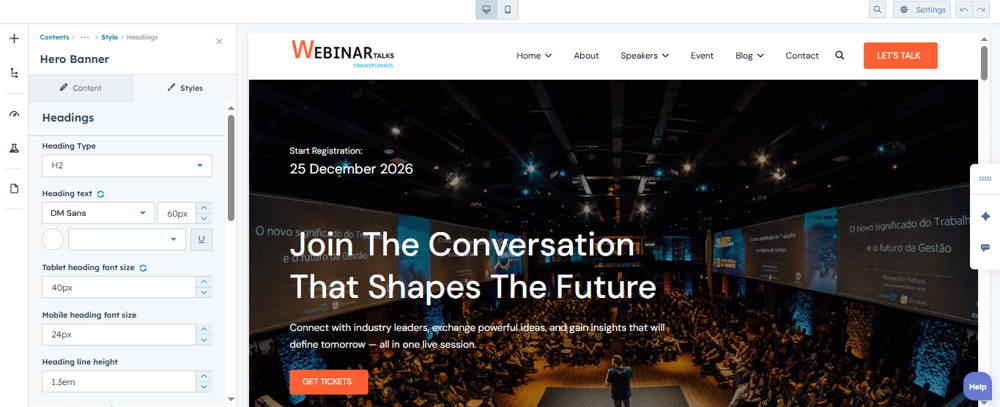
Title style
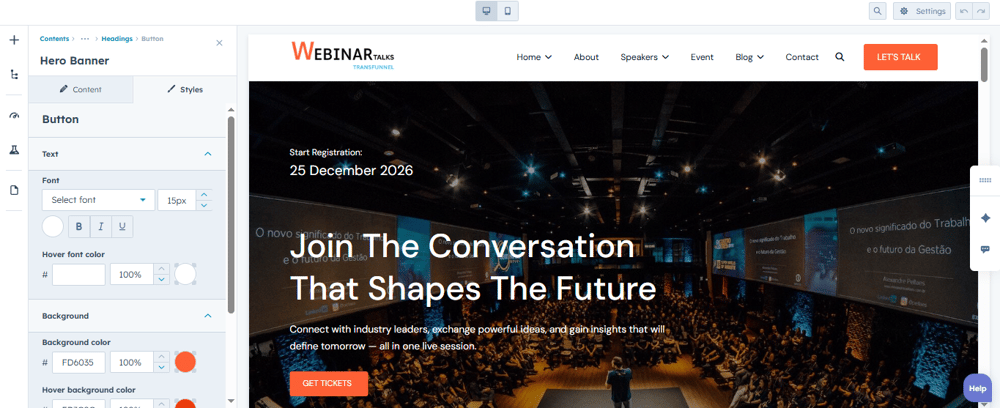
Button style
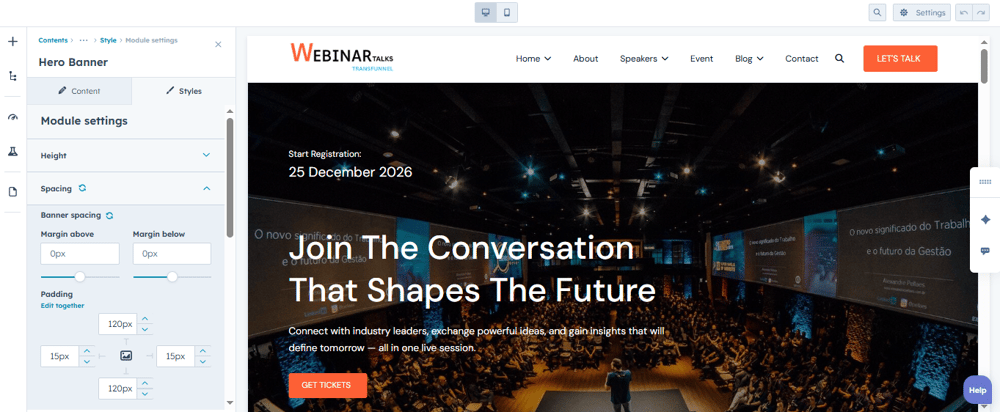
Spacing
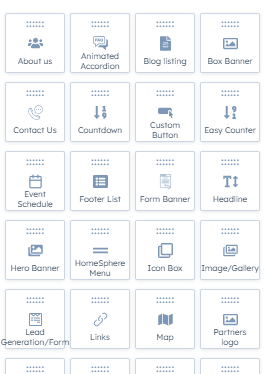
This theme is pre-built with the power of 28+ gorgeous modules that will help you build your webpages, the way you want, just by DRAG and DROP; without any coding.
Modules: About us, hero banner, form countdown events, blog listing, contact team, team details and many more.